nicholasf320373
Participant
July 3, 2024
Answered

Cannot scroll in Vanishing Point and my image does not past correctly

  • July 3, 2024
  • 2 replies
  • 379 views

So I've been using Photoshop since 1997 so I'm no newbie to the frustration with the program however i'm pulling my hair out with this.

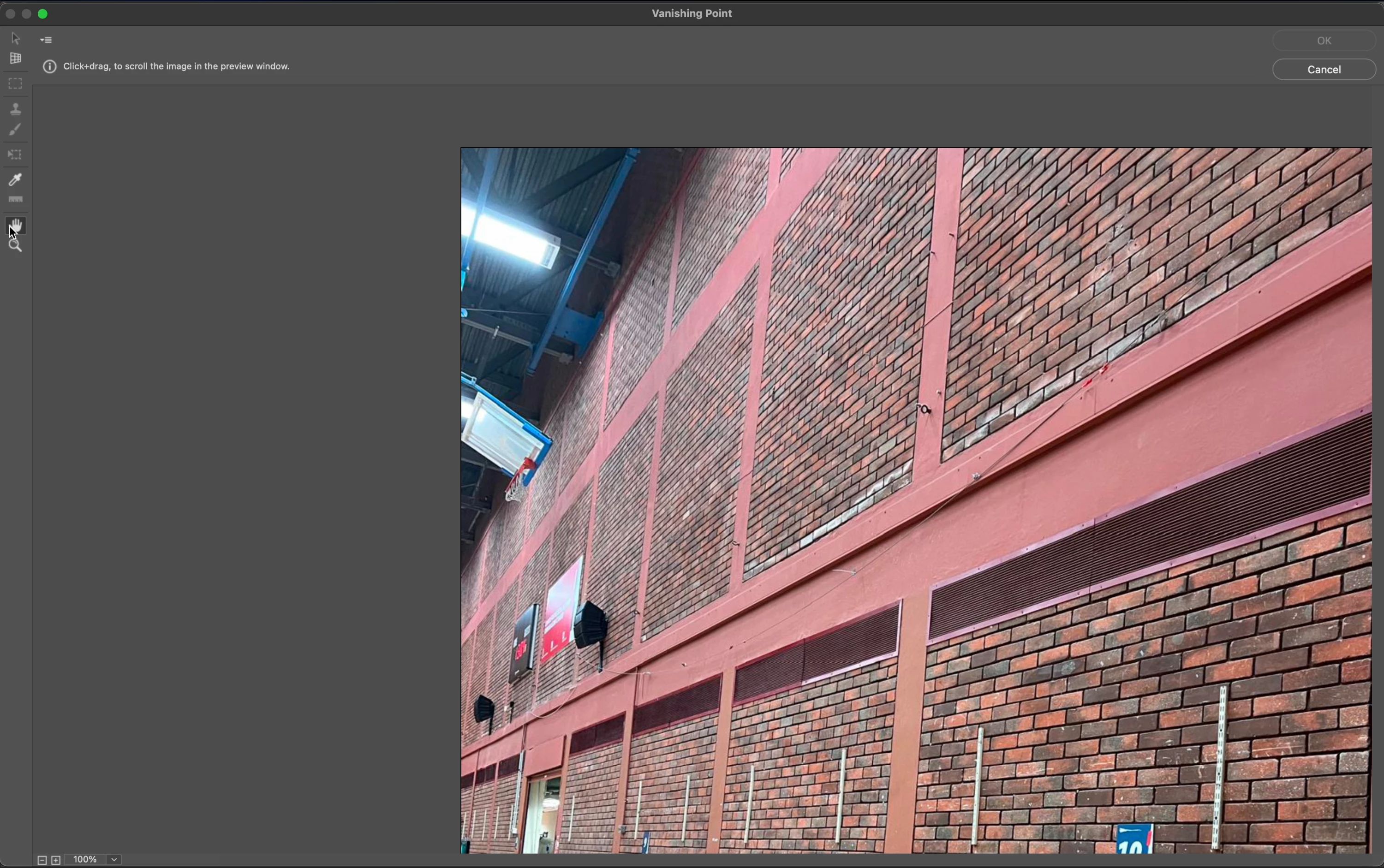
Within the Vanishing Point dialogue box, I cannot scroll the image as it is in a fixed location. As a solution, I have to zoom all the way out and even then I still cannot move the image using the hand tool.

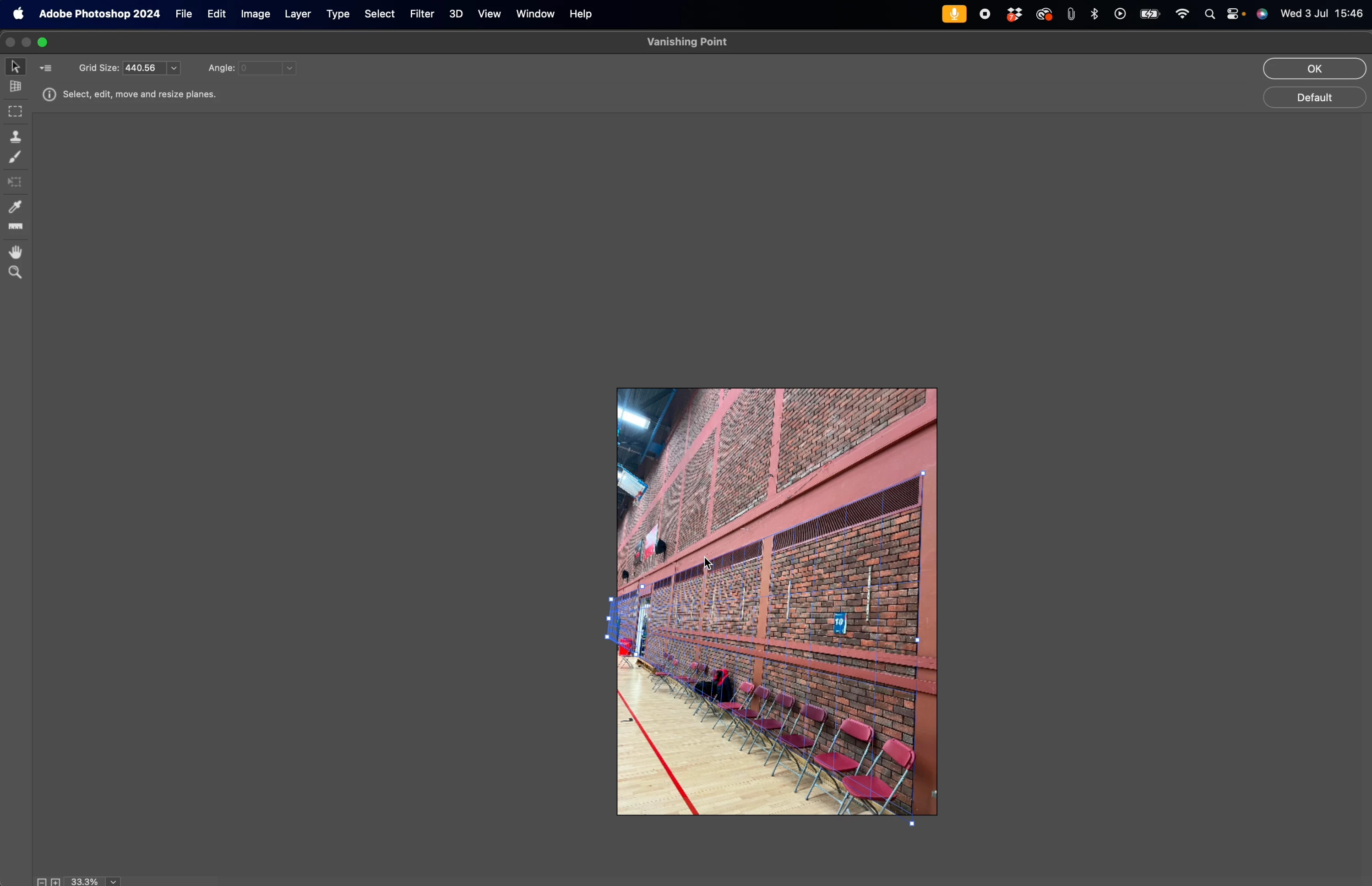
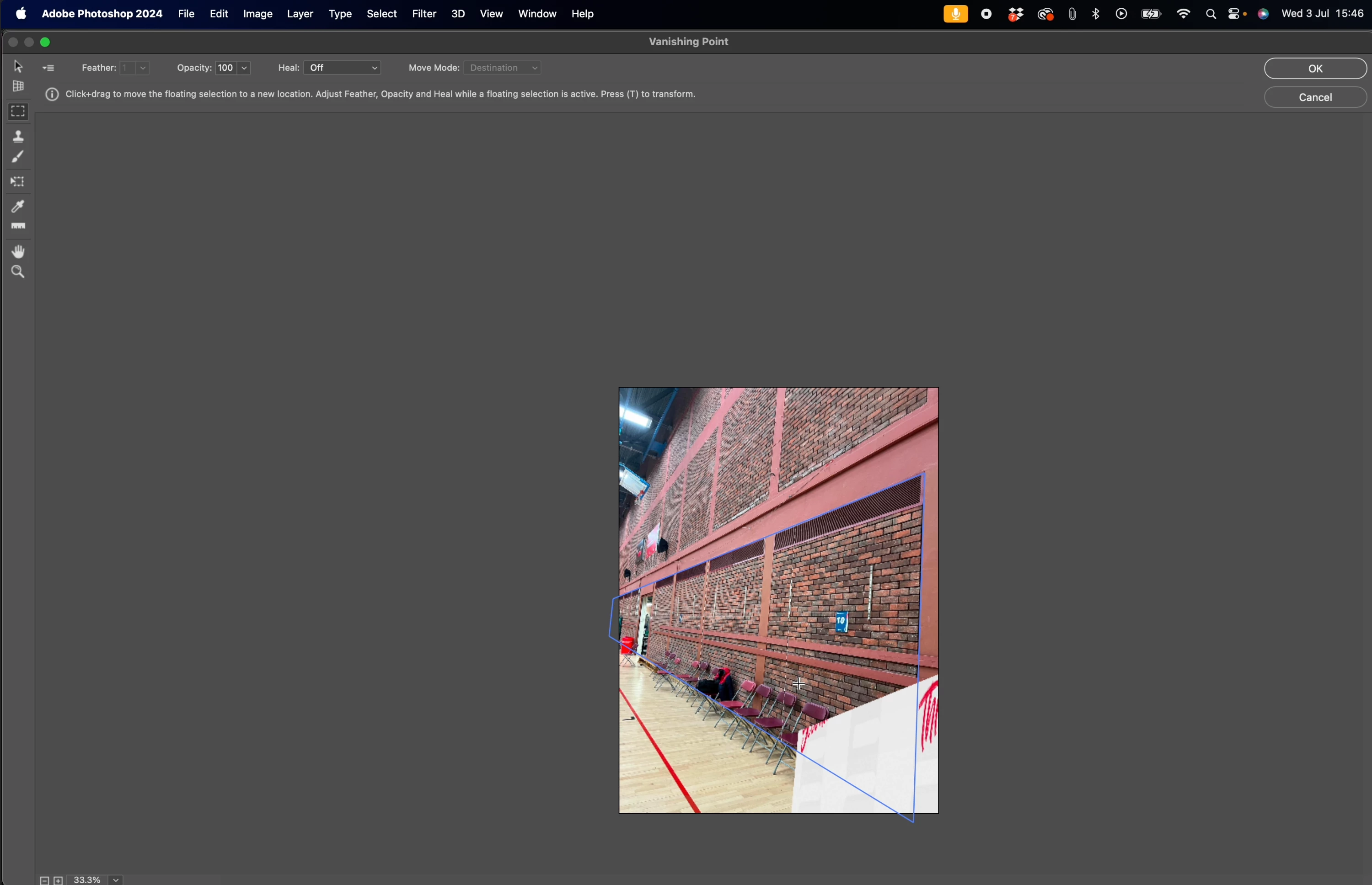
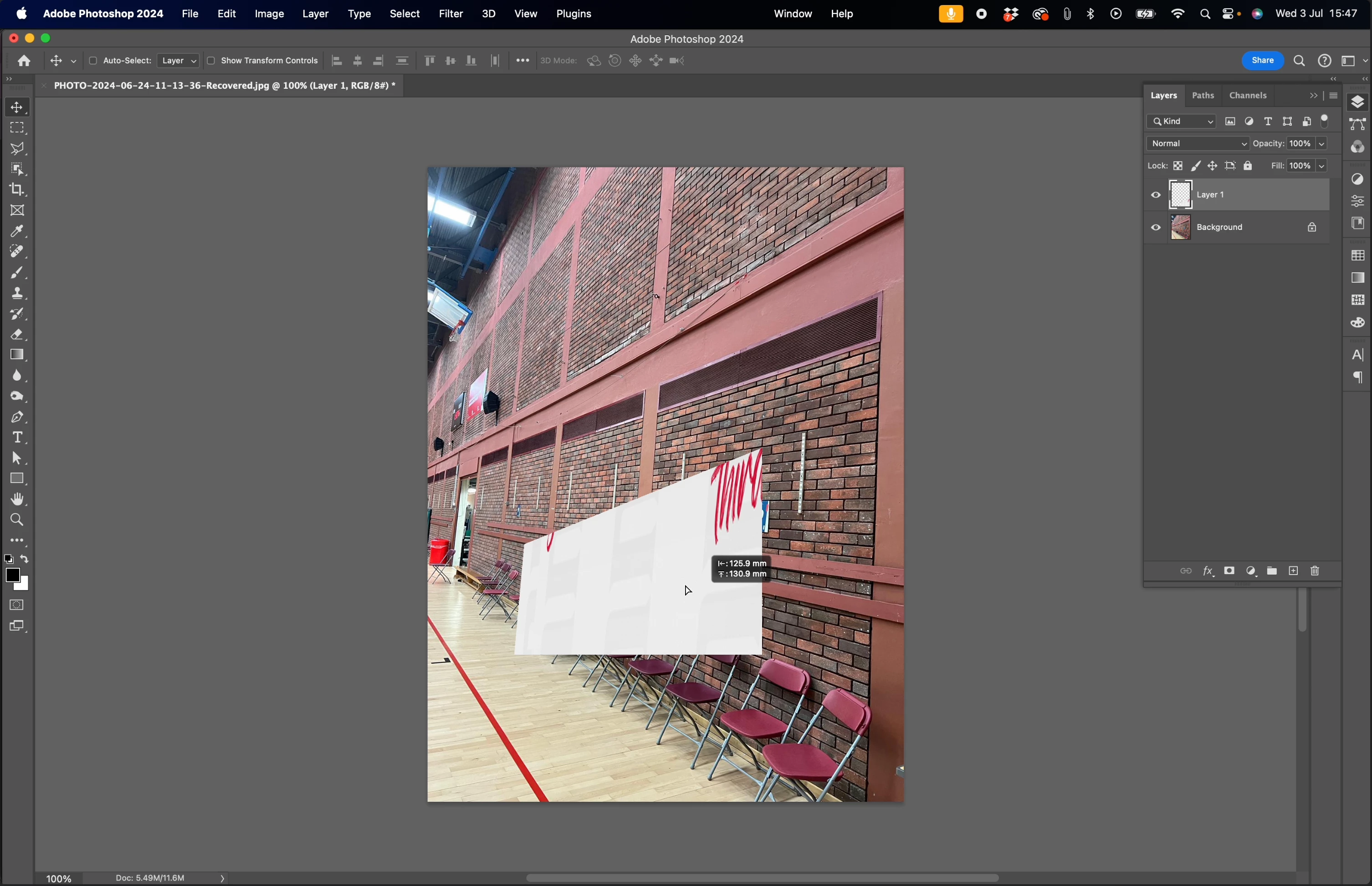
My second issue is once my grid is blue and I paste in my image something strange happens.
The image is cropped and only a part of the image is displayed on a section of my grid, almost as if it's fitting on another grid.

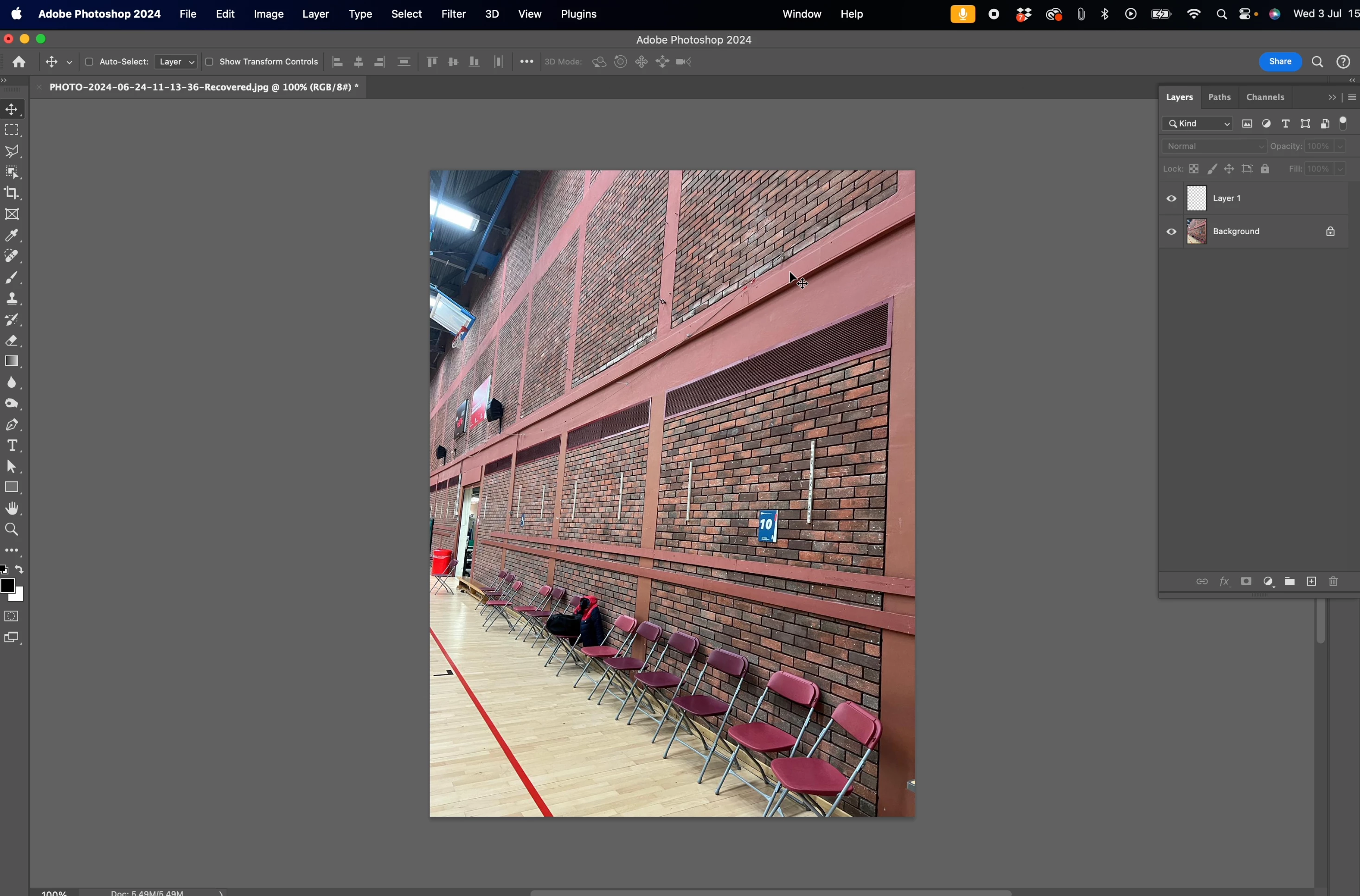
Can anyone help, I've included visuals to help.

See images.


This topic has been closed for replies.
Correct answer Jeff Arola

Looks like an older dot release of Photoshop 2024.

In Photoshop go to Help>Updates and install the latest 25.9.1 release of Photoshop 2024.

2 replies

Jeff Arola
Community Expert
Jeff ArolaCommunity ExpertCorrect answer
Community Expert
July 4, 2024

Looks like an older dot release of Photoshop 2024.

In Photoshop go to Help>Updates and install the latest 25.9.1 release of Photoshop 2024.

nicholasf320373
Participant
July 4, 2024

A simple update fixed it....I shouldve known. Thanks.


Bojan Živković11378569
Community Expert
Community Expert
July 4, 2024

I am using Windows. Please provide the software and OS version so that someone can verify the issue firsthand and seek a solution.

nicholasf320373
Participant
July 4, 2024

Im using Sonoma 14, thanks.