


Canvas Script Help needed, canvas from first opened image applied to any additional images.
Hello-
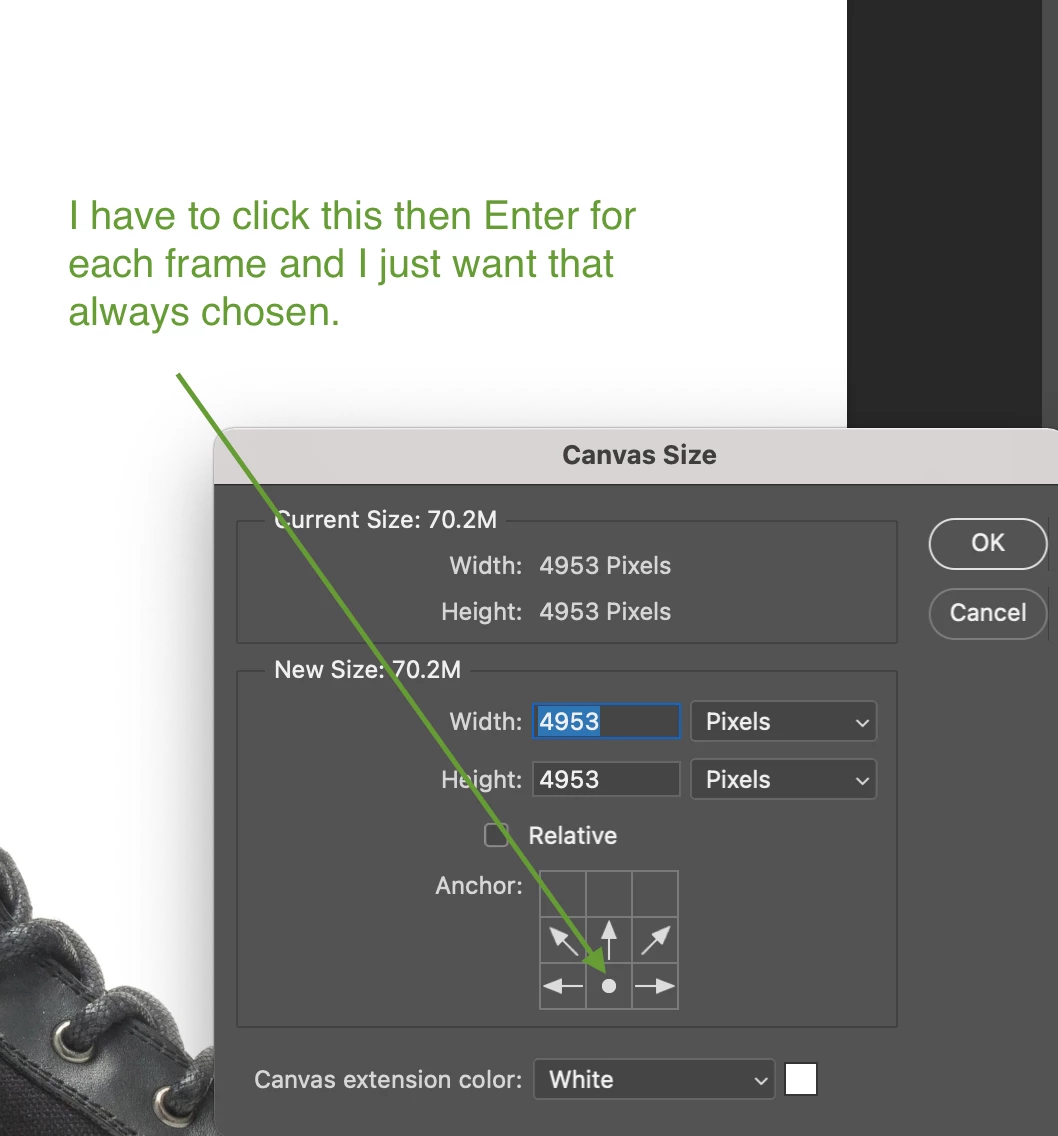
I have a super simple script that reads the canvas size from the first opened document, then applies it to the following opened docs. I'm using Bridge> Tools> Photoshop> Batch to open multiple files and run some parts of an action, then apply the canvas size from that first image. Everything works well except I have to press MiddleBottom button and entere for each frame. That renders the script pretty much useless for me since I'm running tons of files through it. Anyone have a clue on how to have it apply the crop bottom middle up (i want my image to remain at the bottom of the canvas).
I do not know how to write code, i have just successfully copy/pasted some pieces I've found online.
My script is:
var w = app.documents[0].width;// the width of the first open document
app.activeDocument.resizeCanvas (w, w, AnchorPosition.BOTTOMCENTER);
 AdChoices