



Answered
Change color on multiple layers at once
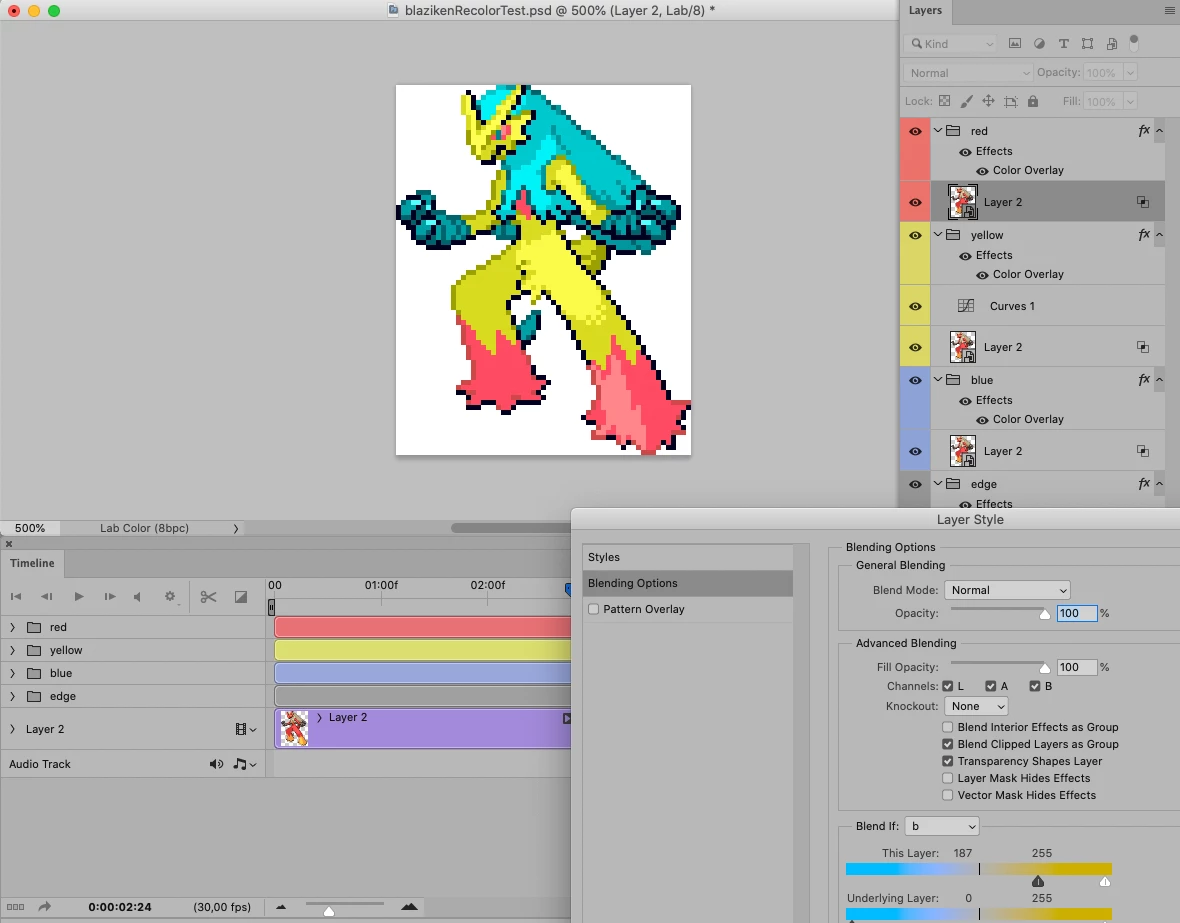
I have a pixel animation in Photoshop CS6, and I need to change some of the colors. Instead of changing each layer individually, I was hoping there was some way to change a color in all layers at once.
As an example; the eyes and tail are red and I want them to be blue. Right now I have to use the magic wand on frame 1, changing the selected red to blue. Then go to frame 2, select the red, change it to blue, ect. I want to select that spcific red value and change it to blue in all layers at once, like I would in a Color Table. In other words, an image in Index mode with multiple layers.
Hopefully that explains it, I can clarify is you need me to.


 AdChoices