

Answered
Change mono image to a specific colour
I want to create a series of images that have a very similar look and feel.
I have mono images that I would like to change to a singular colour - say dark blue (RGB) - how do I do this in Photoshop?

I want to create a series of images that have a very similar look and feel.
I have mono images that I would like to change to a singular colour - say dark blue (RGB) - how do I do this in Photoshop?
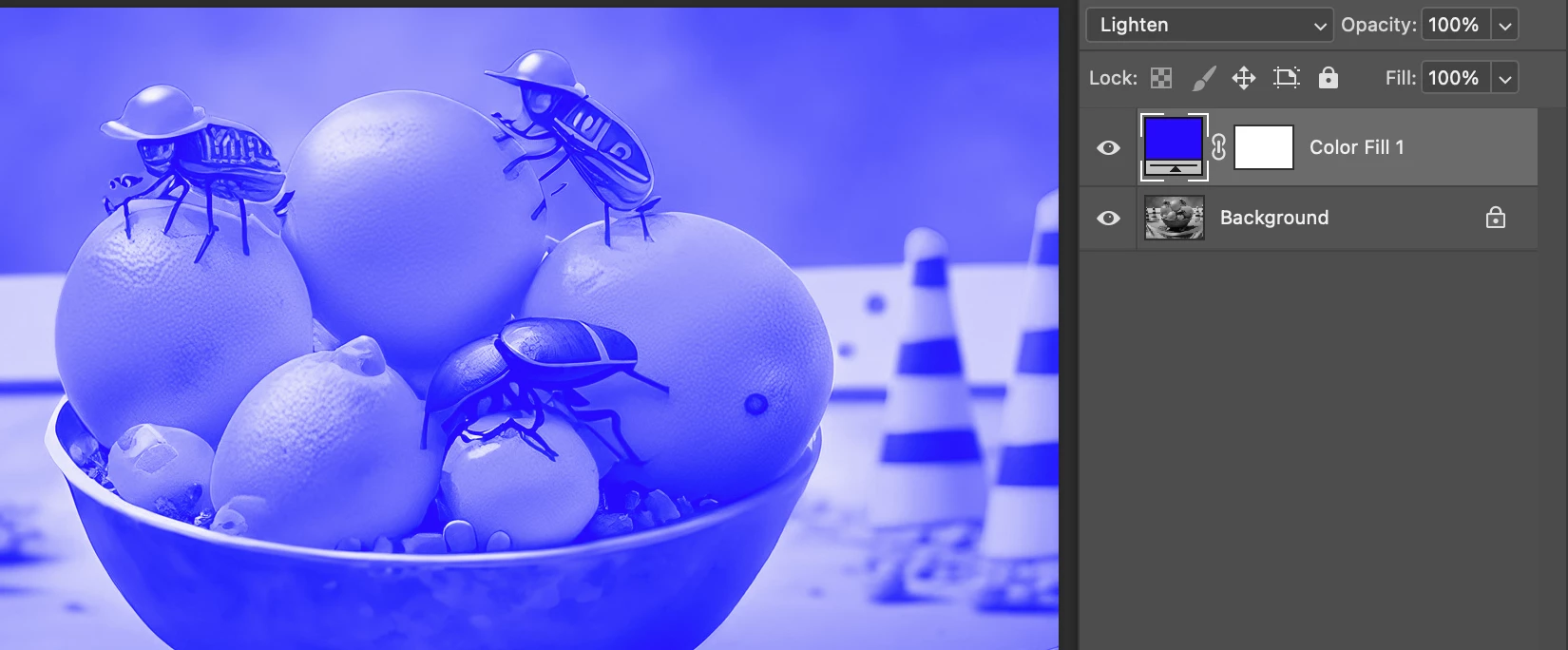
How about a color fill layer set to lighten? Anything black would convert to blue.
Already have an account? Login
Enter your E-mail address. We'll send you an e-mail with instructions to reset your password.
 AdChoices