


Colors not converting properly from AI to Photoshop
Using Adobe Creative Cloud... When importing an .ai file into Photoshop, colors are not importing across accurately... particularly grey tones.
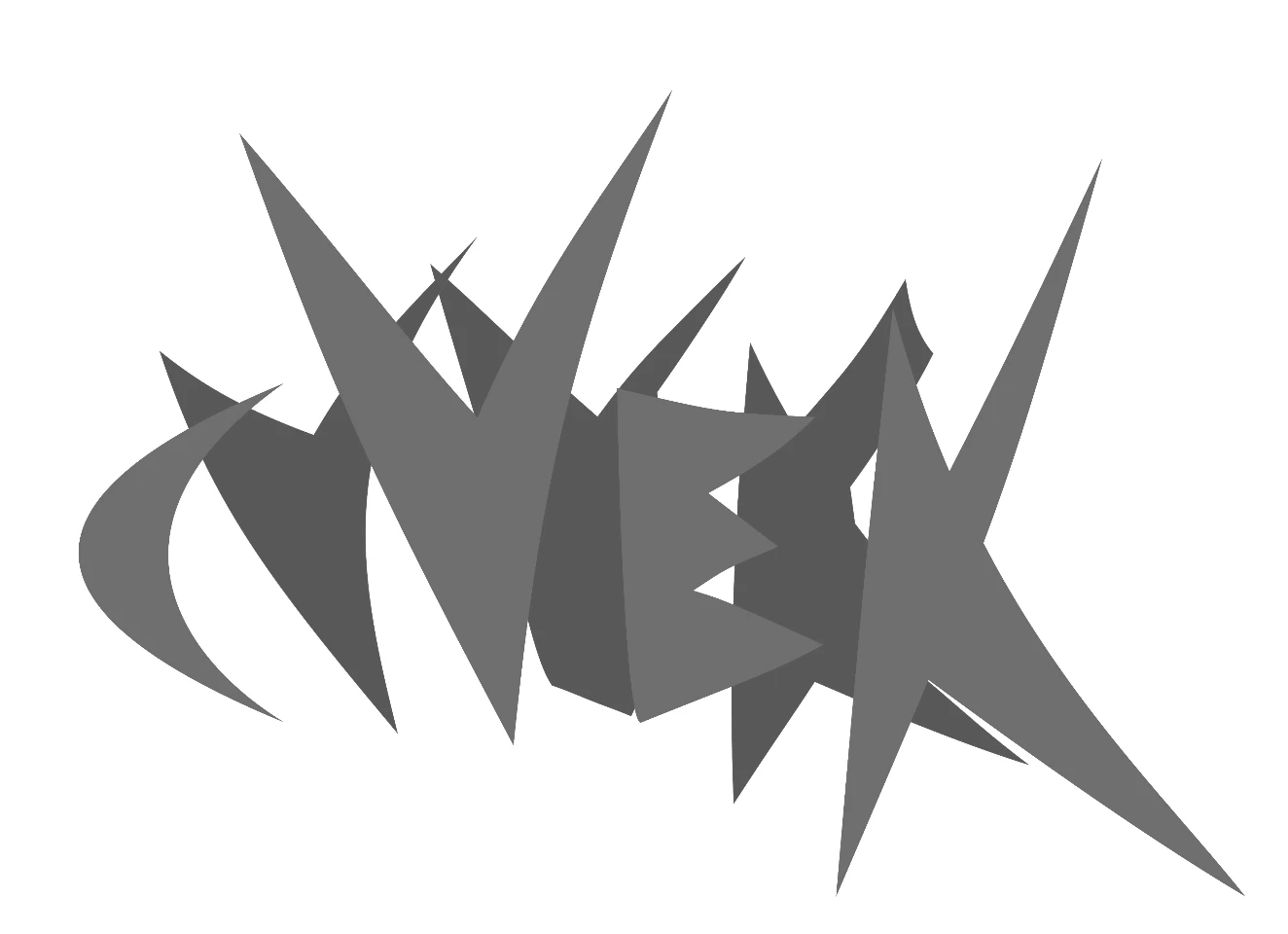
Source .ai file is in RGB color space. Problem persists regardless whether importing into sRBG or RGB Color in Photoshop...
The example below is only grey tones but the file is color RGB... for some reason, don't seem to be having this problem with other colors, just grey tones in the color space.
following attachment is a screenshot from Illustrator >>
following attachment is what it looks like one imported/rasterized into Photoshop >>
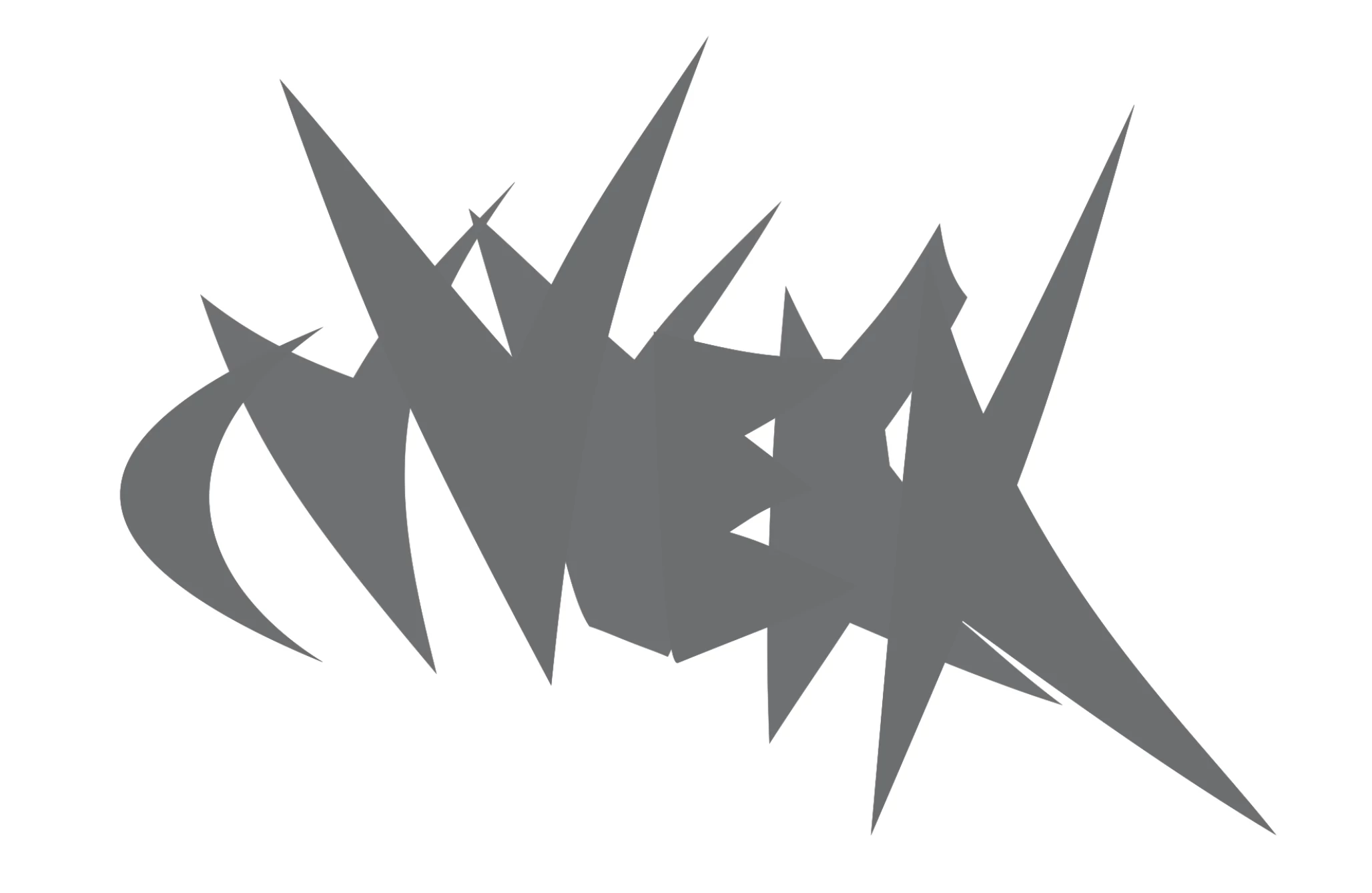
What is going on here? Clearly these greys are not translating properly, and yet it should be the same hexadecimal code.
I have been having this problem for over a year with various drawings... if it were a temporary glitch with a certain version of Adobe Creative Cloud, I imagine it would have been fixed by now

 AdChoices