



Mike_Gondek10189183
Community Expert
January 22, 2020
Question

Contact Sheet from LIBRARY

  • January 22, 2020
  • 2 replies
  • 1989 views

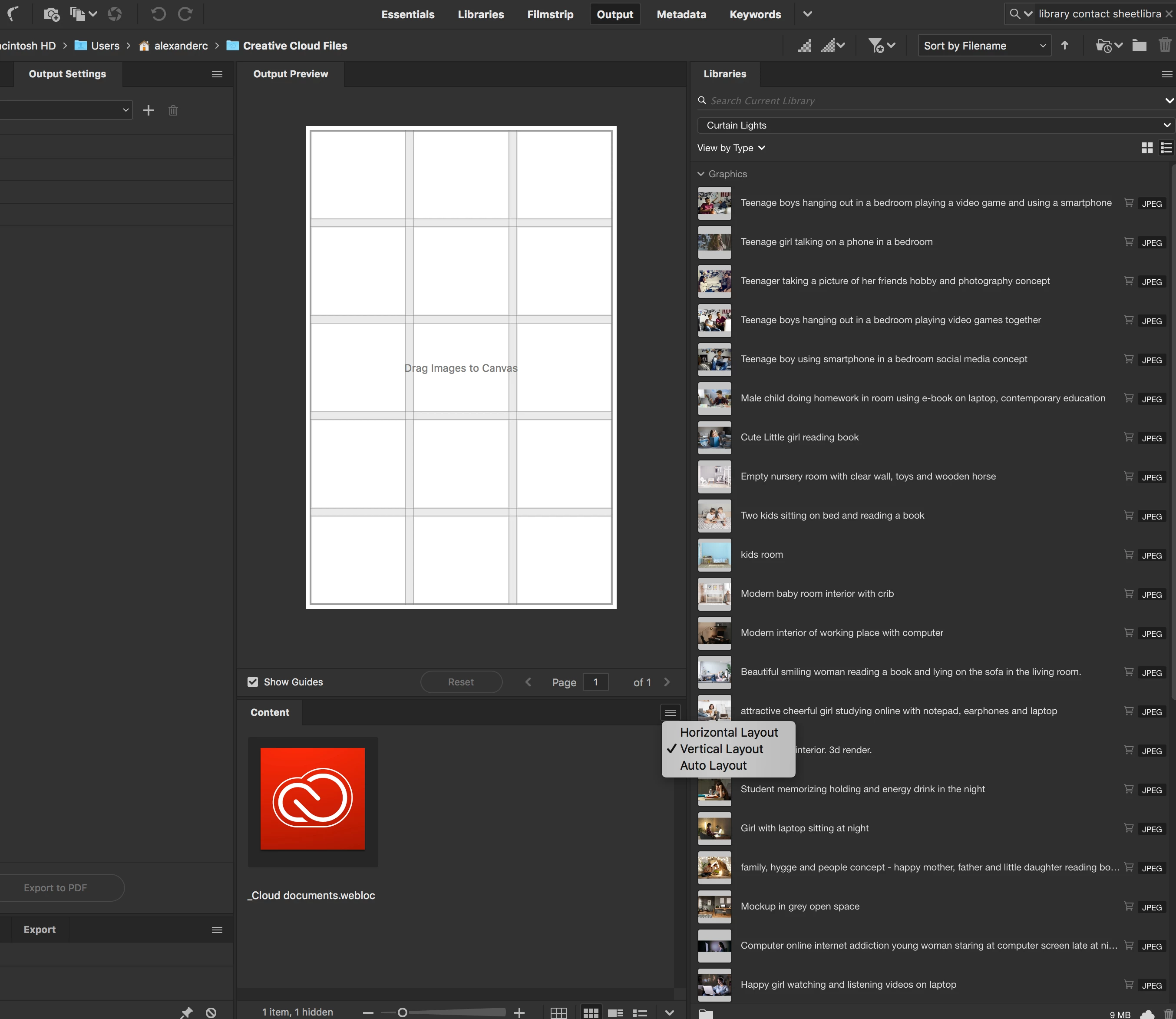
How can i make a contact sheet from a library, with the image names as per using output?  Need client to make their picks and give us names of images to use.


Bridge - Cnat get the library into contens

InDesign - Can drag and drop into nice 3 x 5, but the imaeg names do not come underneath.
This topic has been closed for replies.

2 replies

jane-e
Community Expert
January 22, 2020

"InDesign - Can drag and drop into nice 3 x 5, but the imaeg names do not come underneath."


While it's not automatic, it can be done quite easily in InDesign. If you are using the Gridify feature to place multiple images, then add Cmd+Up Arrow to add space between the rows. If not, then move the frames to create space for the Captions before continuing.

https://creativepro.com/exactly-indesign-tool/


Then follow these steps:

  • Go to Object > Captions > Caption Setup and setup the captions the way you want them. For the Metadata, choose "Name" because that's the metadata you said you need. Skip the before and after text that I added — you don't need it.
  • Select the frames.
    Go to Object > Generate > Static Caption. You're done.
    If it's not perfect, choose Undo and go back into Caption Setup. Repeat.
     

I didn't go through the steps for gridify, because it looks like you have that part, plus I posted the link. If you need those steps, then ask again.


~ Jane

Mike_Gondek10189183
Community Expert
January 23, 2020

Thanks Jane cant wait to try, Object > Generate > Static Caption.

jane-e
Community Expert
January 23, 2020

Hi Mike,

The problem with Live Captions is they don't word-wrap if the name is long. Live captions can be converted to Static Captions, however, if you use them and then change your mind.


InDesign is the only application I will use when I need to make a contact sheet. You can load an entire folder of images at one go and then start placing them across the pages with gridify. Generating the captions is one spread at a time, as you can't select frames on multiple spreads.


Also note that this solves the Illustrator/Photoshop issue you mentioned elsewhere. It includes all files that can be placed into InDesign.


Cheers,

Jane

Inspiring
January 22, 2020

Great thing to add to the wish list directly from the Adobe Library (You can do this in the Bridge: Tools>Photoshop>Contact Sheet II. Just add it to the wish list: https://www.adobe.com/products/wishform.html


But in the interim try this:

1. Open the files into Photoshop from the Library.

2. Choose>File>Automate>Contact Sheet II

3. From the Use choose Open Documents

4. Fill it out then choose OK

Mike_Gondek10189183
Community Expert
January 23, 2020

Thanks Katie I submitted a wish.
https://feedback.photoshop.com/photoshop_family/topics/contact-sheet-from-libraries?rfm=1&topic_submit=true

I have some items being Illustrator objects and some Photoshop, so that wont work to create one contact sheet.

Is there a way to open more than one library item at a time??   I can only double click on one at a time and my contiguous selection seems only to be good fro deleting items from library.