Participant
November 12, 2019
Question

Could not complete your request because it is not a valid Photoshop document. - macOS

  • November 12, 2019
  • 1 reply
  • 1055 views

Hi,


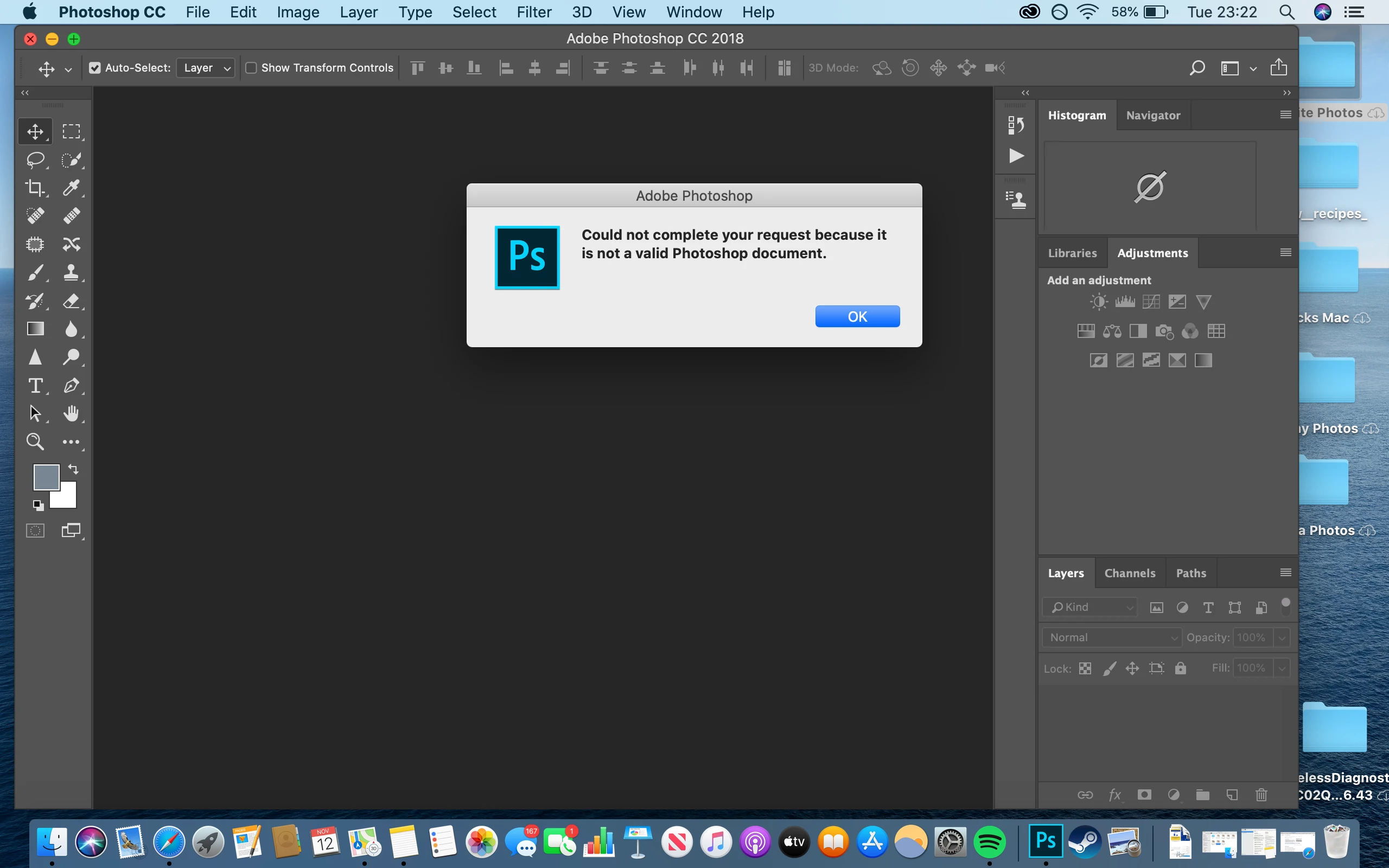
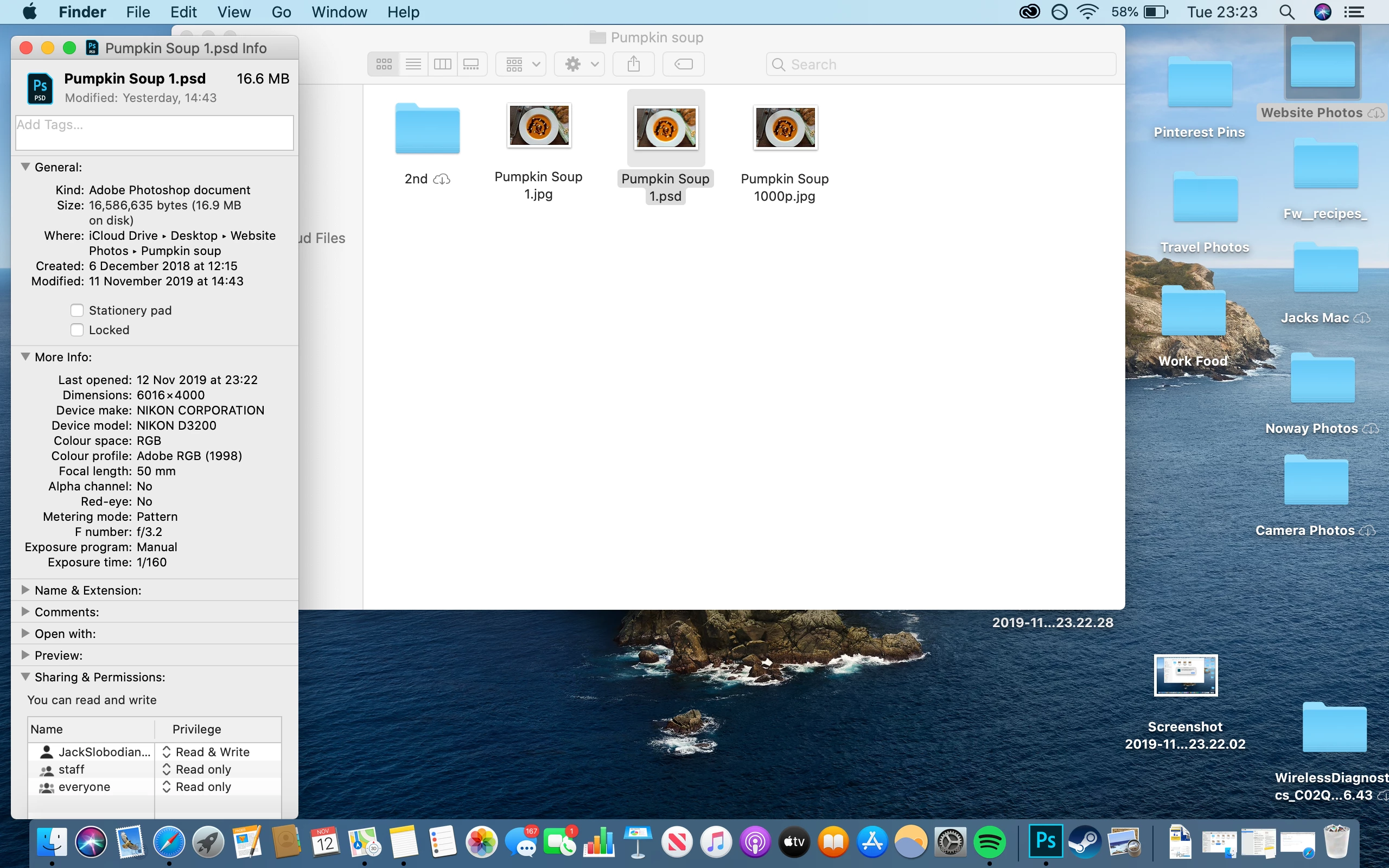
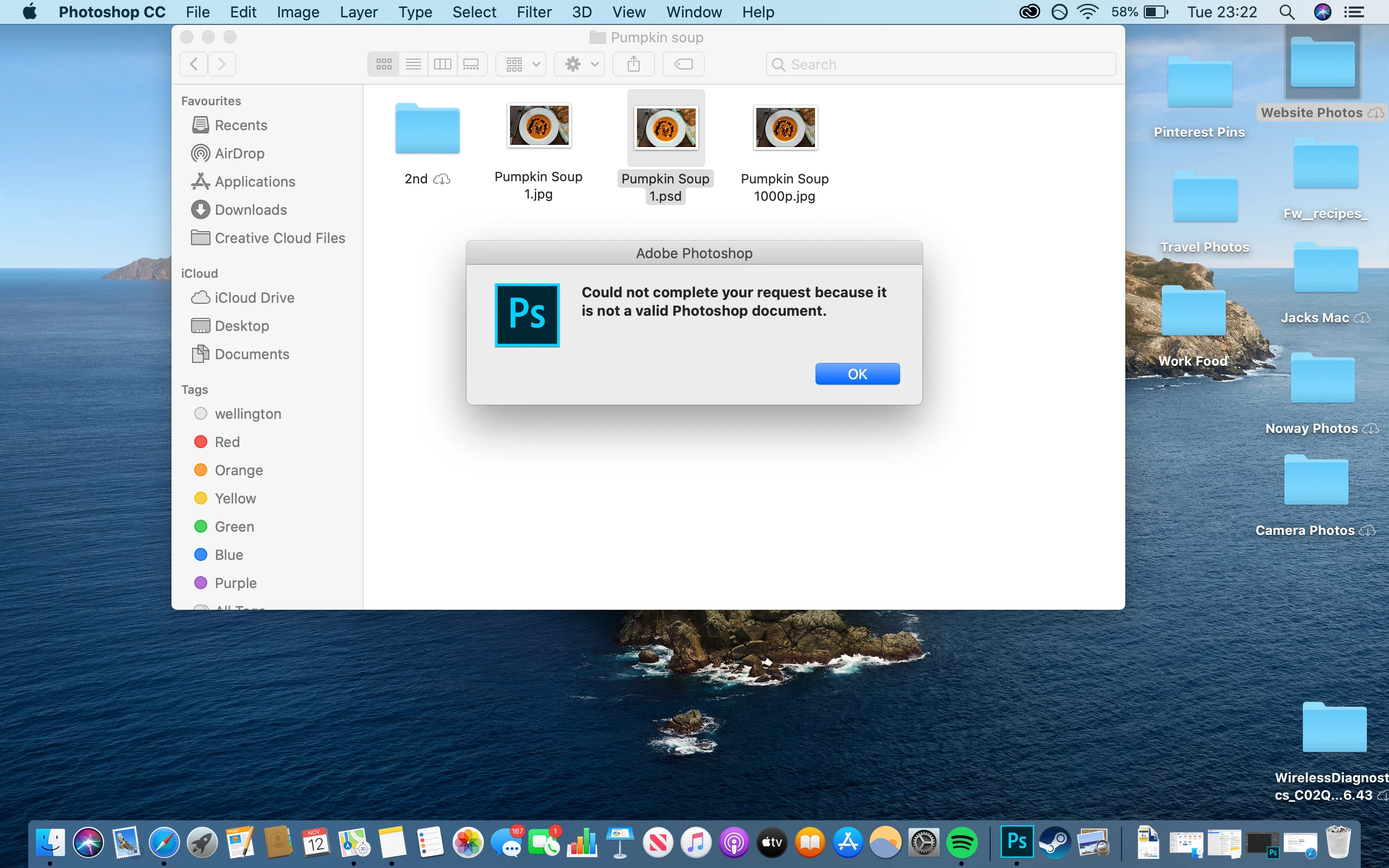
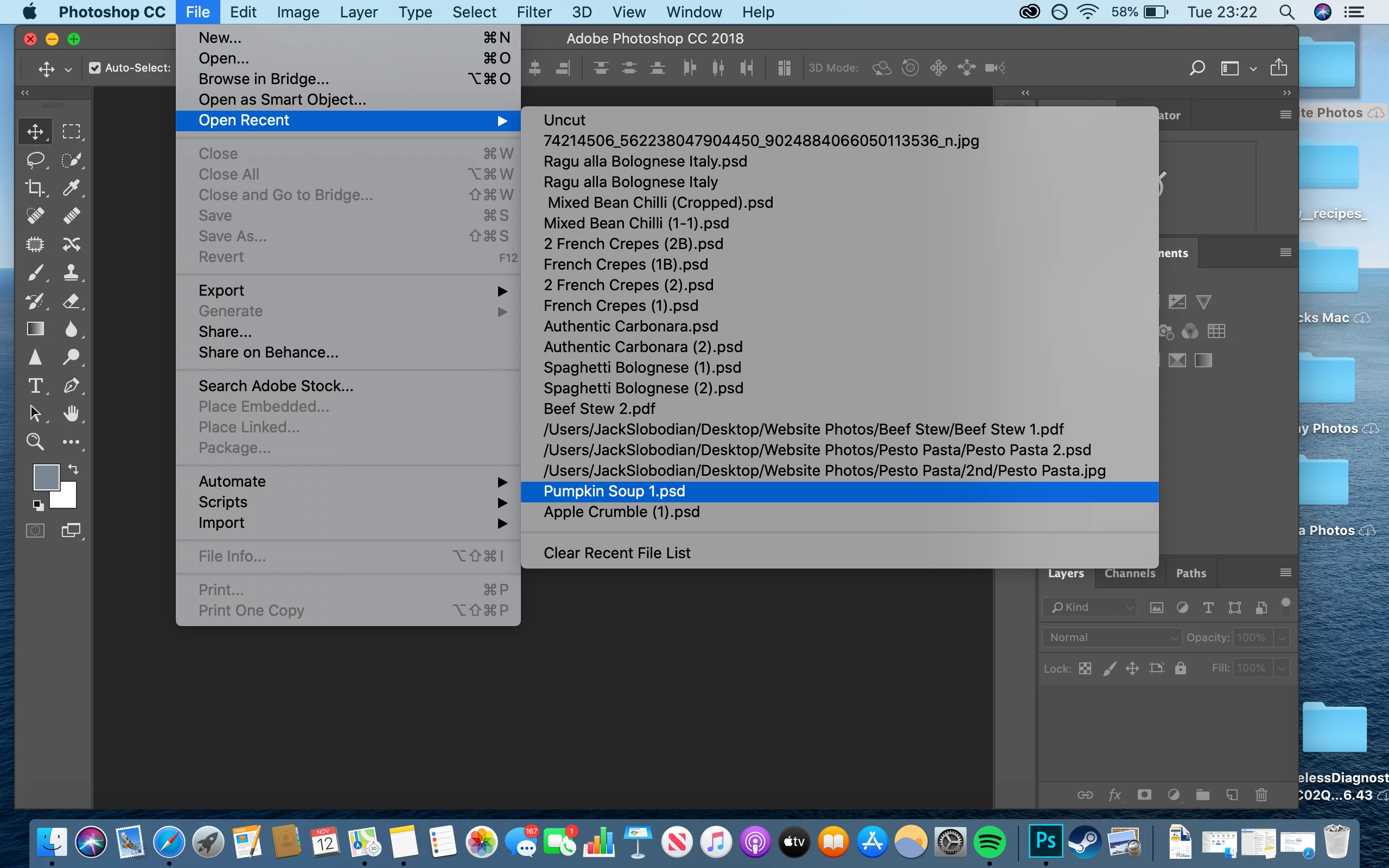
Yesterday I was editing an old psd file of a photo of food (just to brighten it). After I finished brightening I saved the file. The next day I have tried opening this same file and I am met with this message "

Could not complete your request because it is not a valid Photoshop document.". I am unsure where the problem lays because from what I know this is a photoshop document.


{Thread renamed by moderator}

This topic has been closed for replies.

1 reply

Sahil.Chawla
Community Manager
Community Manager
November 12, 2019

Hi Jack,

We apologize for the erro with the new Photoshop update, could you please try resetting the preferences of Photoshop and let us know if it helps? https://helpx.adobe.com/photoshop/using/preferences.html


Note: Make sure that you back up all your custom presets, brushes and actions before restoring Photoshop's preferences. Migrate presets, actions, and settings


Regards,
Sahil

Participant
November 13, 2019

Hi Sahil,


I have reset my preferences the following way "

  • (Mac OS) Choose Photoshop > Preferences, and then choose the desired preference set from the submenu.?"

However my file is still not opening

silk-m
Community Expert
Community Expert
November 13, 2019

Hi,

Can you open Pumpkin Soup 1.psd in Mac Preview?
If you open it, check the Document type in the Inspector.
Is it definitely "Adobe Photoshop Dcument"? . If it is different, the extension is wrong. In that case, it cannot be opened in Photoshop.

There is another problem. You are using Photoshop CC 2018 on macOS Catalina. CC 2018 does not support Catalina. Please use Photoshop 2020.


--Susumu Iwasaki