loisg72248825
Participating Frequently
May 11, 2018
Answered

Creating a screen printed effect (with image ref)

  • May 11, 2018
  • 1 reply
  • 1795 views

Hi all,

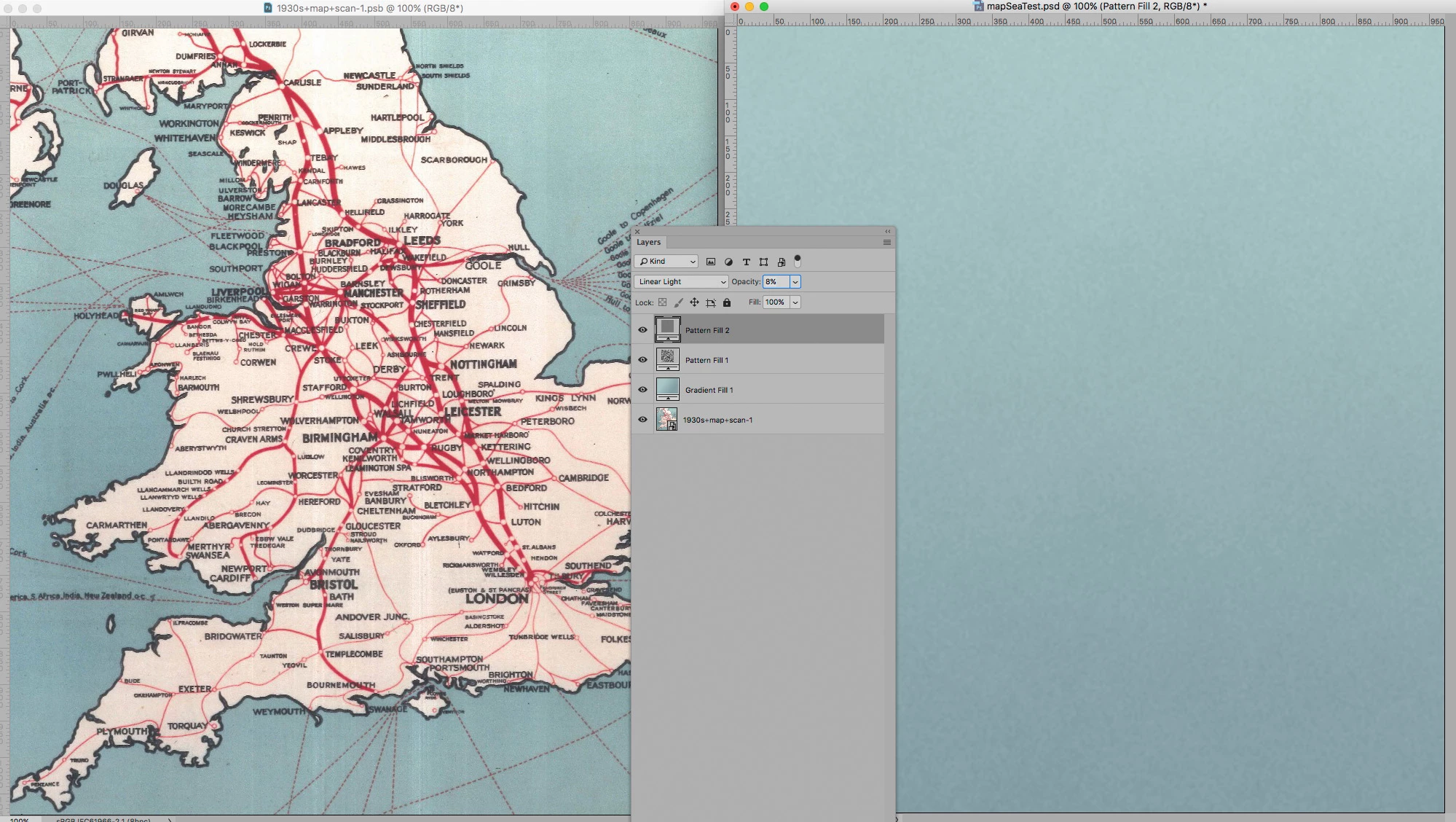
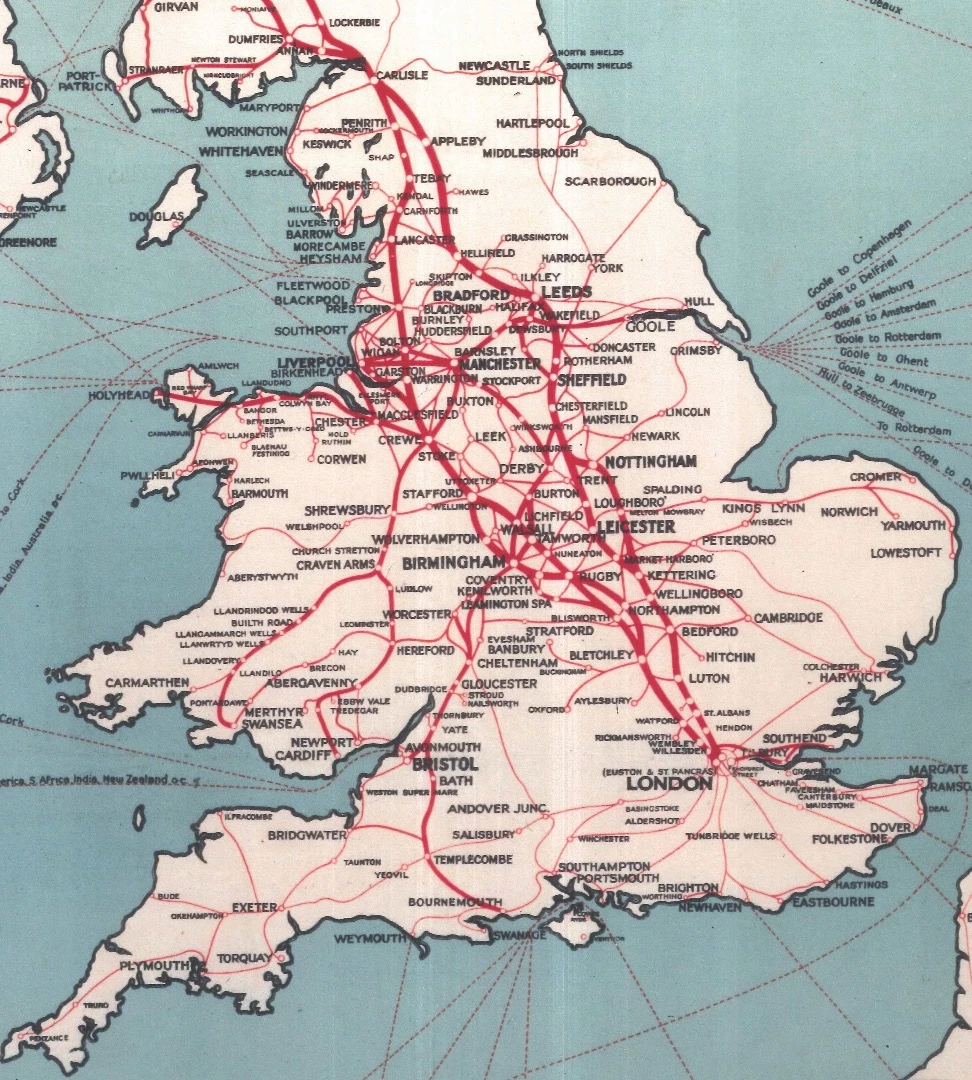
I'm trying to create this screenprinted effect (see image below) to the sea on my own map that I am painting. I've downloaded some textured brushes and it's kind of 50% getting there, but when I print it out, you can't see the texture and it's looking really flat so I need to try a new approach or build it up somehow. Any advice would be so gratefully received. Many thanks as always.

Lois
This topic has been closed for replies.
Correct answer c.pfaffenbichler

Yes exactly that, the noise and the irregular colour/gradient. It was made in the 1930s so I imagine it would have been screen printed so i'm trying to get that same effect.

Thank you for your patience.


1 reply

c.pfaffenbichler
Community Expert
May 11, 2018

I am not sure what you mean – the vertical stripes, the uneven brightness, noise, …?

What in particular are you trying to emulate and for which output?

loisg72248825
Participating Frequently
May 11, 2018

I'm trying to paint my sea to look exactly like the sea in the reference image, minus the white stripes as that's come from the dodgy scanner.

c.pfaffenbichler
Community Expert
May 11, 2018

What are you talking about exactly?

The gradients, the noise, …?

In the jpg I cannot actually discern a proper screen pattern.