


Creating a selection, then fitting a text box inside.
My end goal is a script that the user writes their own text into a new window pop up, then that text is positioned in the bottom 10% of the image.
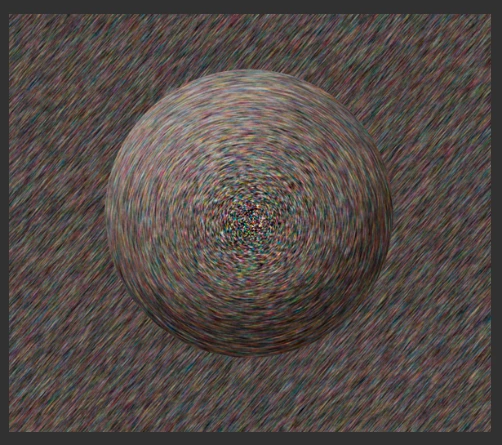
Start Image:
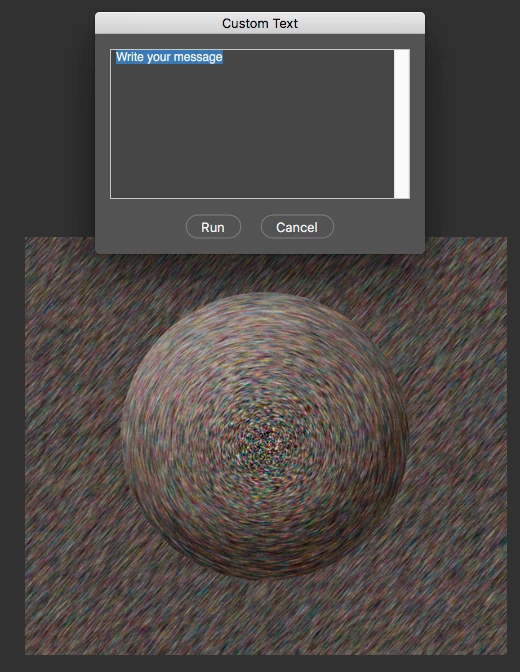
Window Pop up :
Small Text Outcome:
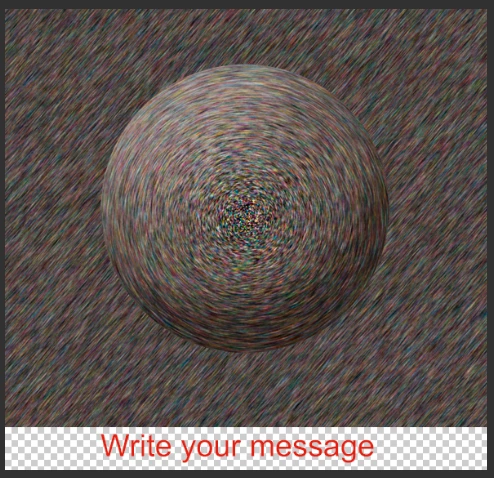
Long Text Outcome:

This is where I am currently:
#target Photoshop
app.preferences.rulerUnits = Units.PIXELS;
app.preferences.typeUnits = TypeUnits.PIXELS;
var doc = app.activeDocument;
var hgt10 = doc.height / 10;
var FillColor = new SolidColor;
FillColor.rgb.hexValue = 'ff0000';
var newHgt = doc.height + hgt10
doc.resizeCanvas(doc.width, newHgt, AnchorPosition.TOPCENTER);
var win = new Window('dialog', "Custom Text");
var grp1 = win.add('group');
grp1.alignChildren = "top";
var txt = grp1.add('edittext', [0, 0, 300, 150], "Write your message", {multiline: true, scrolling: true});
txt.active = true;
var grp2 = win.add('group');
var goBtn = grp2.add('button', undefined, "Run");
grp2.add('button', undefined, "Cancel");
var newLyr = doc.artLayers.add();
newLyr.kind = LayerKind.TEXT;
// CONTENTS
var txtLyr = newLyr.textItem
txtLyr.font = "ArialMT"
txtLyr.contents = txt.text
var uV = new UnitValue(20,'mm')
txtLyr.size = UnitValue(25,'mm')
txtLyr.color = FillColor;
txtLyr.position = [25, 2200] // x, y - Need to fix position to fit in the lower 10%
goBtn.onClick = function() {
win.close();
}
win.show();
So the areas I would like some assistance with is:
1) Getting the text to be positioned in the new area (created by the resizeCanvas argument extending by 10%)
2) Adding line breaks and automatically sizing to fit a variety of length text files into the field.
Kind Regards,
 AdChoices