


Participant
November 22, 2022
Question

Creating custom brush with full opacity

  • November 22, 2022
  • 3 replies
  • 1807 views

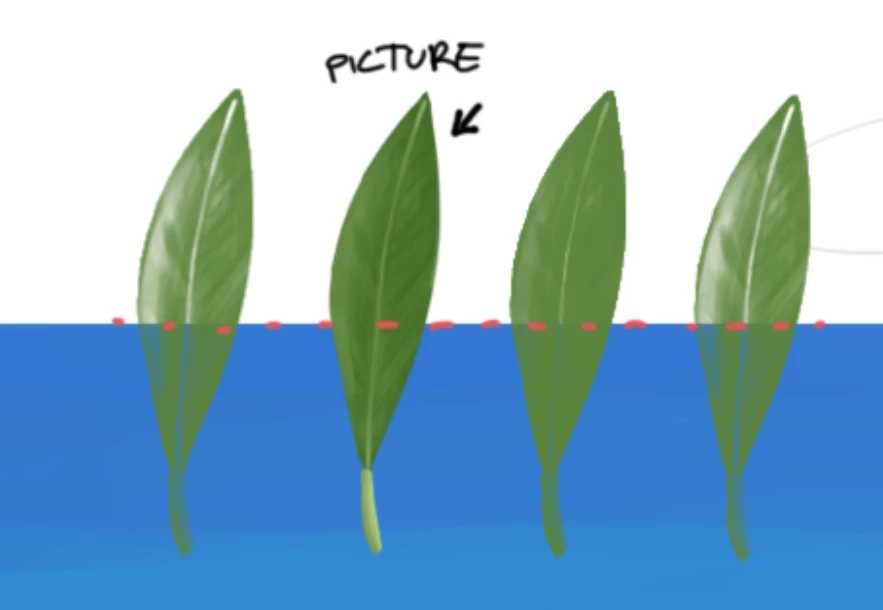
Hello. How can I create custom brush in photoshop with full coverage? As seen in screen shot i have drawn a leaf and would like to create custom brush out of it. No matter what I try any color added behind it shines trough. 


Opacity of brush and layer is 100%.

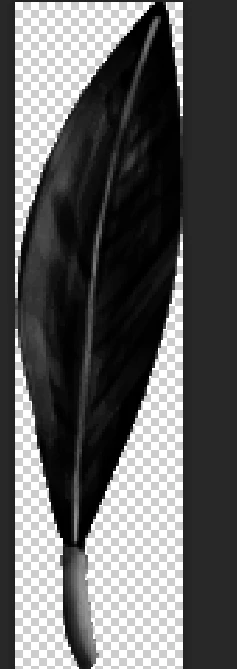
I have created custom brush out of black and white image and tried tweaking contrasts. Seems like photoshop recognizes white parts as transparent.


This topic has been closed for replies.

3 replies

PECourtejoie
Community Expert
Community Expert
November 23, 2022

Hi, @Sheetzilla What you want seems to be an image hose, pleave vote for this feature request, and post the image showing what you are trying to acheive in the comments.


https://community.adobe.com/t5/photoshop-ecosystem-ideas/p-image-hose-extend-clone-stamp-tool/idi-p/12250294

Mylenium
Legend
November 23, 2022

Then perhaps use the clone stamp. That can be rotated. Otherwise this may be more suited for Illustrator using symbols and their version of Art and Pattern brushes, which work differently.


Mylenium

Mylenium
Legend
November 22, 2022

The brush oacity is defined by the luminance values, so there's nothing wrong. What you seem to wanna do would only be possible with an actual pattern stamp, that is combine color and transparency. Otherwise your brush would need to be fully black to register as an opaque paint daub.


Mylenium

Participant
November 23, 2022

Haven't tried pattern stamp before so it is new to me. I could find settings for it that control size or things similar to angle jitter, spacing (those can be controlled when creating brush). Made a little drawing of what I would like to achieve if that helps to illustrate problem  more clearly.


Participant
November 23, 2022

*couldn't find