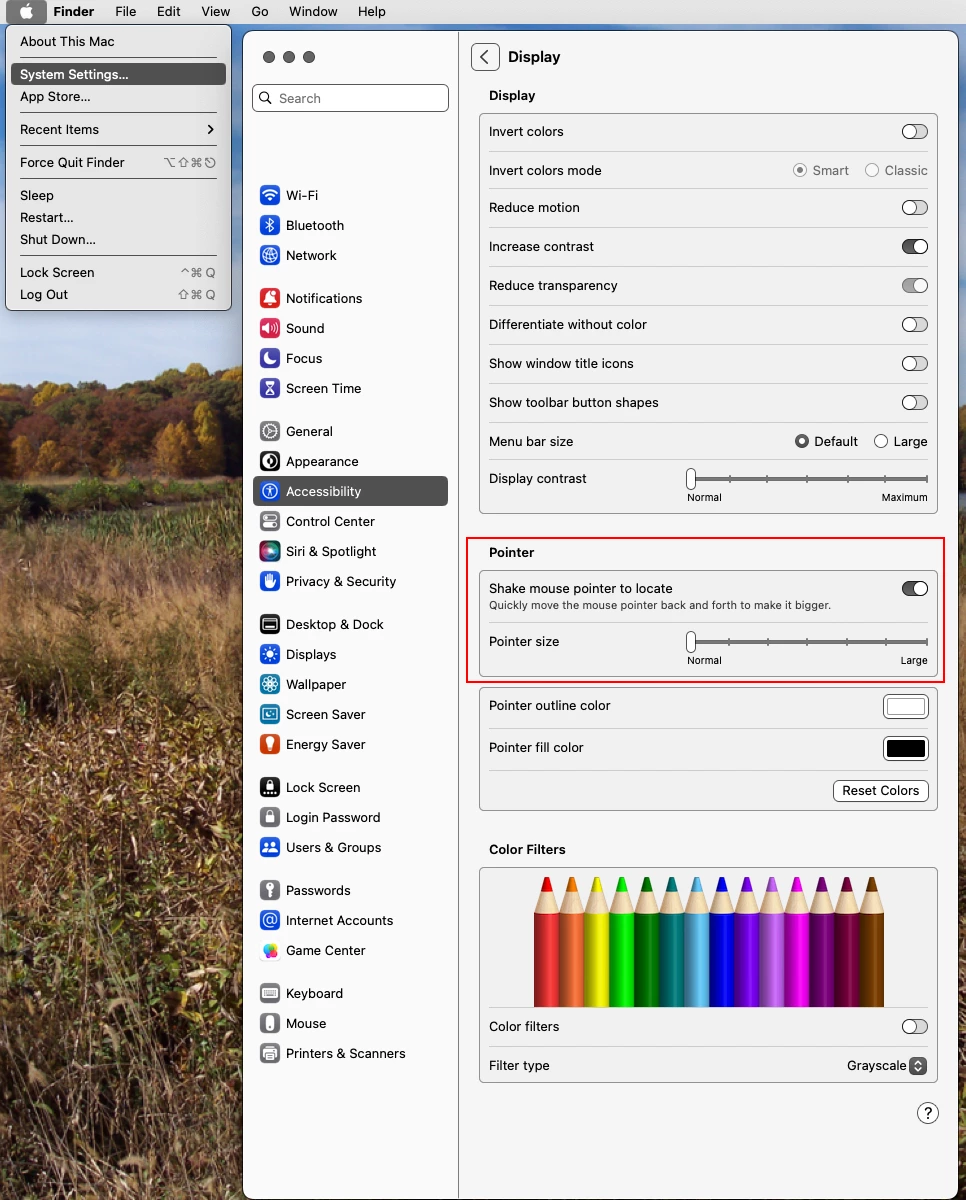
I have the same issue, but your solution did not work. My mouse pointer is set to a larger size in my Mac settings, because I don't have perfect eyesight.
When I first installed PS25 last week, I remember getting a message saying that my Mac cursor was set up for people with impaired vision and would I like this on PS - so I clicked yes, not releasing they meant it would change it so that I would have to guess where the brush, instead of it being where the black border on the circle pointer (why anyone would not want it like this is beyond me).
I have tried altering curser settings, I even uninstalled PS and installed it again, hoping the warning message that I might lose some preferences would be true, it wasn't.
Adobe have effectively rendered my product unusable - if you know how to fix this I would be grateful
I have a new Mac which I just installed Photoshop 2025
When I installed the Adobe software, I was asked if I wanted settings for the visually impaired; since I have a bigger curser pointer in my Mac OS settings, I clicked yes
When I use the paintbrush or the eraser the outline border is better than the actual space it uses.
I have tried altering the curser settings in preference, I uninstalled PS and installed it again, but that didn't work.
Please can someone tell me how to fix this as it's made Photoshop virtually unusable.
That did the trick! Now I feel like an idiot, I went through every setting I could think of in Ps but never thought about my macOS settings. Thank you!




 AdChoices