



Cut the same image multiple times with batch
Hi, I have a problem with a batch in Photoshop, I have been looking around for a while, but I have not found a real solution.
I have to cut images into several parts. From a single image I have to get two or four by cutting them in half or cross.
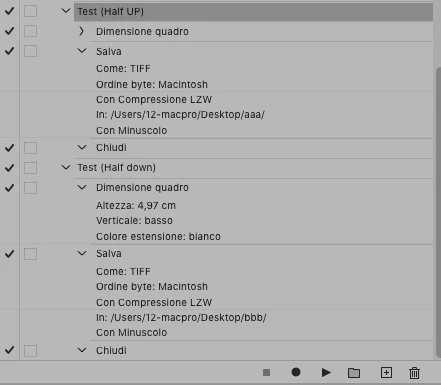
I made an action and if I manually activate it, it works fine (I set a stop at each save and manually put a different name each time to the file I save, 01, 02 etc ..).
However, if I automate the action with the batch by giving a source folder, a destination folder and activating "Ignore Save As commands", setting the saving with only two-digit serial number and extension, in the end I only get 4 files instead of 8 (choosing the action that cuts the image in half).
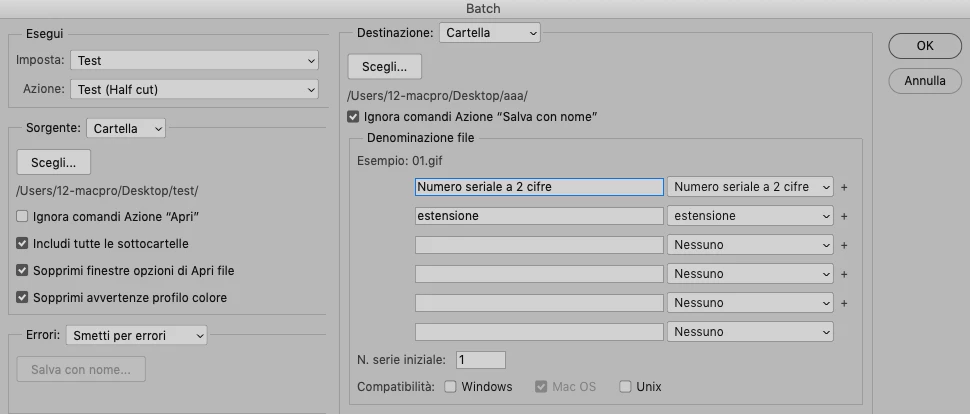
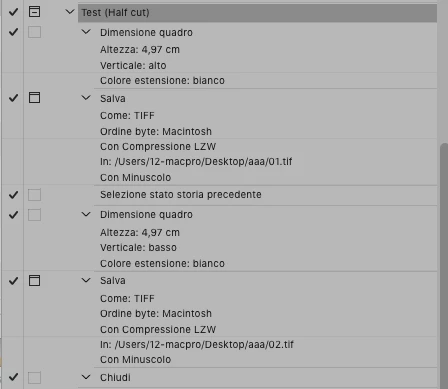
I also tried to create two distinct actions (one for the upper half and one for the lower half) and to use Image Processo Pro, but also in this case I get 4 files instead of 8.
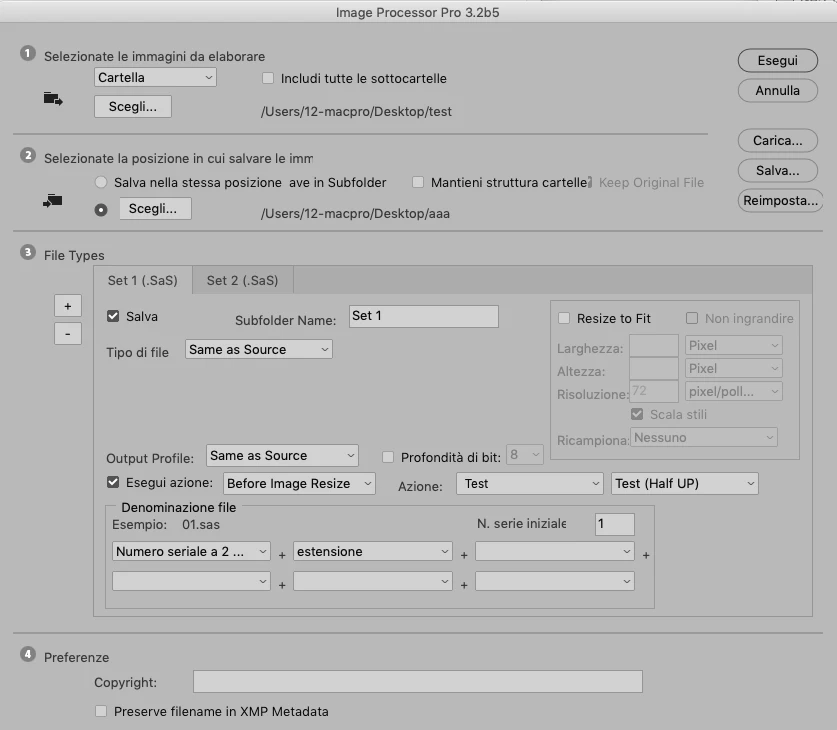
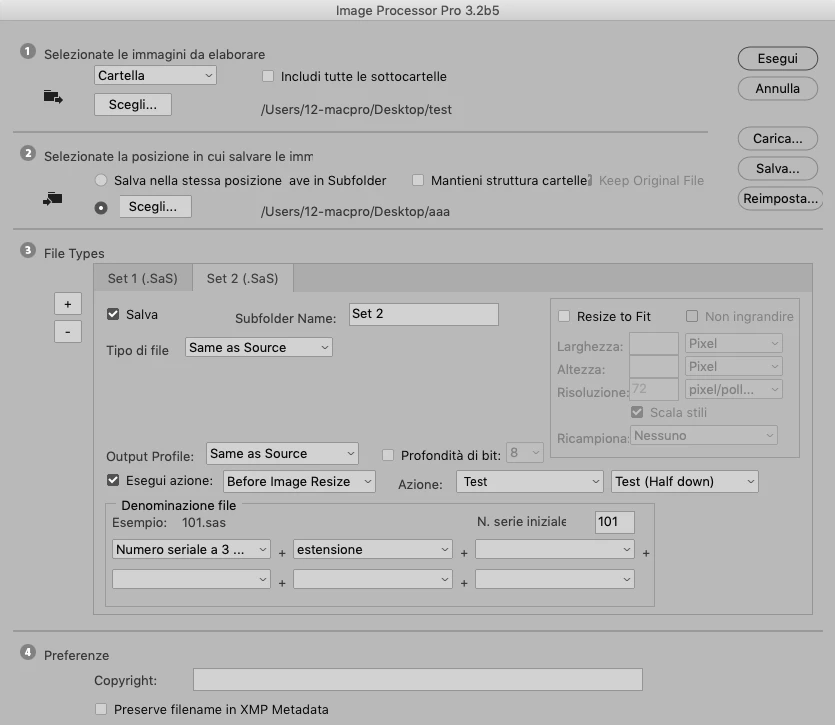
What I would like to obtain is an automated action / batch that in one shot (possibly without closing and reopening the original image, because each file I have to cut is about 1GB) creates and saves two or four portions from a single image.
At the following link a zip with the actions and 4 small images to be cut in half (as an example)
 AdChoices