


Inspiring
July 28, 2022
Answered

Dashed line around linked psd file

  • July 28, 2022
  • 1 reply
  • 347 views

Hi

I have created a few layered photoshop files which I then use in a separate photoshop to create a final montage image.


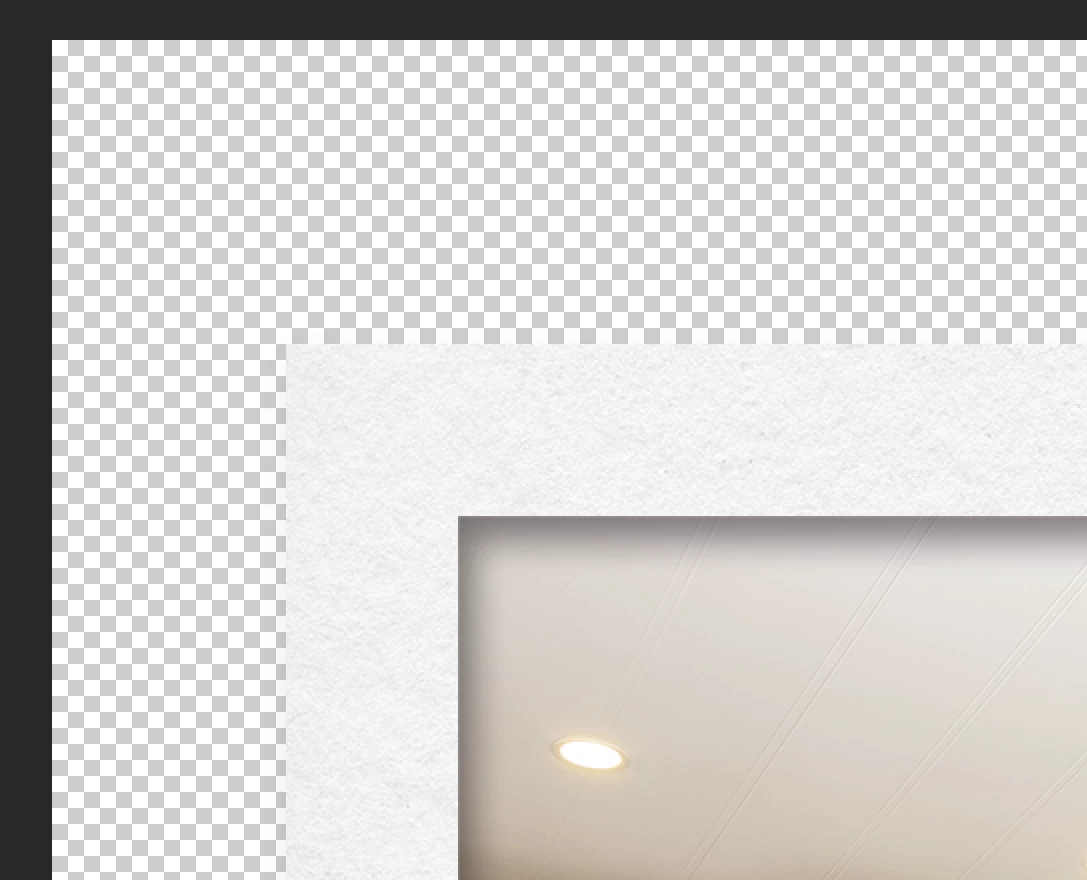
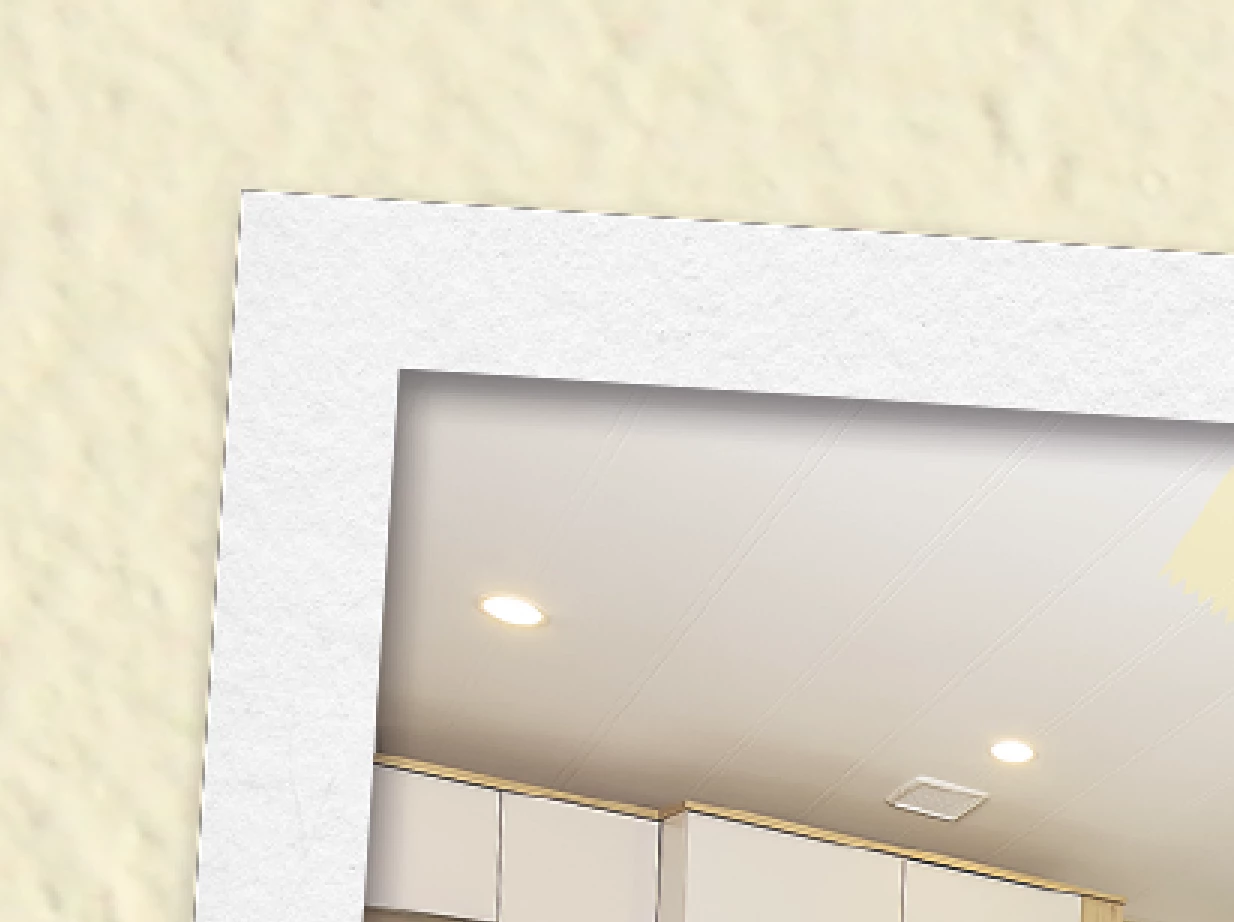
I have noticed that the images I have brought in have a dashed line around the edge of the image when linked, but not in the original file.


ORIGINAL
 

LINKED FILE
 

Has anyone seen this before?


The lines get printed as well. Need to ger rid?


Thanks
Mark

This topic has been closed for replies.
Correct answer markw60549560

OK. I think I have solved it. 

It's to do with the drop shadow used in the original file.

1 reply

markw60549560AuthorCorrect answer
Inspiring
July 28, 2022

OK. I think I have solved it. 

It's to do with the drop shadow used in the original file.

c.pfaffenbichler
Community Expert
July 28, 2022

One Smart Object instance is one Layer, so resampling can lead to noticable artefacts in particular where semi-transparent and »solid« areas connect. 

One possible work-around is using two instances of the Smart Object with two Layer Comps.