


Participant
January 11, 2024
Question

Direction in photoshop please, or is there an easier program?

  • January 11, 2024
  • 4 replies
  • 305 views

What I need to do is take a photo and make it look like a canvas print.  Almost like a picture.  I am trying to create the side and depth.  I will attach a picture of one I found that is simular to what I am trying to do.  Is there another program for this?  I have searched youtube and don't find help in this catagory.  One came close but it used a sample templete to show you how to make a templete.    Any direction here will be greatly appreciated. 
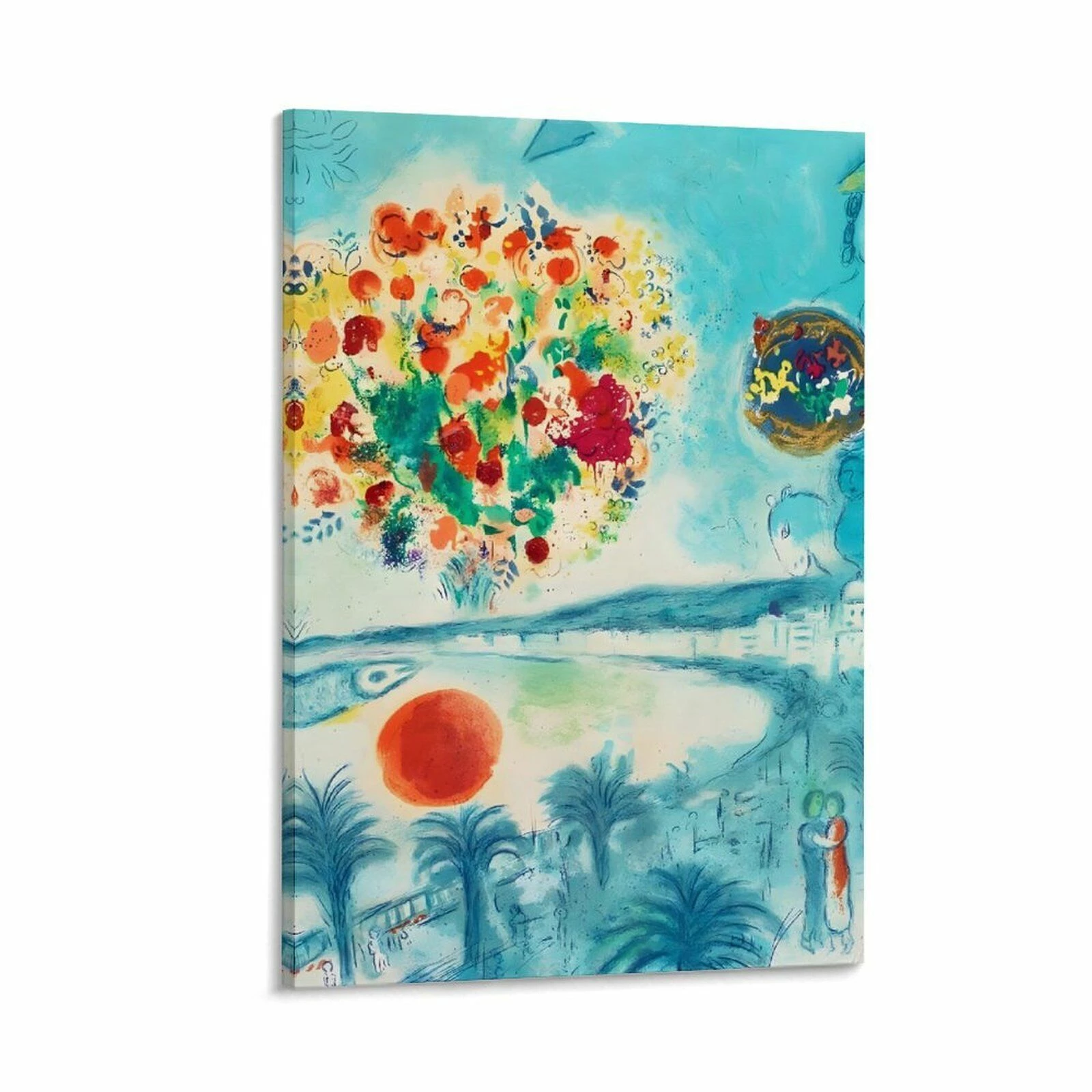
    This topic has been closed for replies.

    4 replies

    Myra Ferguson
    Community Expert
    Community Expert
    January 13, 2024

    If you're not confident with your Photoshop skills, you could try the new mockup (beta) feature in Illustrator:

    c.pfaffenbichler
    Community Expert
    Community Expert
    January 12, 2024

    Do you need to do this for many images or is it a one-off? 

    What are the output needs? 

    didiermazier
    Community Expert
    Community Expert
    January 11, 2024

    I tried the following :

    Enlarge canvas size

    Perspective distorting

    Adding a gradient to simulate shadow on the side

    A few effects on the layer (smart object)

    new bottom white layer : Bevel and emboss + Drop shadow + inside shadow

    A last distort with manual transformation

    Quick and inperfect result but maybe a clue to you

    BTW This person is the extraordinary soprano Franscesca Dotto. Check on YT her performances…

    😉


    Participant
    January 13, 2024

    Thank you so much for your help on this.  I got around to trying to follow you but got lost on the perspective.  You have a bunch of points around your photo I only have the pic selected

    didiermazier
    Community Expert
    Community Expert
    January 14, 2024

    With the perspective distort, you just have to draw two rectangles that are tied one to another.

    The last distortion is just a simple layer transformation (⌘/+T(MAc) Ctrl + T (PC).

    kglad
    Community Expert
    Community Expert
    January 11, 2024

    in the future, to find the best place to post your message, use the list here, https://community.adobe.com/

    p.s. i don't think the adobe website, and forums in particular, are easy to navigate, so don't spend a lot of time searching that forum list. do your best and we'll move the post (like this one has already been moved) if it helps you get responses.


    <"moved from using the community">