Copy link to clipboard
Copied
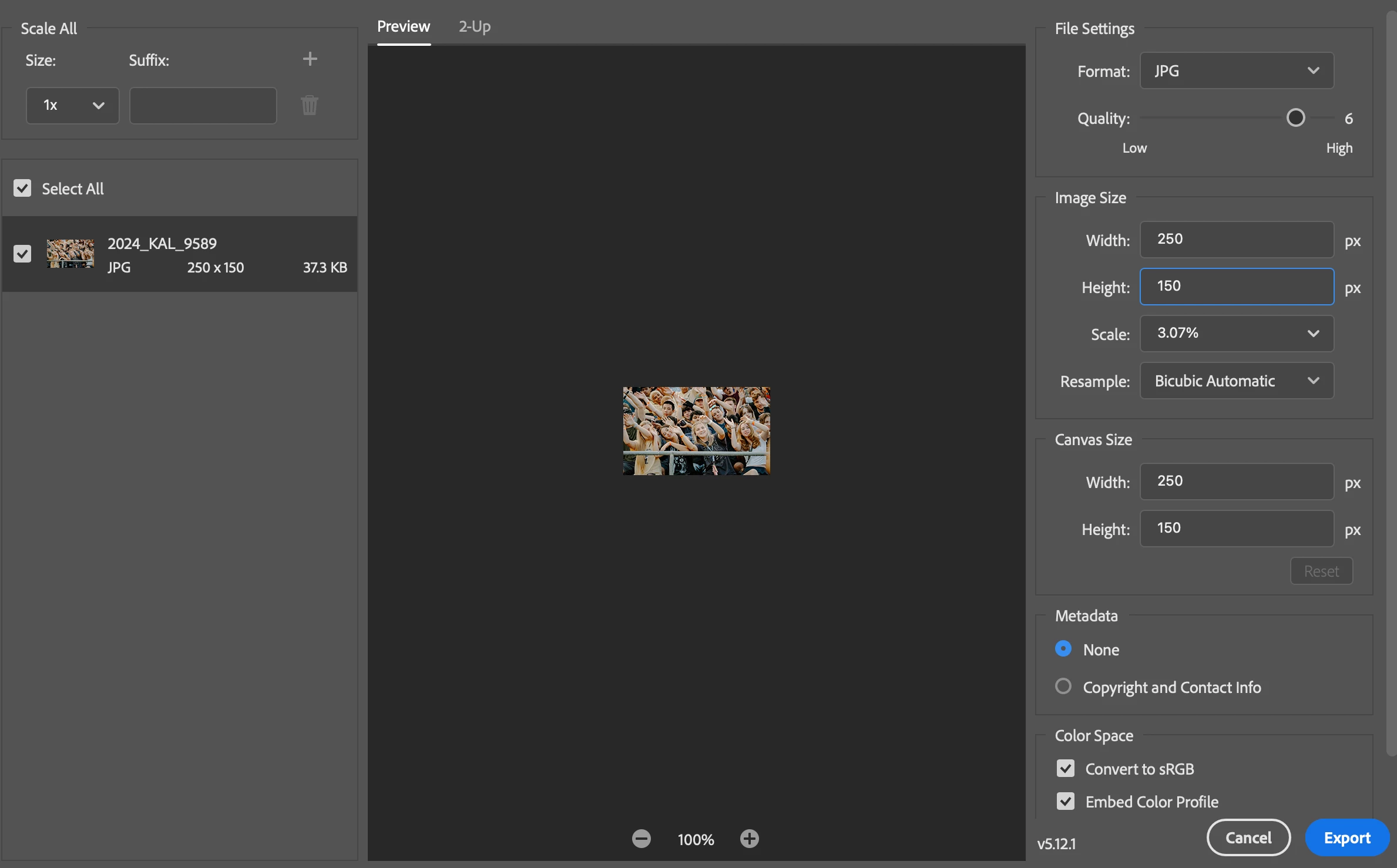
I was wondering if someone could help me. I recently got a Macbook and I've had trouble exporting images that aren't blurry. I usually only use photoshop to crop/resize images into the pexel size that I need for our website (900x600, 180x270, etc.). The images I open are usually pretty large, so when I resize them in Photoshop to one of the smaller ratios, it exports blurry. I had no issues on my other computer with this, so I'm thinking it's a setting or something that I need to change. Any insight would be helpful, I'm definitely not a pro on Photoshop. Below is an example and then my export settings (this is what I did on my previous computer and never had any issues with the scale being small and the image exporting blurry).

Copy link to clipboard
Copied
Hi @addy_kay_0316, thank you for explaining! When you export images at sizes like 900x600 or 180x270 pixels, they might appear soft or blurry on high-density (Retina) screens because these displays show more pixels per inch. To help keep your images sharp while keeping file sizes reasonable, here are a couple of tips:
1. Instead of 900x600 pixels, try exporting at larger dimensions, like doubling the size to 1800x1200 pixels. This way, your images will stay crisp on high-resolution screens.
2. Consider using WebP format for web images, as WebP provides excellent quality with smaller file sizes compared to JPEG or PNG. You can learn more about it here: https://adobe.ly/455rbzW
Hope this helps clarify things and makes your work easier!
Best,
Anshul Saini
Copy link to clipboard
Copied
Thank you! I've tried keeping the same ratio but doubling the pexels, but these images are still too large to use. We have very specific measurements and image sizes that we can use.
Copy link to clipboard
Copied
250 x 150 is so small it's barely even an image; rather a thumbnail. There's a very severe limit on how much detail can be preserved across 250 pixels.
But even disregarding the miniscule size, and assuming a more realistic web size around 1000-2000 pixels, any resampling will always soften an image somewhat. That's unavoidable and happens no matter what application you use.
And that's why some resampling algorithms have various degrees of sharpening built in. Or you can use "bicubic smoother which has no or very little sharpening, and re-sharpen yourself after resampling. But be careful to not overdo it.
Copy link to clipboard
Copied
Copy link to clipboard
Copied
Are you viewing the images on the same monitor as your previous computer? I might just be much more noticable on you new computer.
Copy link to clipboard
Copied
Yes, same monitor! I think it's a setting that needs switched but I can't figure out what it is.
Get ready! An upgraded Adobe Community experience is coming in January.
Learn more