



Dave Cullen Photography
Inspiring
June 14, 2021
Answered

Duplicate Layers - How do I resize / unlock ?

  • June 14, 2021
  • 2 replies
  • 1470 views

Can I ask your help again please?

 
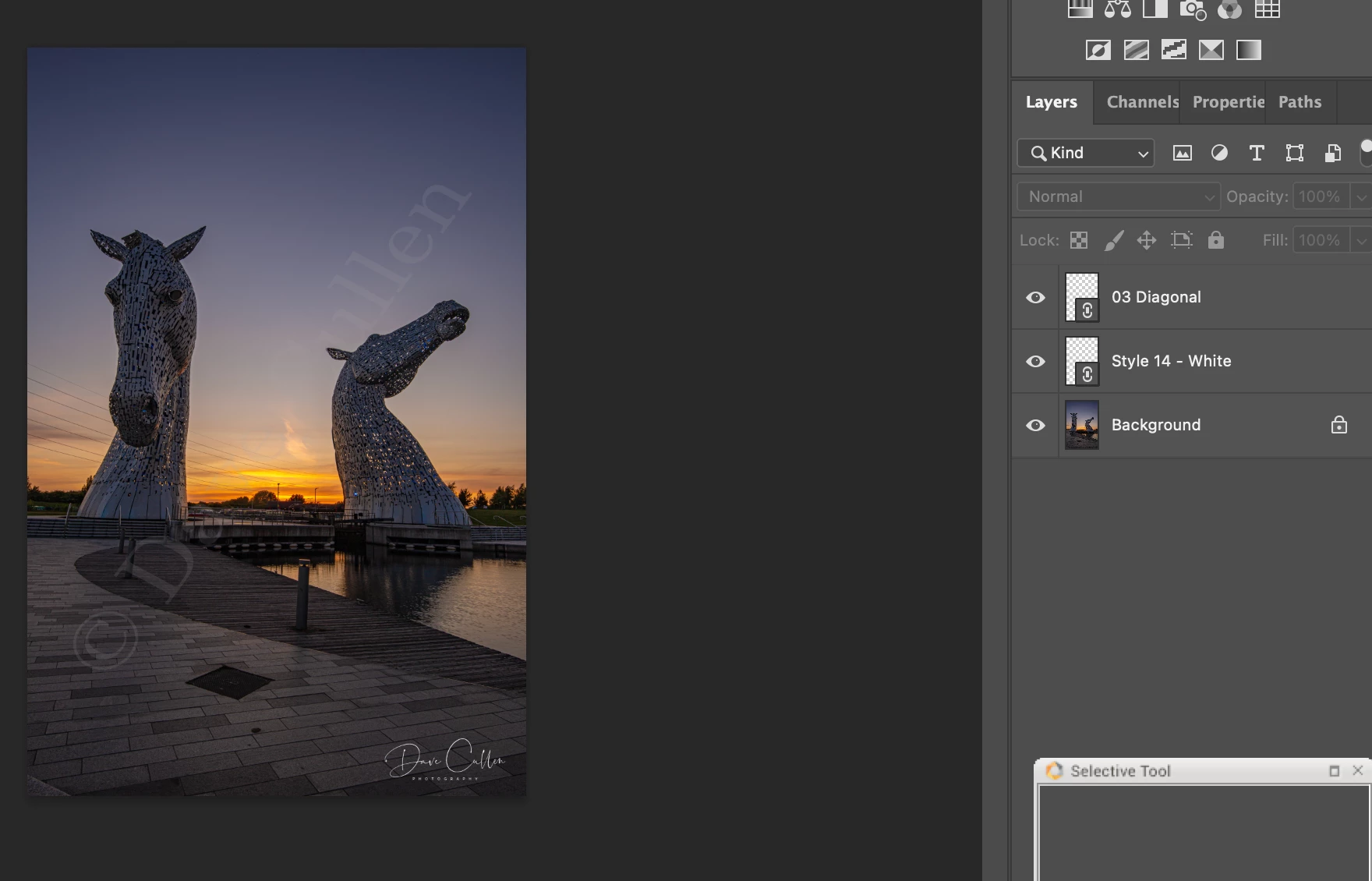
I have one image in which there are two layers (see screenshot)  - when I copy these layers to a new image it copies to the same (locked) position - is there a way that when I have duplicated them to a new image they can be selected and moved about (maybe some sort of unlock or a box I need to tick or untick?)? because when I duplicate to (all) the other images they are fixed and cannot be moved or resized.  I had this set up a while back but it seems to have reset itself.
 
Heres hoping you can help me
 
Thank you in advance
 
Dave
 
This topic has been closed for replies.
Correct answer Dave Cullen Photography

WORKED IT OUT...


Auto Select untick, Show transform tick - sorted!


2 replies

Dave Cullen Photography
Dave Cullen PhotographyAuthorCorrect answer
Inspiring
June 14, 2021

WORKED IT OUT...


Auto Select untick, Show transform tick - sorted!


KShinabery212
Community Expert
June 14, 2021

Not locked but linked.

Click both layers then at the bottom click the Link symbol.

They should unlink.


If you want the background unlocked.  Duplicate that layer.  Then erase the old layer.


Dave Cullen Photography
Inspiring
June 14, 2021

That didnt work
