New Participant
June 11, 2024
Question

Dynamic text with various different style layers

  • June 11, 2024
  • 5 replies
  • 868 views

Hi community,


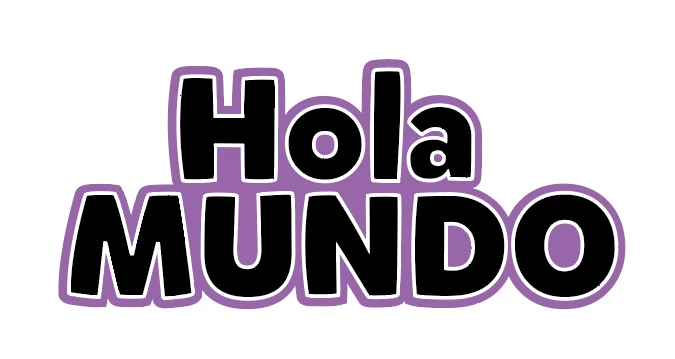
I am trying to have a two lined text with stroke, it must be localizable, but i am having some difficulties on getting the stroke of the two lines to merge in between properly. I have some restrictions, all text should be dynamic and to achive this effect i cannot rasterize them.


Could you help me please?


Thanks in advance


This topic has been closed for replies.

5 replies

Mike_Gondek10189183
Community Expert
June 14, 2024

You can't do this in one text layer. You need an additional layer.

Jeff Arola
Community Expert
June 12, 2024

Without a Layer Mask.


pixxxelschubser
Community Expert
June 12, 2024

😉

Anyone can do that.
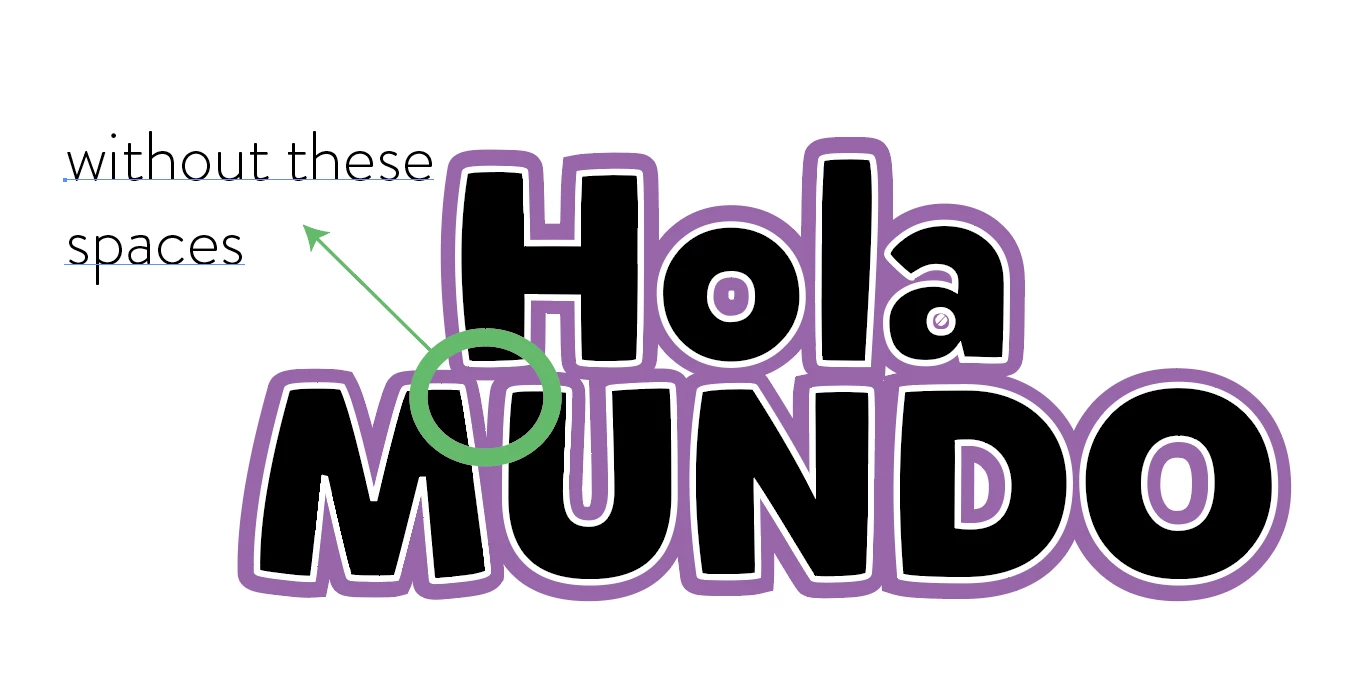
But now reduce the width of the purple area and have the resulting white gaps in and between the letters automatically filled in purple.


Only then would you have a way that works in Photoshop.

Jeff Arola
Community Expert
June 12, 2024

Done in Photoshop using a Stroke, Outer Glow and a Layer Mask to trim the Outer Glow.


The same can be done by using a Shape Burst Gradient Stroke.


The biggest issue in Photoshop is the outer edges are not as smooth as one would like.


pixxxelschubser
Community Expert
June 12, 2024
quote


… The biggest issue in Photoshop is the outer edges are not as smooth as one would like.


By @Jeff Arola


Hi Jeff,


No.
I think the biggest problem in Photoshop is that the layer mask for cropping does not automatically adapt to text changes and therefore has to be recreated every time the text is changed.

c.pfaffenbichler
Community Expert
June 12, 2024

Rasterizing does not seem sensible, vectorizing would be an option, though. 

But the ensuing Shape Layer would naturally not be live text anymore. 

pixxxelschubser
Community Expert
June 11, 2024

I can't offer you a quick solution in Photoshop - but it is possible in Illustrator.

c.pfaffenbichler
Community Expert
June 12, 2024
quote

but it is possible in Illustrator.

While keeping it live text? 

pixxxelschubser
Community Expert
June 12, 2024
quote

While keeping it live text? 


By @c.pfaffenbichler


Of course that is the case (in Illustrator).


Normal text


with Pathfinder Effect


The text is live and can still be edited


The effect follows the change


Or change the "outline" (I have switched off the effect for demonstration purposes)


When the effect is switched on, these gaps also disappear