


New Participant
April 12, 2023
Question

E-Mail Signature (HTML) problems

  • April 12, 2023
  • 2 replies
  • 766 views

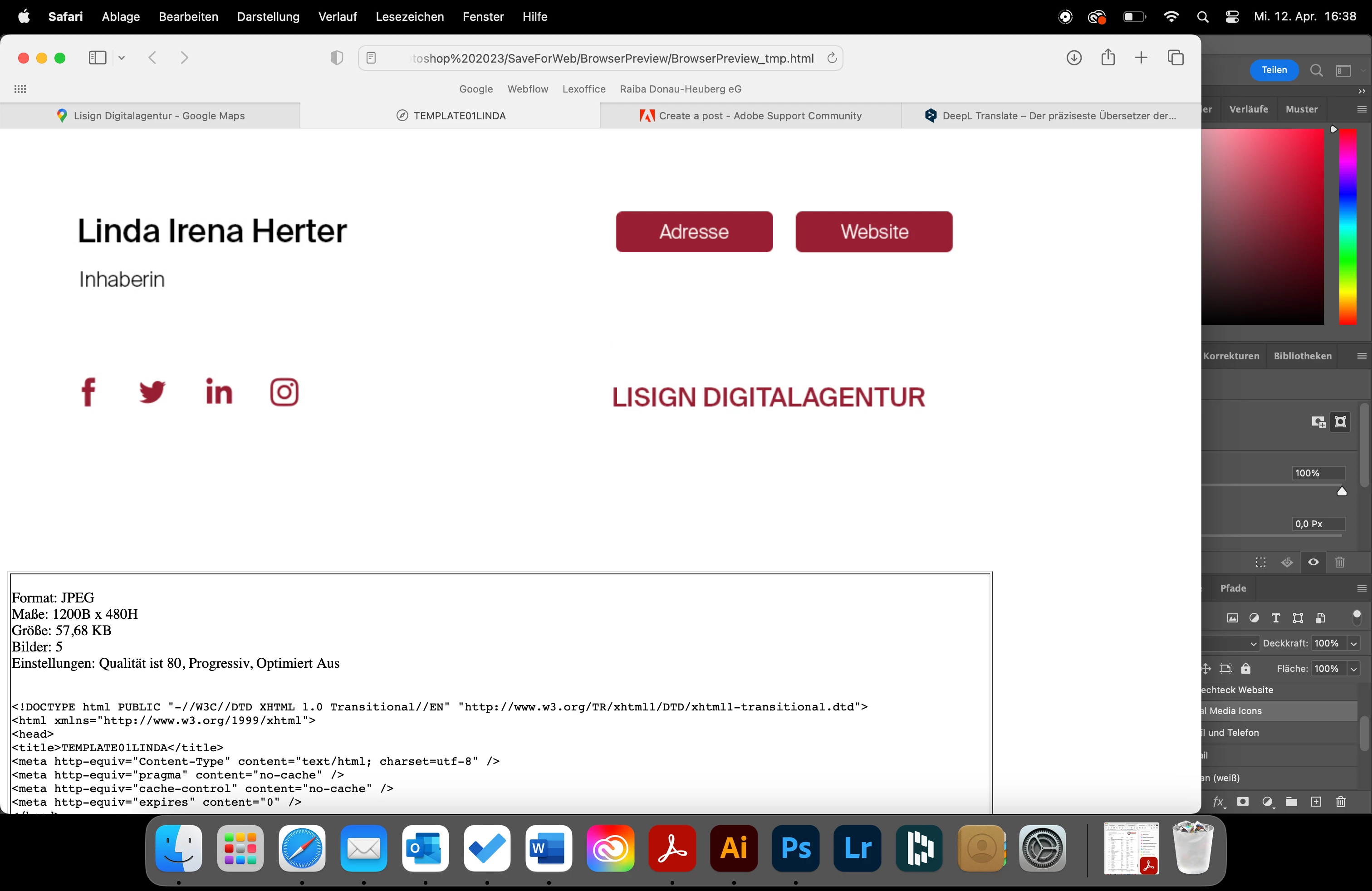
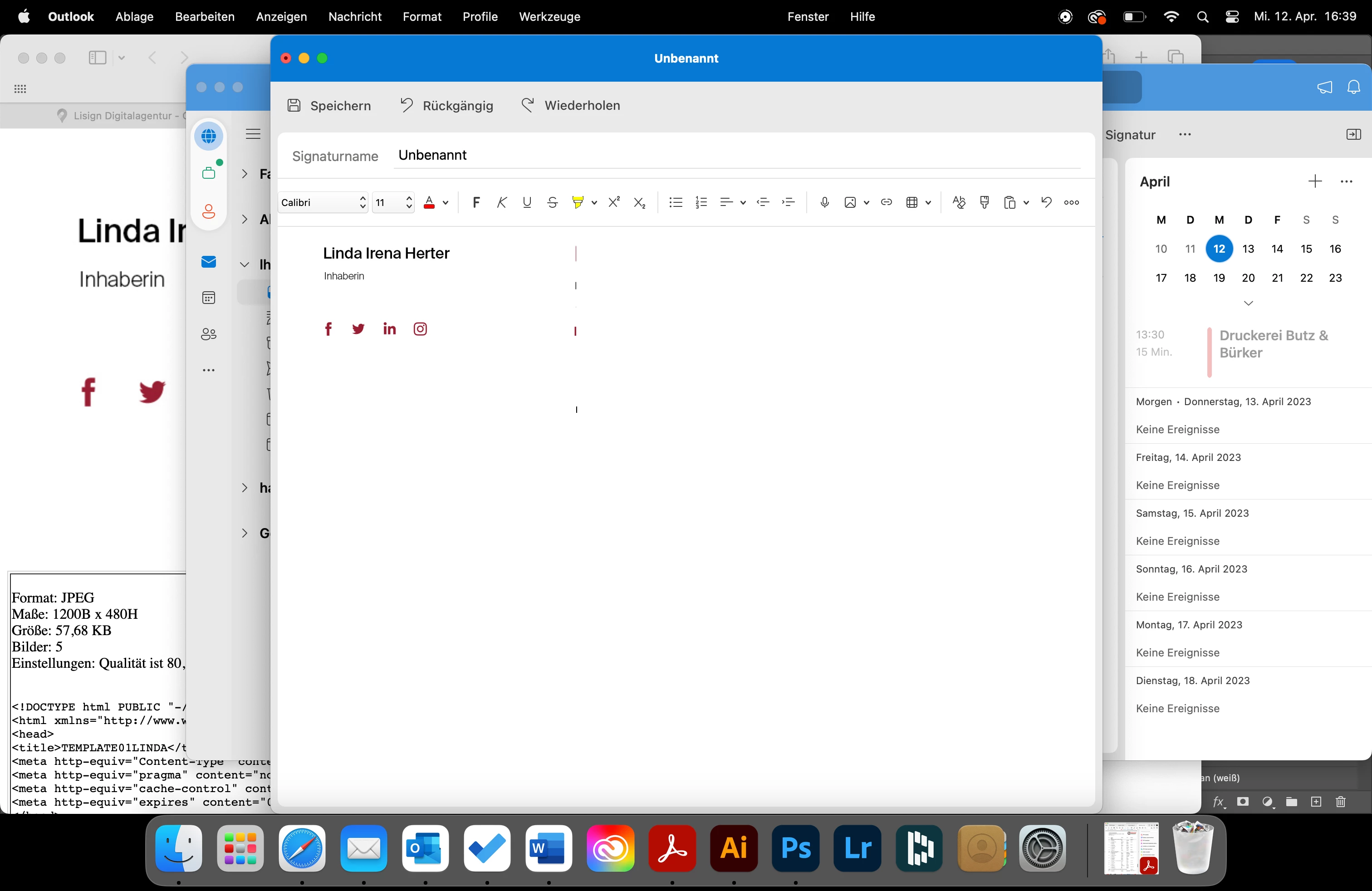
I created an email signature for Outlook in Photoshop. Now I used slices to add links (e.g. website, mailto). When opening the file in the browser, everything works fine. As soon as I import the image file into my Outlook, most of the information is lost (see image). Does anyone have a solution to my problem?
This topic has been closed for replies.

2 replies

J E L
Community Expert
April 12, 2023

Hi @Linda Herter, I'm wondering if there is a reason you don't want to use Outlook's Signatures and Stationery panel to add your image and embedded link? It's easy enough to do. Let me know if you need step-by-step instructions or if there is a reason why it won't work for you.

jane-e
Community Expert
April 12, 2023

@Linda Herter 


Slices were created before CSS and DIVs back in the early days of html when we used tables and font codes. You can generate html code that works in a browser, but the html code does not work elsewhere.


Jane

New Participant
April 12, 2023

Thank you! How do you integrate links into a psd file? 

jane-e
Community Expert
April 12, 2023

@Linda Herter 


Hi Linda,


You can't put a link into a psd, only into the html. You might ask on the Microsoft forums if there is a way to put add links to different areas of an image file.
https://support.microsoft.com/en-us/office/how-to-get-support-for-outlook-com-f5482a98-616c-4d44-b7c5-8aaaadf5c11a


Jane