

Question
Effect like this with Photoshop?
Just curious if I can get this same effect
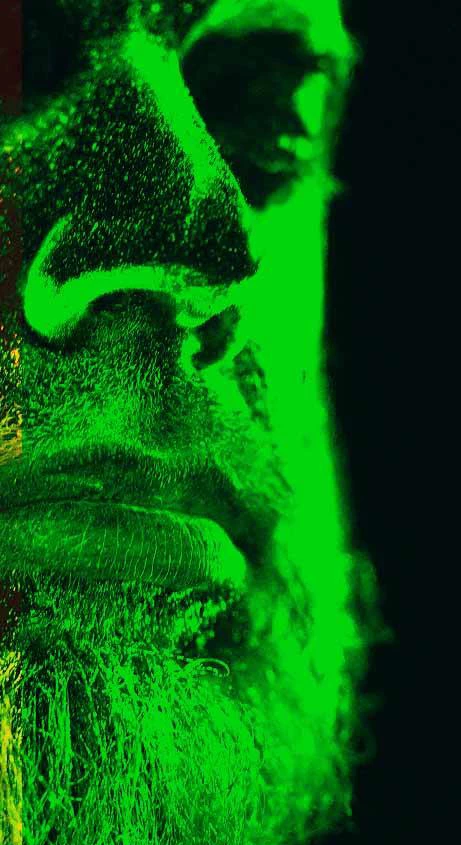
[ attachment inserted as inline image by moderator ]

Just curious if I can get this same effect
[ attachment inserted as inline image by moderator ]
Already have an account? Login
Enter your E-mail address. We'll send you an e-mail with instructions to reset your password.
 AdChoices