



Erase on all layers
I have Photoshop CS6 v 13.0.1 x64 on a PC running Windows 10. I am restoring (very amateur level). I make a duplicate of the background layer so I can always have my original. Then go through a series of adjustment layers (levels, threshold, etc.). My next step is to usually select the frame of the photo which is usually yellowed with shadows where tape was applied, etc, save it as a selection and then create a blank adjustment layer. In the past, I have been able to then use my eraser tool with the blank adjust layer selected and it would erase what I needed and it would show up. In the image below, I could click the frame layer on and off and it would show what I had and had not erased.
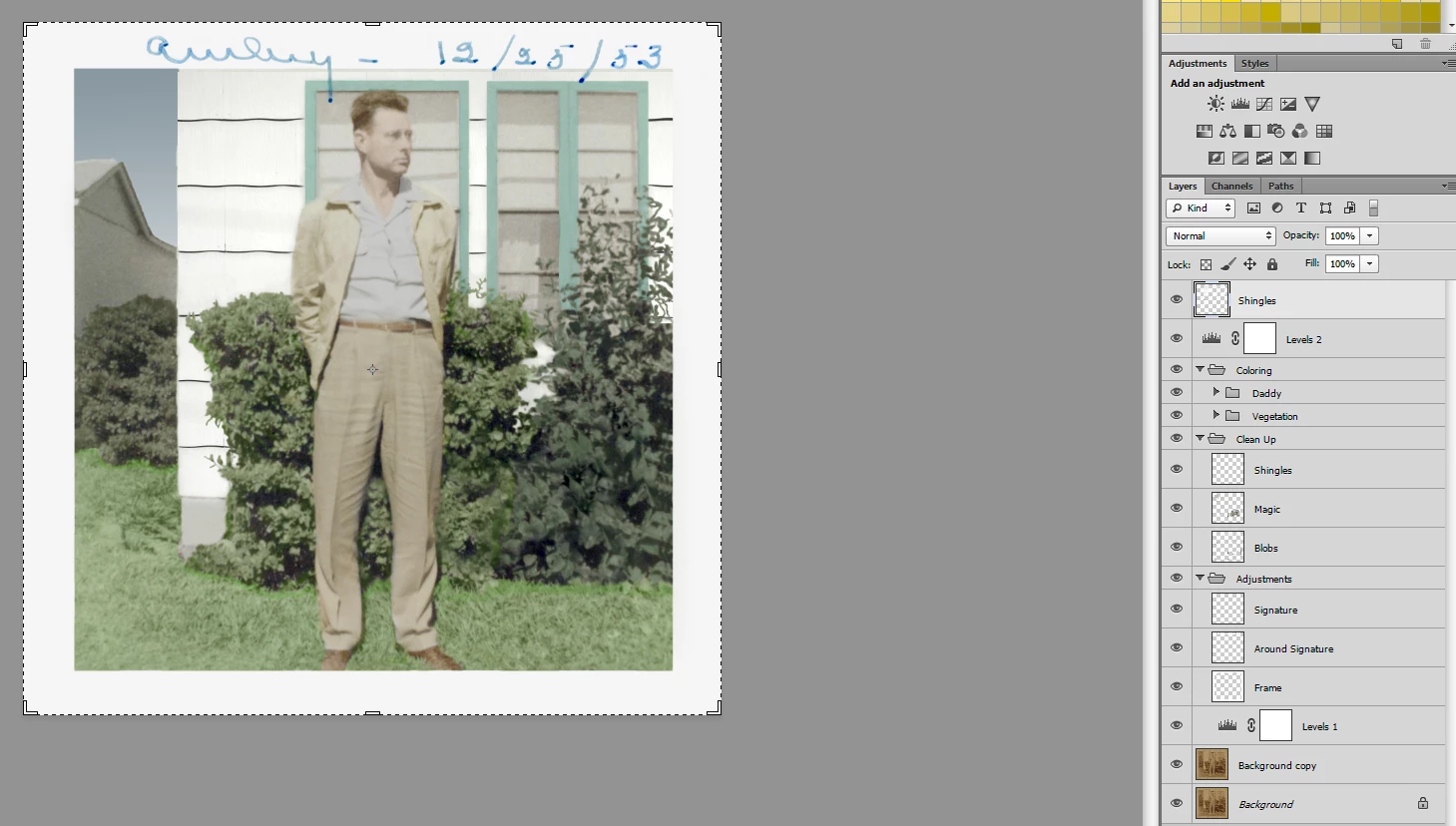
It quit working and I either read somewhere or saw a tutorial that I needed to change some option on the eraser tool that would allow it to erase on all levels below it. When I changed that setting, it started working again. I have the correct layer selected, so that is not the problem. It is that setting that I am looking for and can no longer find. I have exhausted my searching capabilities on the Internet, Adobe Forums, etc. Can ANYONE please help me re-locate that setting so I can use my eraser tool like I did before. I will be glad to share any additional information you need. I do not want to use layer masks or anything like that. I just want to be able to use my eraser on that empty adjustment layer and have it work the way it used to.
 AdChoices