


Participating Frequently
December 27, 2022
Question

Error: Could not complete your request Select Subject Classifier output is empty

  • December 27, 2022
  • 8 replies
  • 22497 views

Hi! I got this error while trying to use the new Object Selection Tool in Photoshop 2023. 
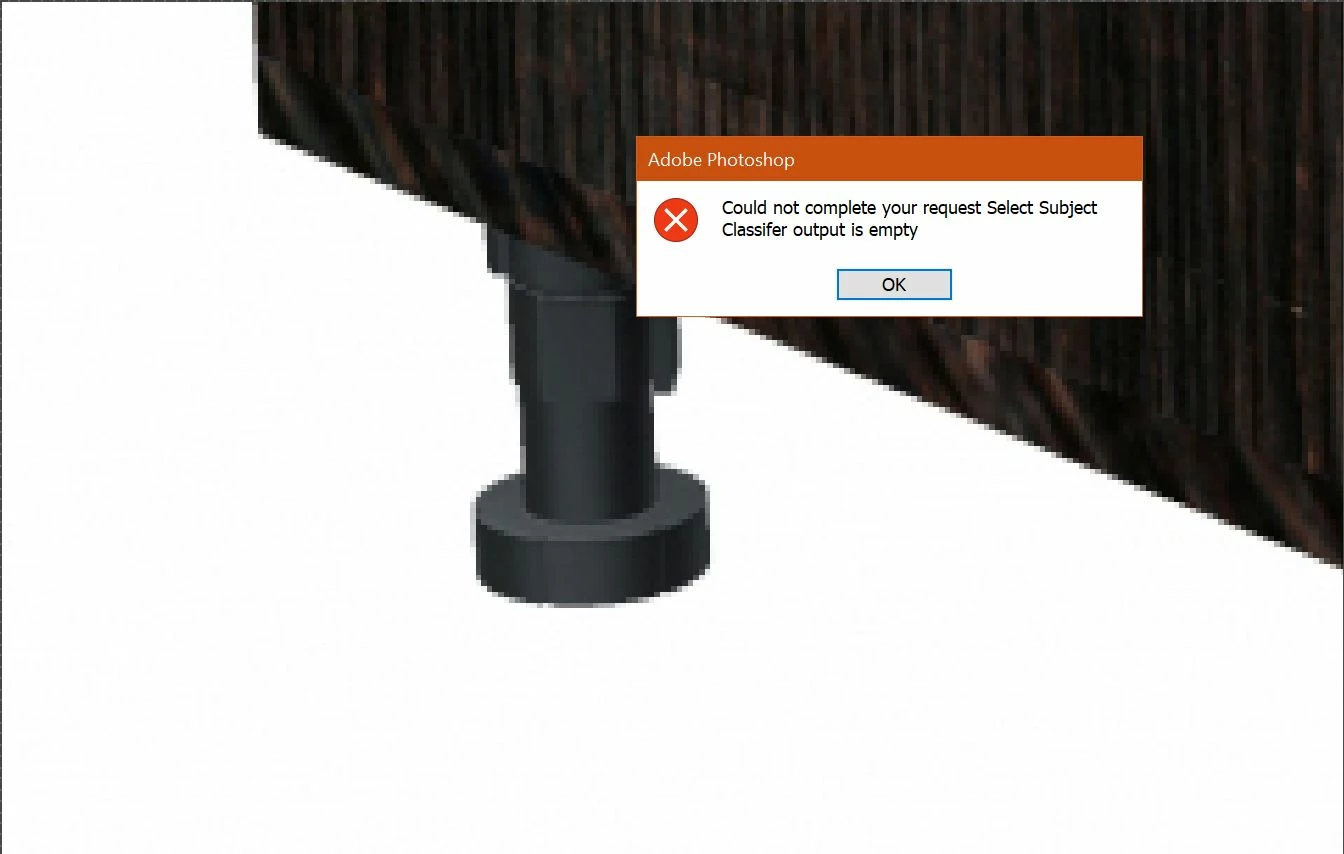
It happens whenever I try to use the tool over that leg of the furniture. It happened with other stuff too. Like, I tried to object select something that wasn't recognized by the tool directly, and it doesn't let me. I can't seem to be able to solve this issue... I also can't seem to find anybody else who has this. By the way it looks it seems like a minor mistake from my part, might have forgot something or so, but I can't seem to find what I "forgot". I tried restarting both Photoshop and Windows. Doesn't seem to work. 

8 replies

Participant
June 25, 2024

Error: Could not complete your request Select Subject Classifier output is empty

Participant
May 1, 2024

same problem  I changed the graphics card p400quadro to p1000 and I updated the drivers 552.22-quadro-rtx-desktop

Participant
April 30, 2024

Hey,


I'm not going to claim that I've found a legit solution. But, if someone finds this thread later, just hope it helps for the time being.


"Just open the image in Paint and save is as .png (if the image is in jpeg format which it was in my case)"


Happy to hear your thoughts. Honestly, I just don't want someone else to waste hours looking for "un-helpful" solutions online and hope Adobe takes some step fixing this, the sooner the better.


Good luck!

Participant
June 22, 2024

Thanks a lot. It worked

Participant
April 22, 2024

I am getting the same error for the last two days when trying to select subject.  After reading below I don't see any fixes yet - if anyone knows of one please update.

Participant
April 24, 2024

I contacted Adobe support and they advised it was a problem with the lastest update version 25.7.0.  They advised to go back to the previous version and wait a couple of weeks and then update and it should be fixed in the latest release.

When I switched back to the previous version everything worked fine.

Participant
July 20, 2023

I am getting the same message - I just used the Object selection tool and got a wonderful outcome and then I decided I wanted to flip the image so went back and did that and now it will NOT select - keep getting the same message as you - SO frustrated. and I really am sick of having to brush out round difficult details..... Grrrh!


Jumpenjax
Community Expert
Community Expert
December 28, 2022

Mojitos had a correct answer mark with below information.


Hi all,


05/20 update: We have resolved another program error issue while dragging assets from libraries to the artboard in Photoshop 22.4.1 update. Could you please update Photoshop to the 22.4.1 version via the Adobe Creative Cloud Desktop app and let us know your feedback.


Here's how you update Photoshop to its latest version: Update Creative Cloud apps


Thanks,

Mohit

Lee- Graphic Designer, Print Specialist, Photographer
Kevin Stohlmeyer
Community Expert
Community Expert
December 28, 2022

@Jumpenjax when referring to another post - can you please also provide the link? Thanks!

Jumpenjax
Community Expert
Community Expert
December 28, 2022
Mylenium
Legend
December 27, 2022

Trying to work with this tool on CG rendered objects on plain white backgrounds isn't really going to work. The algorithm is trained to work on natural photographs against patterned/ textured backgrounds. you are using the wrong tool. Use the Magic Wand or whatever other conventional selection methods.


Mylenium

Participating Frequently
December 28, 2022

Yes, it's true. And I didn't need this tool for this at all. I just used the Lasso tool at the end. It wasn't anything important, but it happens to me even in other photos. Like, I take a picture of a specific object and I try to remove specific stuff from that photo. This erorr keeps happening. Pretty much, if Photoshop doesn't already recognize that object and highlights it for me automatically. If I turn off "Object Finder" it seems to work properly.

Kevin Stohlmeyer
Community Expert
Community Expert
December 28, 2022

It really is contextual - some images work well with Object Finder, some don't which is why you have the option to turn it off.

Kevin Stohlmeyer
Community Expert
Community Expert
December 27, 2022

Are you on the same layer as the object?

Do you have Sample all layers checked?


Participating Frequently
December 28, 2022

Yes, it was the same layer. I don't have any other layer in this project. That's the one and only. And I didn't have "Sample All Layers" selected since I don't have more Layers.