


Inspiring
March 23, 2022
Answered

Error : One or more selection cannot be exported becouse they are empty?

  • March 23, 2022
  • 1 reply
  • 36239 views

Today i get error from my latest update of photoshop (23.2.2). I have create a simple graphic like this, and yes may be some of my layer are empty. But, is it normal if i got this message?
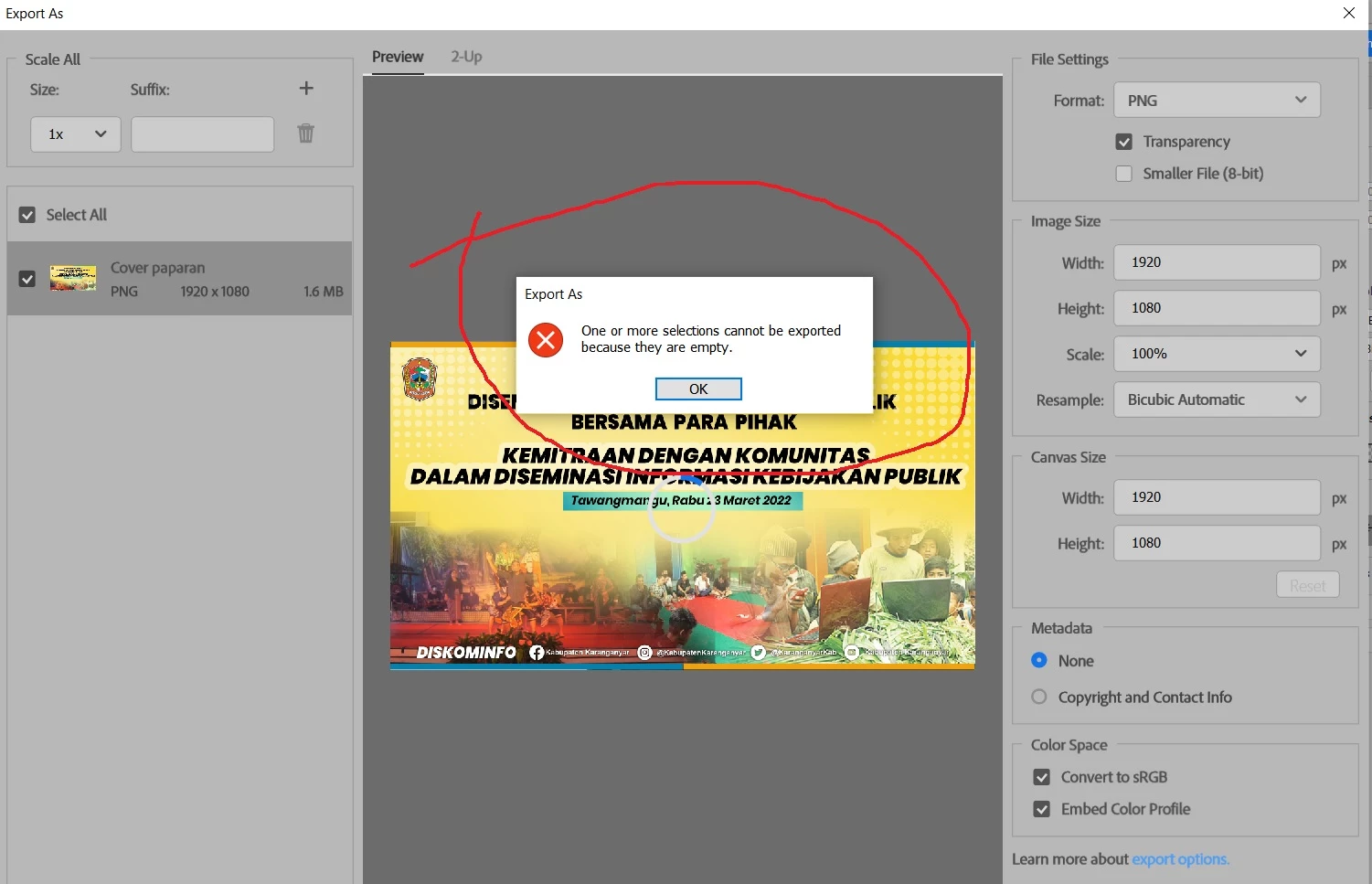
--

And then, after i click OK, i try to change from PNG to JPG, then nothing happend like below?
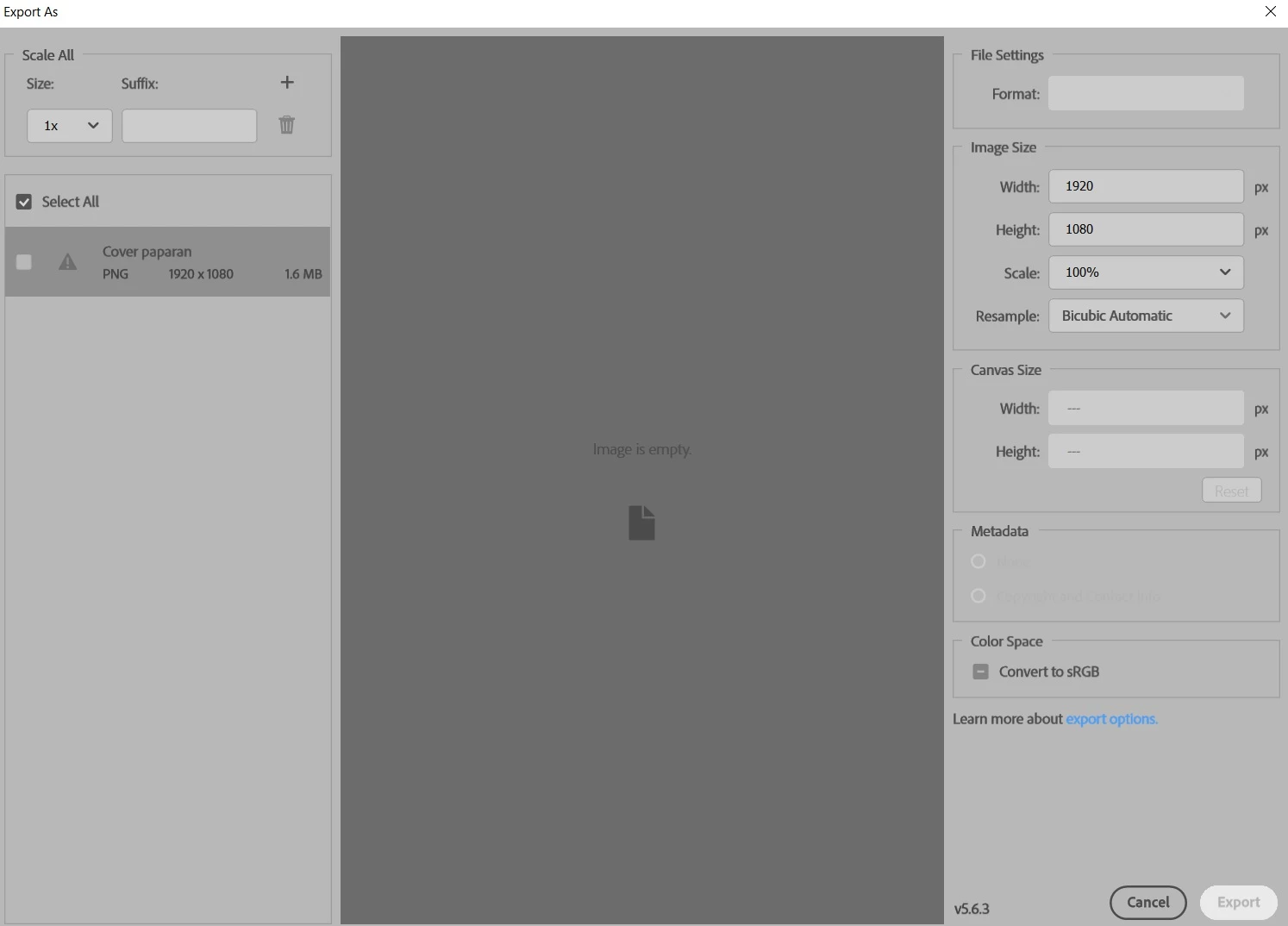
Is it normal? did i miss something? until now, i'm still using ps2021 for my dailly activity. thanks.

Note: i have tried reset preferences, but the result still same.

This topic has been closed for replies.
Correct answer Sameer K

Hi Okie,


Thanks for the update and for sharing the file.

I have tested the file on our end, and we were able to export without any issues.

To ensure the file structure is intact, we have also saved a copy of it with maximum compatibility.

Here is the link to your files: https://adobe.ly/3De0YRj


You can try to reset Photoshop. Please go to the following location.

  • Windows + R key >%appdata% > Press OK to access C:\Users\<username>\AppData\Roaming
  • In Roaming, Go to  > Adobe > Find and rename the folder called Adobe Photoshop 2022 as Adobe Photoshop 2022.OLD (add .OLD).
  • This will reset & backup Photoshop's preferences and settings. The reset can be reversed by removing the '.old' and replacing the newly created Photoshop preferences folder.


Let us know if this works. We hope to hear from you soon.

Thanks,

Sameer K

1 reply

Sameer K
Community Manager
Community Manager
March 23, 2022

Hi Eko,


Thanks for reaching out. We are sorry for the trouble with Photoshop. We are here to help.

Could you please confirm if this issue is occurring with this specific file? Could you please share more screenshots with active layers or a sample file? Where is the file located, and where are you trying to export the document to an internal drive or external drive?

Please follow the steps to troubleshoot this further.

  • Photoshop > Edit > Preferences > Export > Enable Use Legacy 'Export As'
  • Restart Photoshop & check if the issue repeats.


We hope to hear from you soon,

Thanks!

Sameer K


Inspiring
March 24, 2022

Thanks @Sameer K for reply, sorry, i have edited it in ps2021, and finished that file on it. Now i have just open the file in ps2022, export it, and everything look fine. I'm still curious what was wrong. I'll post soon if i got a same problem again. thanks.

######Raizen 7, 40Gb Ram, RTX 3060, Win 11 -- All of Software in the world are just tools. Buy it if it works for you :)