


IanMcIntosh
New Participant
May 19, 2021
Answered

Export As automatically trims transparent pixels?

  • May 19, 2021
  • 3 replies
  • 3351 views

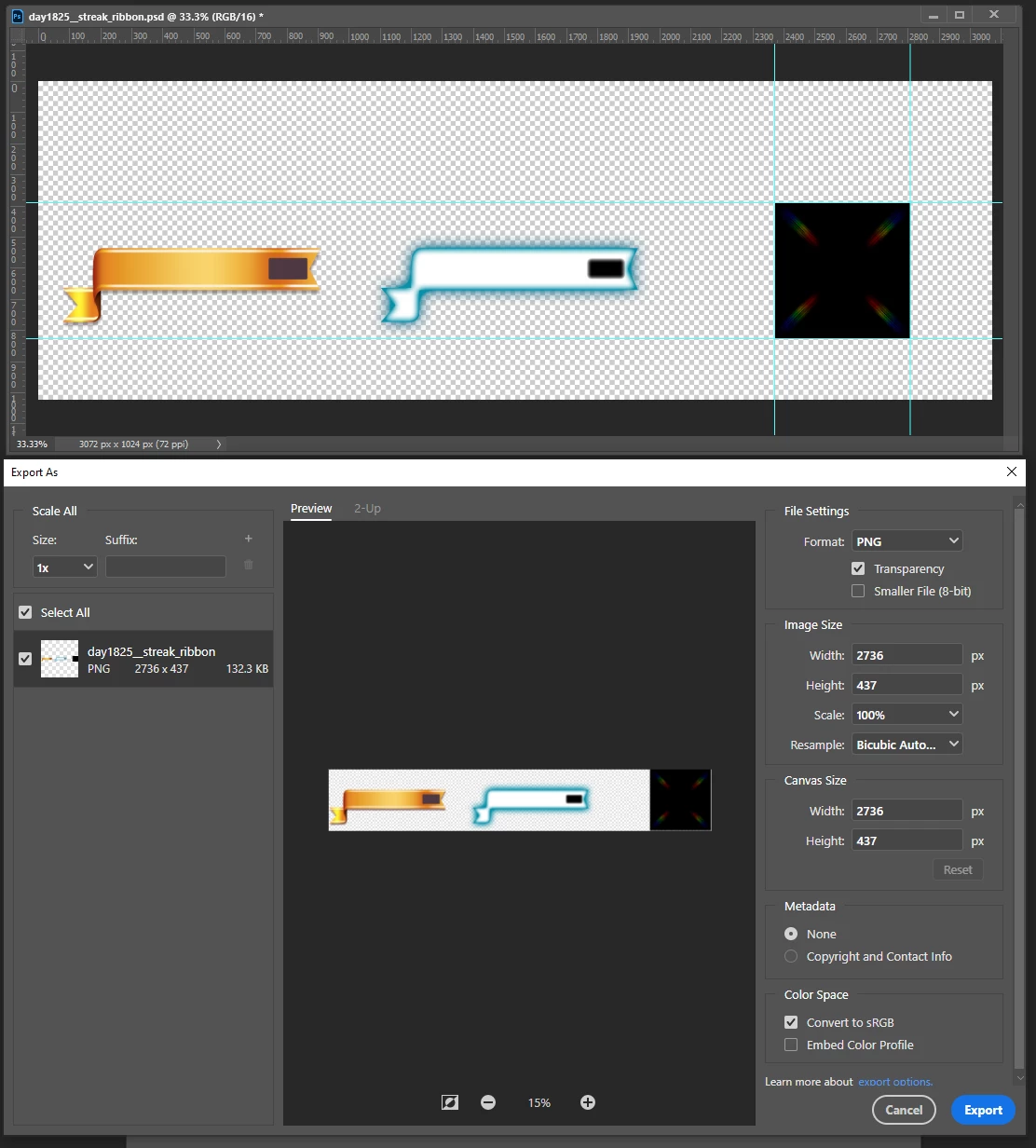
Today, I noticed that Export As is trimming out invisible pixels automatically.  In the screen shot, my image is 3072x1024. Export As treats it as a trimmed down 2734x437. This is not at all what I need. Is there a checkbox to turn this off? -- Save for Web (Legacy) does save out without trimming, however I try and avoid using that tool anymore, since I am affraid Adobe will someday remove it entirely.


Correct answer Jeff Arola

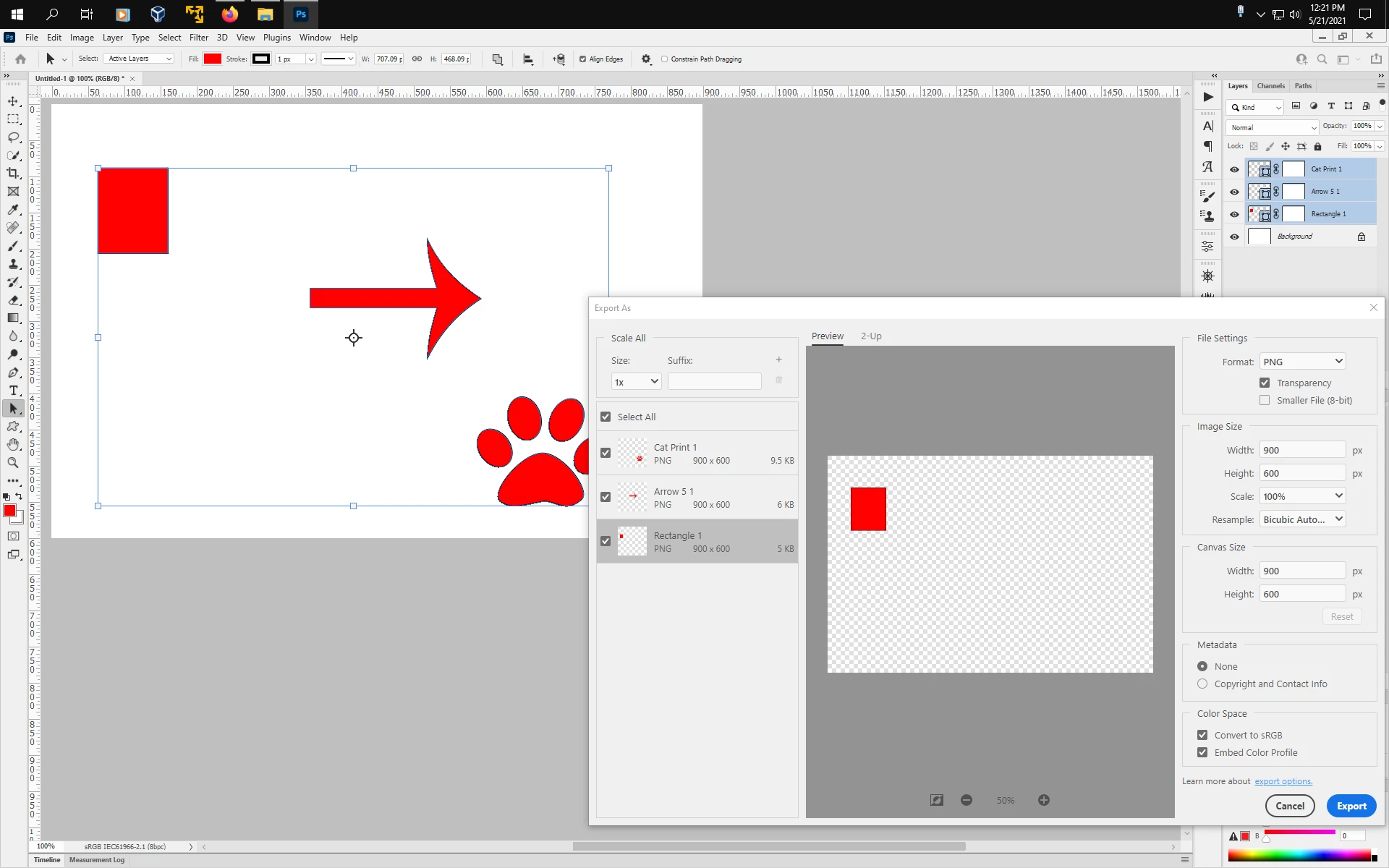
Add a layer mask to each layer to be exported and that should eliminate the trim.


3 replies

IanMcIntosh
New Participant
May 29, 2021

Jeff Arola's answer did lead me to a solution to the issue. In the screen grab, I added a full-image layer mask on the layer group called "fire ribbon". This way, when I use Export As, it regards anything inside of that mask to be important to export.


I consider that to be a "hack" to get around an unexpected behavior of PhotoShop. However, it is better than other possible hacks like using almost-transparent "registration marks" or borders. Optically invisible is not the same thing as mathematically invisible.


Jeff Arola
Jeff ArolaCorrect answer
Adobe Expert
May 21, 2021

Add a layer mask to each layer to be exported and that should eliminate the trim.


New Participant
March 2, 2022

I still haven't solved this problem.
Hasn't this problem been solved yet?
Mac Os/ 2021ver 23.1.0

New Participant
October 9, 2025

For Mac you need to use Rosetta. Click "Get info" on Photoshop's app and check "Open using Rosetta"

Go to settings in Photoshop and check Use Legacy "Export as"


Jeff Arola
Adobe Expert
May 20, 2021

Select your layer in the layers panel, turn off the visibility of all other layers then go File>Export>Export As

IanMcIntosh
New Participant
May 20, 2021

I'm sorry, but I do not follow your instruction. I want to export all visible layers. Whether I have some, all or no layers selected in the Layers pannel, the same result occurs. The image Export As proposes is trimmed to visible pixels.