


Eyedropper Doesn't Match Selected Color
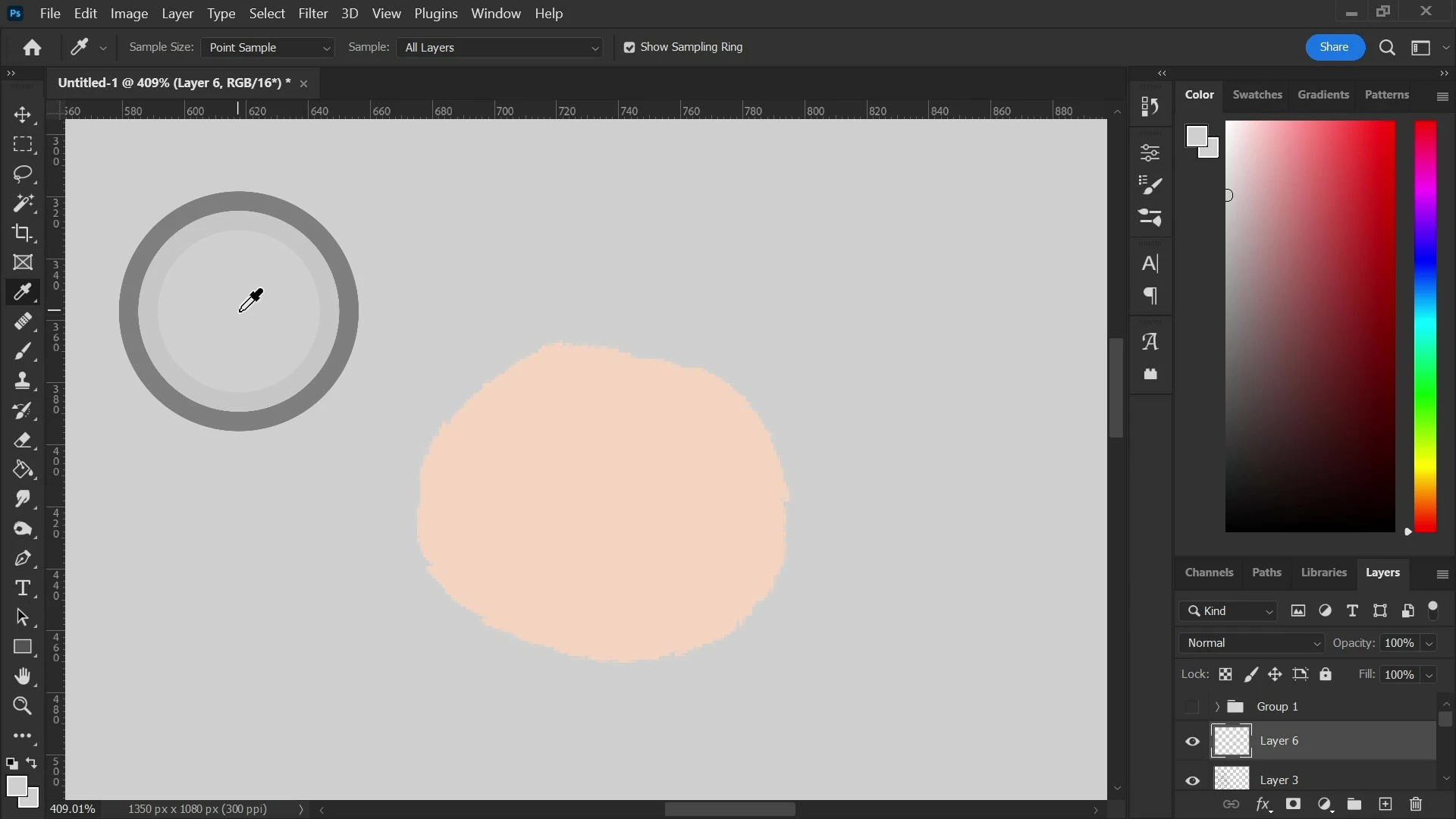
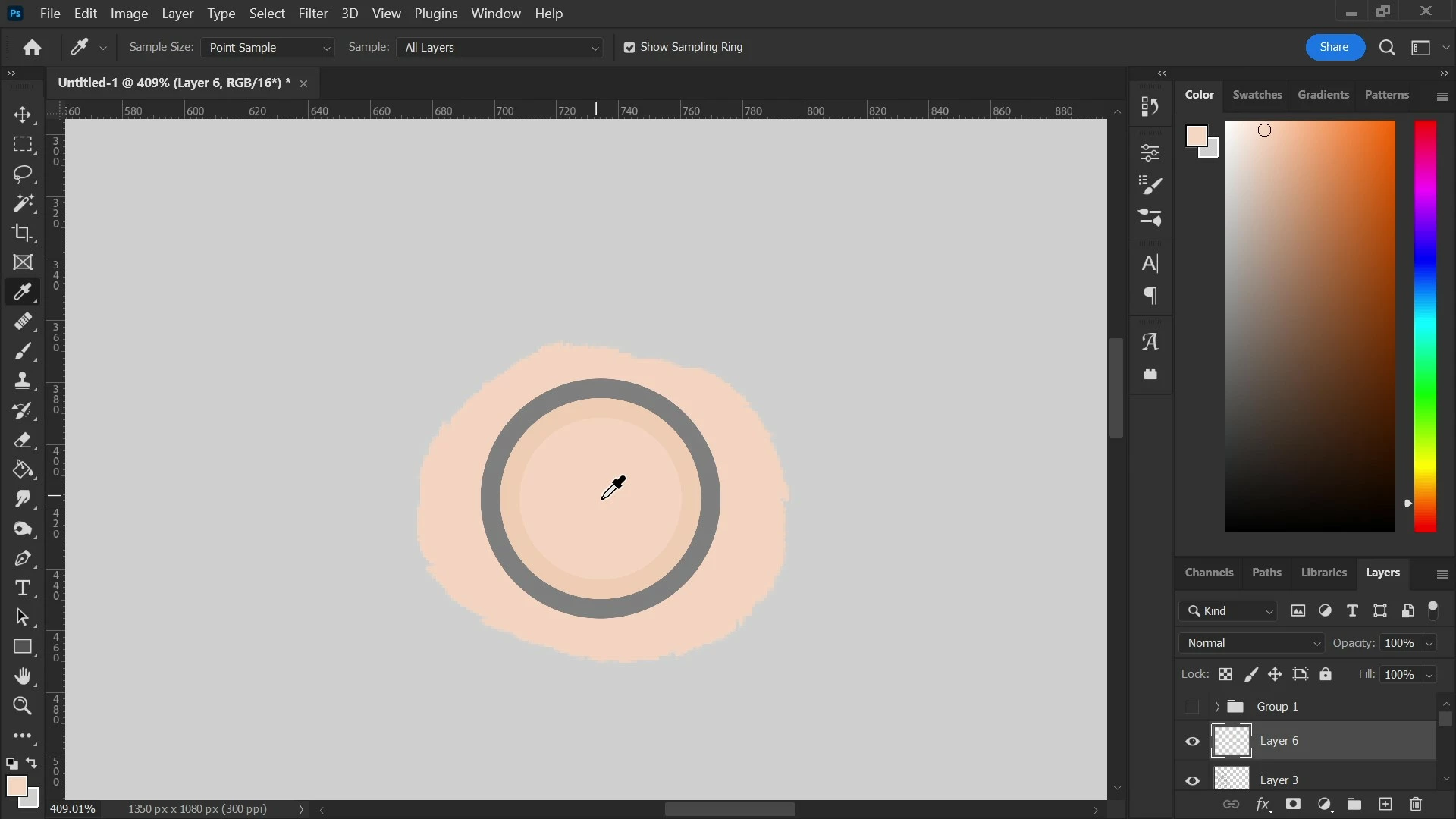
This problem has seemingly came out of nowhere recently, but whenever I use the Eyedropper tool when drawing on my Gaomon PD1560 tablet, the Sample Ring previews a different color than what it has selected. Strange enough, whenever I move Photoshop onto my main monitor (HP Omen Gaming Laptop), the problem goes away instantly, and I can see the colors on the canvas match up with what the Eyedropper selects before my very eyes. Changing color profiles doesn't help, and I don't even know what caused the problem let alone how to solve it. Please help!
 Photoshop Version: 23.3.2 20220503.r.458 d8a9c44 x64
Platform: Windows 11 Home 21H2 Build 22000.675
Graphics: NVIDIA GeForce RTX 2070 Super with Max-Q Design
CPU: Intel Core i7-10750H
Affected Monitor: Gaomon PD1560 Drawing Tablet
 AdChoices