



180z
Participant
July 13, 2020
Question

File > Open > Change the item grouping

  • July 13, 2020
  • 1 reply
  • 214 views

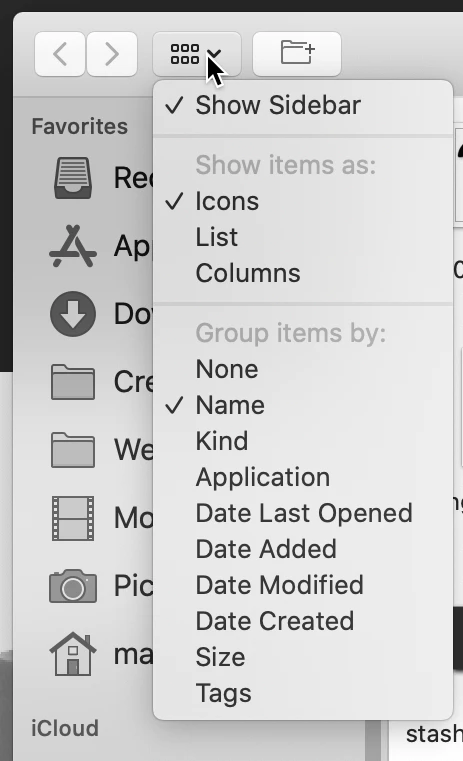
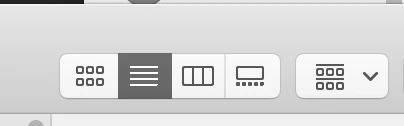
Does anyone know if there's a way to customize / remove the drop down version of the item grouping (pic 1) menu and just make it a static menu (pic 2) like in Finder and most apps? Thought it might be in Keyboard Shortcuts & Menus under the Edit tab but not quite finding it.


This topic has been closed for replies.

1 reply

JJMack
Community Expert
Community Expert
July 13, 2020

I believe Adobe uses your System File System dialog the days.  You May want to check you Mac manuls' On my window 10 machine if I use PS File open my dialog look like this top one.  If I change the view to a thumbnail view. like the lower image.  The next time I use Photoshop file open it will open in the Thumbnail view.  I do know if it PS or Windows that does that.  Windows has folders setting in each folder that effect dialog view for that folder.  So all I can write for sure is Photoshop remembers which folder I accessed least for PS file open opens focused on that folder.

JJMack