


New Participant
December 1, 2018
Answered

Fixing exposure issues in panorama

  • December 1, 2018
  • 1 reply
  • 218 views

I have taken about 7 shots of the skyline and merged them together in photoshop. All is fantastic except for the distinct lines appearing on the sky separating the colours. Below is the cropped image of where the issue is the worst.
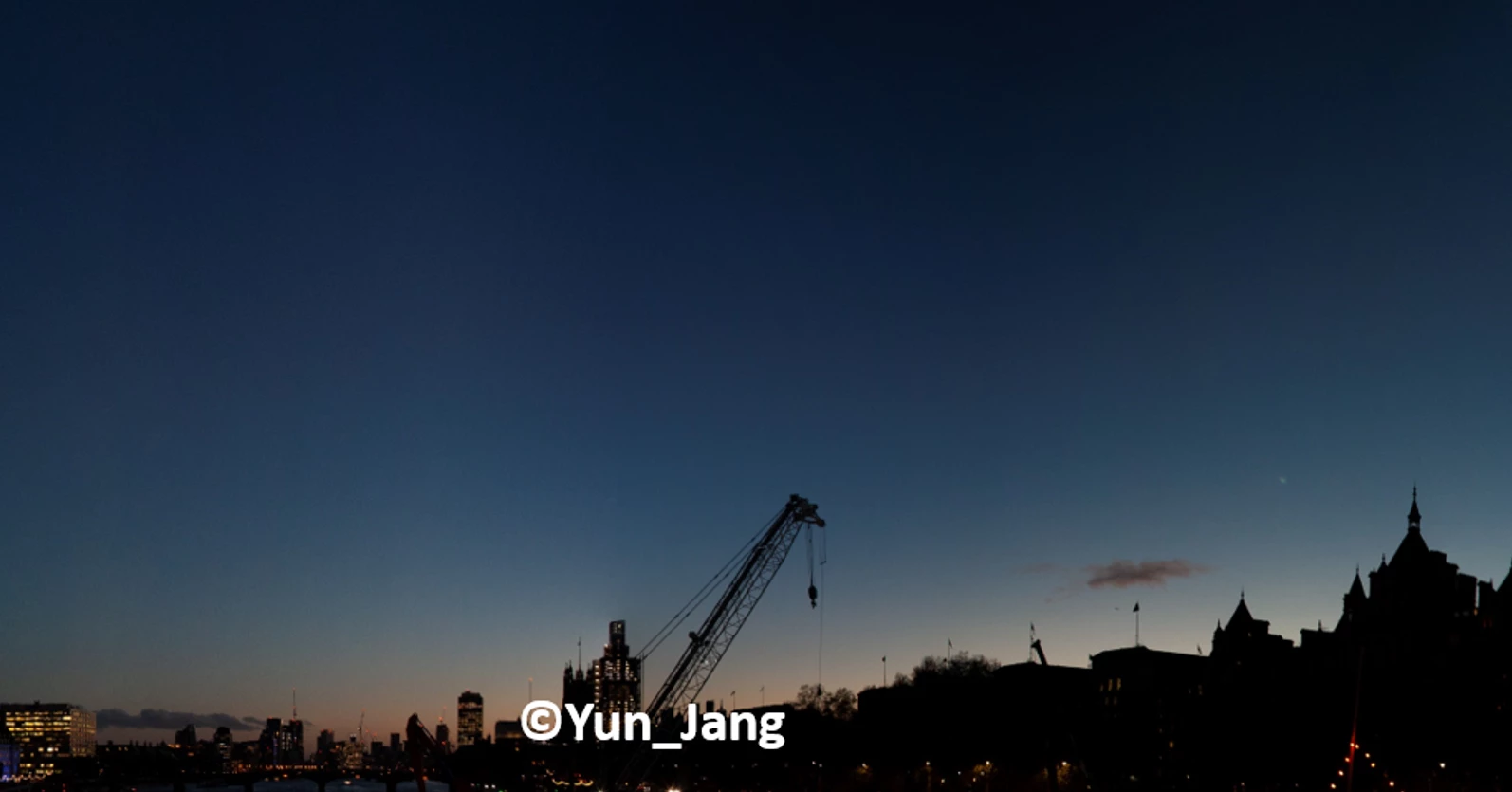
It's not too bad on the original panorama. However, since I am a big fan of high-contrast photos, the distinct lines become even worse;
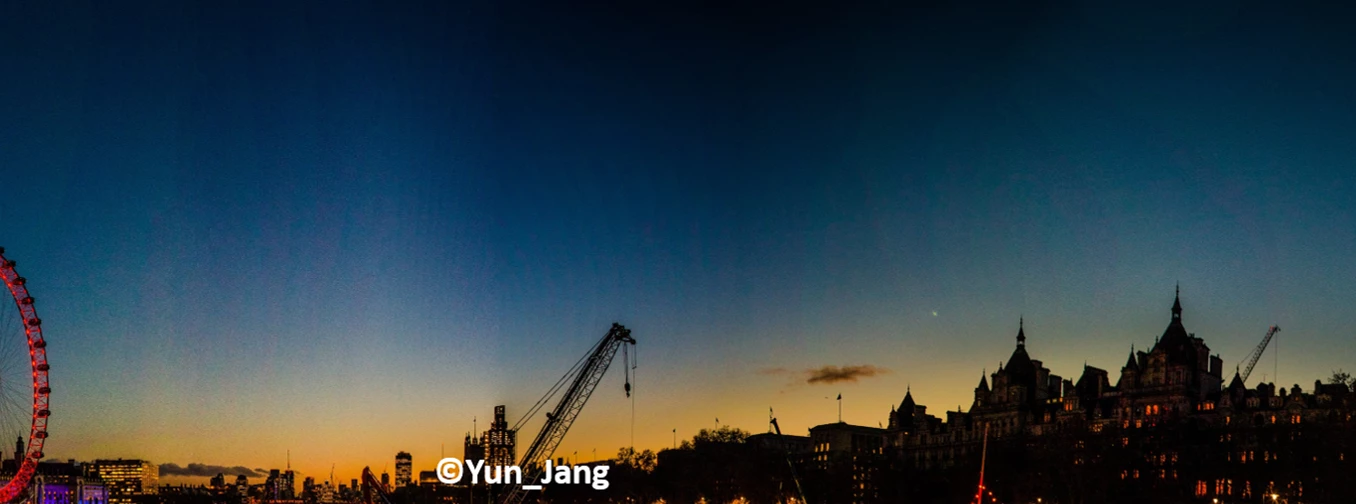
Does anyone know how to get rid of those annoying lines?

Any help will be appreciated.

This topic has been closed for replies.
Correct answer D Fosse

You need to correct exposure differences and lens vignetting before stitching. Vignetting is easily corrected by applying lens correction profiles in ACR/Lightroom. It doesn't have to be perfect, but here there's obviously no prior correction at all.

1 reply

D Fosse
D FosseCorrect answer
Community Expert
December 1, 2018

You need to correct exposure differences and lens vignetting before stitching. Vignetting is easily corrected by applying lens correction profiles in ACR/Lightroom. It doesn't have to be perfect, but here there's obviously no prior correction at all.