MiaKai
Inspiring
December 1, 2018
Answered

Frame Animation: Can Not Copy & Paste Frames

  • December 1, 2018
  • 4 replies
  • 7256 views

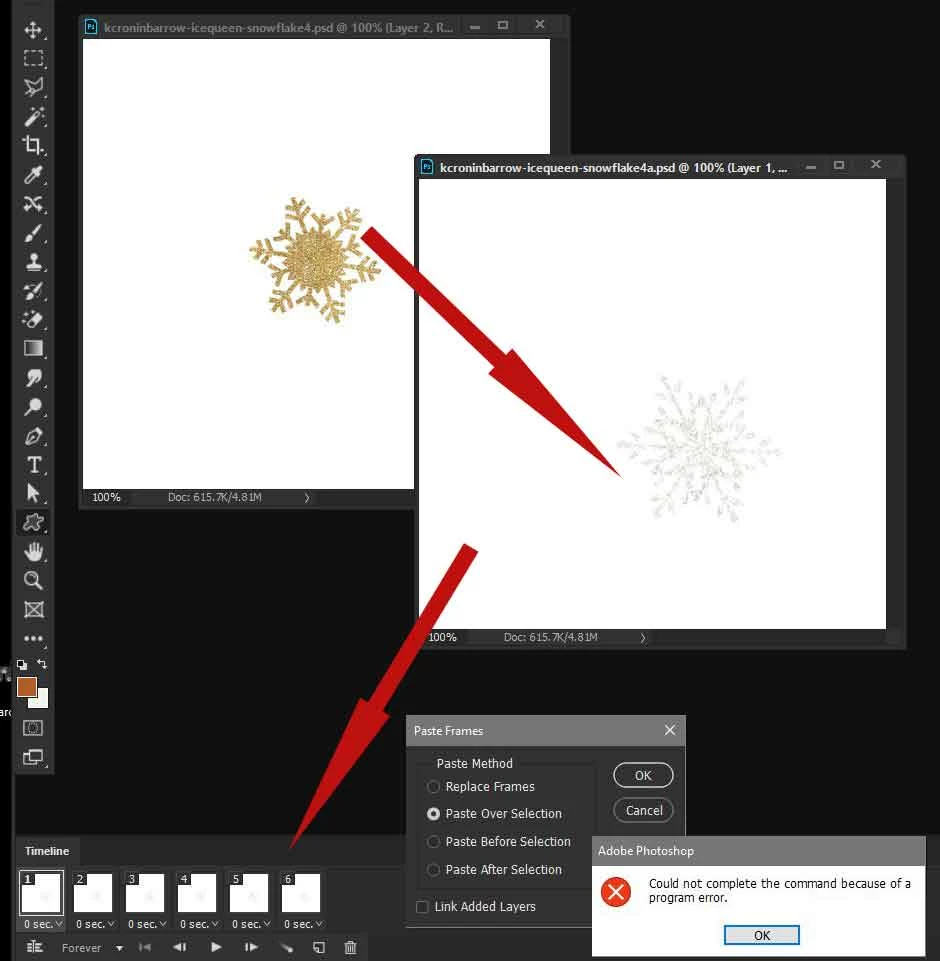
In a frame animation, I am trying to copy and paste frames on top of another frame animation, both with the same number of frames, and I receive the error:  could not complete the command because of a program error.  A few Photoshop updates back, I was able to do this.  Has something changed that I'm not aware of perhaps?

This topic has been closed for replies.
Correct answer JJMack

There are many tutorial on the web for animating a Photoshop 3d object.  A ball is a sphere.  I made the Christmas ball by merging 3 Photoshop 3d layers into a single 3d layer all Adobe preset meshes. A sphere a cylinder and a ring.  For me the hard part was sizing and positioning them relative to each other.

I started with a 2:1 Aspect Ratio Canvas and laid out 4 image next to each other a border on top and bottom and flattened.  the create the 3d sphere using Adobe preset Sphere Mesh.

In a video timeline its very easy to rotate a 3d layer look for a tutorial

https://www.google.com/search?q=Phtoshop+animating+a+3d+sphere&oq=Phtoshop+animating+a+3d+sphere&aqs=chrome..69i57.29983…

Using My Photo collage toolkit you can make a collage template  for other  geometric 3d objects surfaces.

Re: How can I create 3d pentagon in photoshop, like the cube preset, but with 5 sides? .

An MP4 video will have better Color then an Animated GIF you can creat both mp4 and gif

Here is a PSD you will need to replace the sphere texture bump map and opacity map ChristmasBall.psd

Warning CC 2019 crashes on me if I try to replace the bumpmap CC 2918 will work CC  CC 2019 has many issues
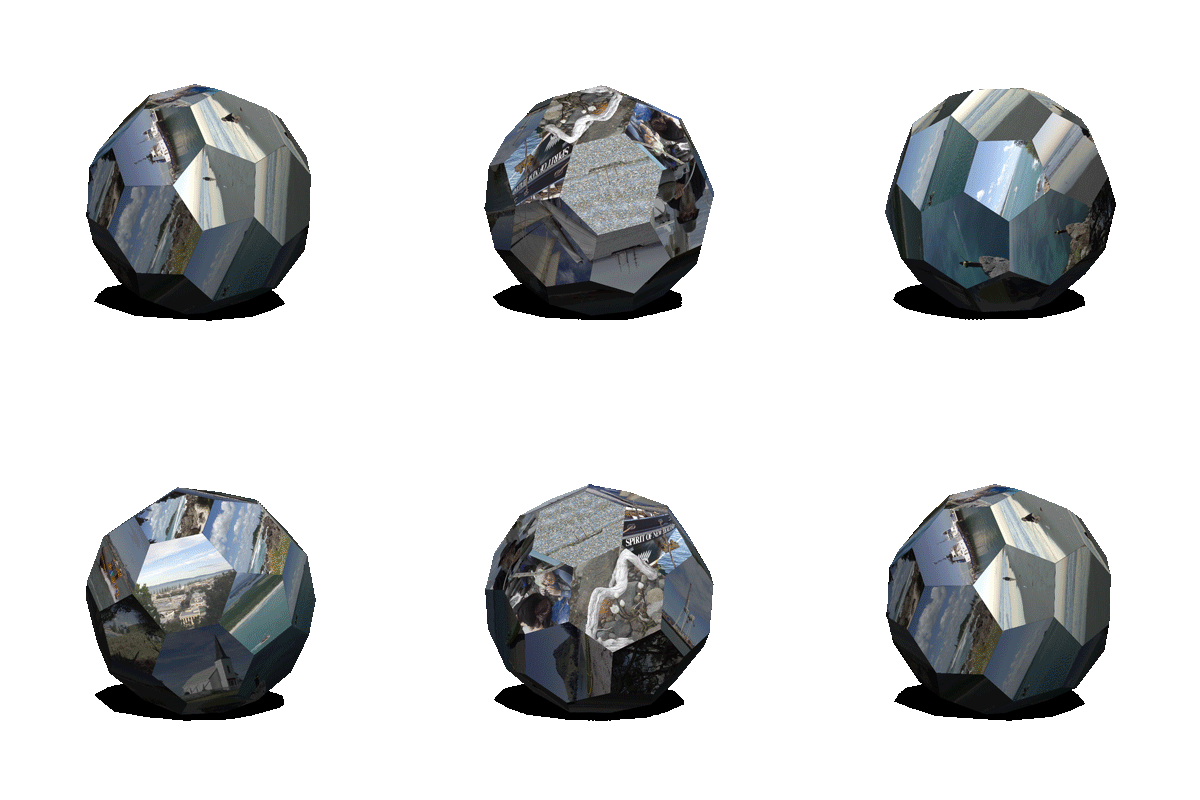
As a 1080P MP4 loope in Web HTML Page Ball Collage MP4

4 replies

Trevor.Dennis
Community Expert
December 17, 2018

It's working for me.  V20.0.1  Windows 10.  One thing is that both had an identically sized canvas, but I just tried with different sized canvas and it still works fine.  I tried with a frame half way along the timeline, and still not trouble.  I tried my best to break it, but it just works every time.

Is Paste  frames greyed out?

What operating system?

JJMack
Community Expert
December 3, 2018

The PSD document may have a very different layer structure then Gif open in Open Photoshop. My PSD opened in  Photoshop has two layers and 150Frames, The saved Gif open in Photoshop has 150 layers and 150 frames. Very different documents.    One document 150 Frames have one unique layer per frame.  The other document 150 frames all have the same two layer visible. If I copied and Pasted the frames look the same but the files content is very different between the PSD file and the GIF file.  The PSD format can support so much more the a poor Gif 256 mapped color file.  The PSD  file may han 8 or 16 bit color depth have layer with mask have text layers etc.  A gif file has 256 mapped color and some kin of  gif animation encoding  Photoshop can only renders layers with mapped colors.  If you mix PSD and GIF there could be  problems I would think.

JJMack
MiaKai
MiaKaiAuthor
Inspiring
December 4, 2018

Thank-you for all of your help and suggestions.  It doesn't work like it did a few versions back, but it's working nonetheless... 

JJMack
Community Expert
December 3, 2018

Post the two gif so we cab test with them.

JJMack
MiaKai
MiaKaiAuthor
Inspiring
December 3, 2018

JJMack
Community Expert
December 3, 2018

To combine those you need to remove one of the white backgrounds. I had no trouble.

JJMack
JJMack
Community Expert
December 2, 2018

I'm able to doe that Windows 10 1809 + CC 2019

JJMack
JJMack
Community Expert
December 2, 2018

I did more testing and did get some Program errors moving the animations more than one.  However Photoshop was still active and and the document still open I could try moving the animation again.  These GIFs have 300 Frame so the PSD is 600 layers with each animation having 300 linked layers.   The move is painfully slow and you can not see the move location till all 300 layers and frames have been processed.  Its more a move by trial and error. This animated gif is 5MB in size.

JJMack