


Question
Gradient map how to draw more than one line in the same layer
Gradient map how to draw more than one line in the same layer
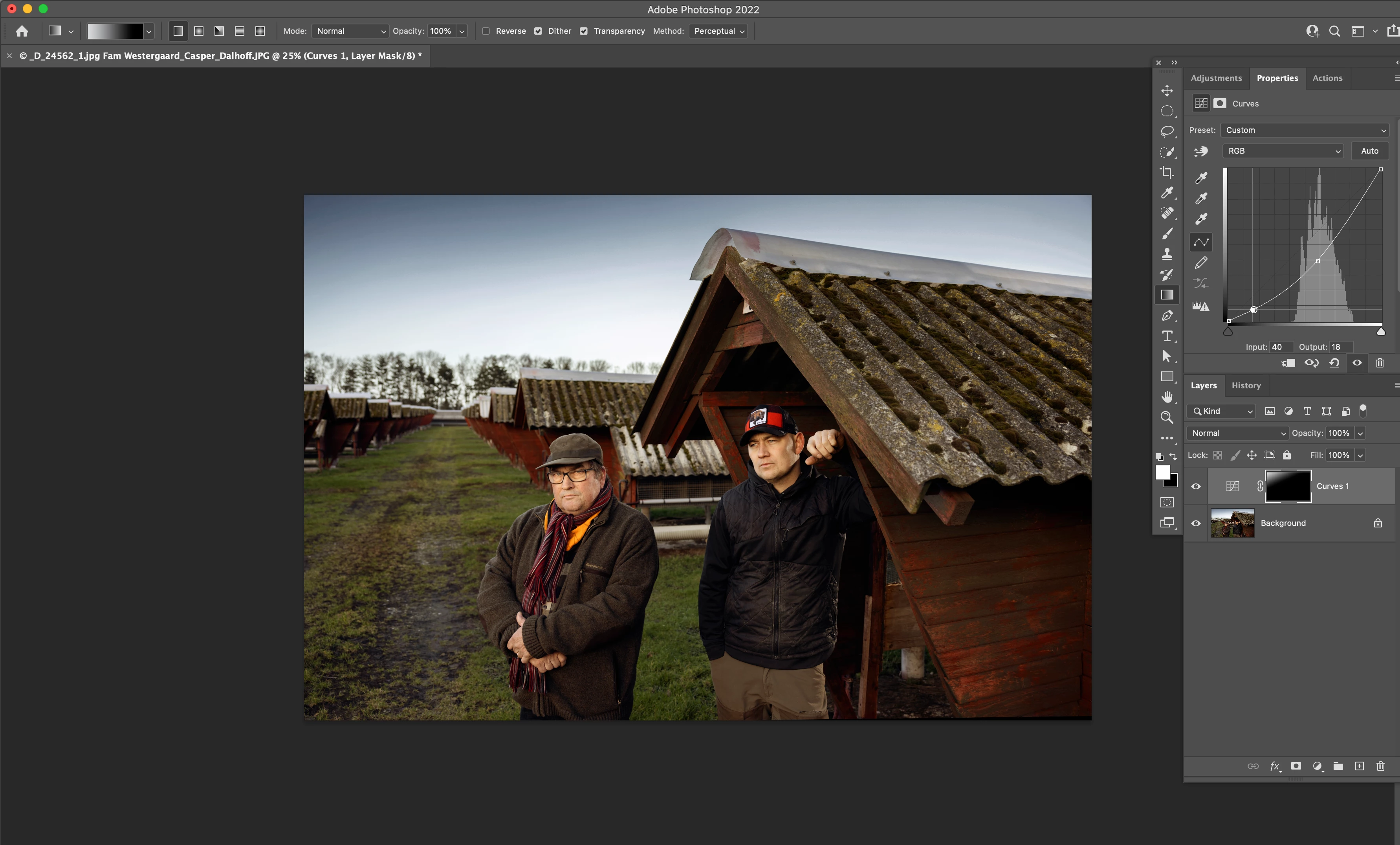
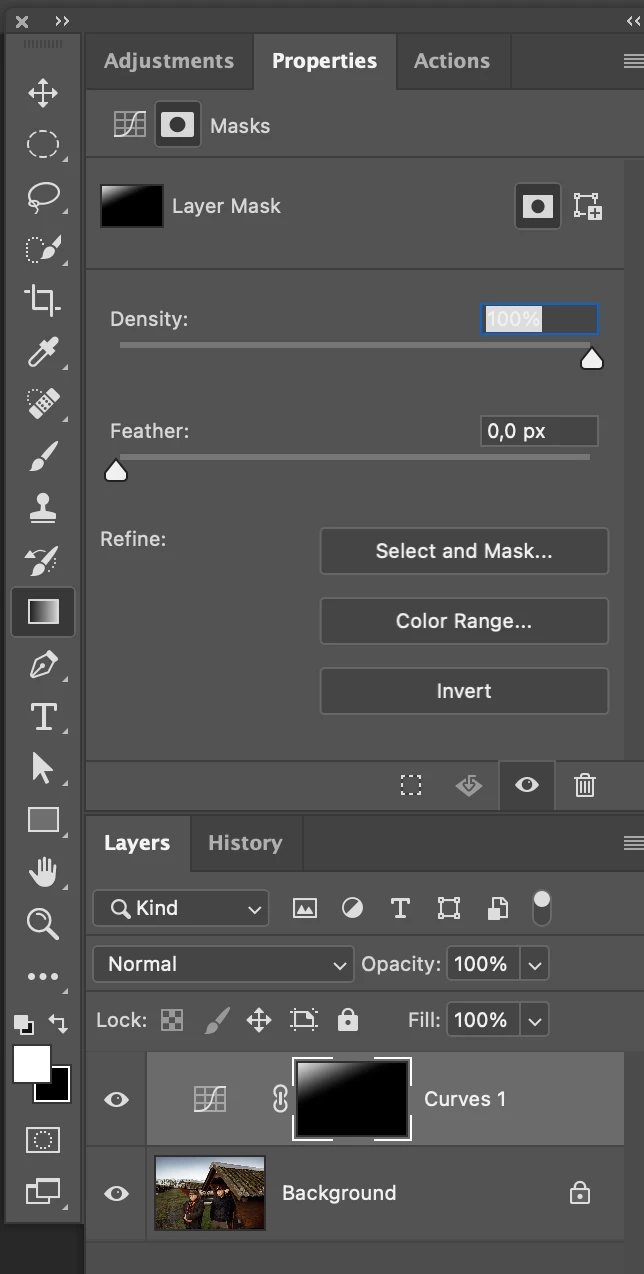
I have a problem drawing more than one line in the same adjustments layer.
The problem is new to me. I usually can do this without problems - I have probably come to make a setting that was not intended.
I hope for your help
All the best Casper
I have a problem drawing more than one line in the same adjustments layer.
The problem is new to me. I usually can do this without problems - I have probably come to make a setting that was not intended.
I hope for your help
All the best Casper

 AdChoices