



Gradient map on black and white photo to mimic illustration
Hi there,
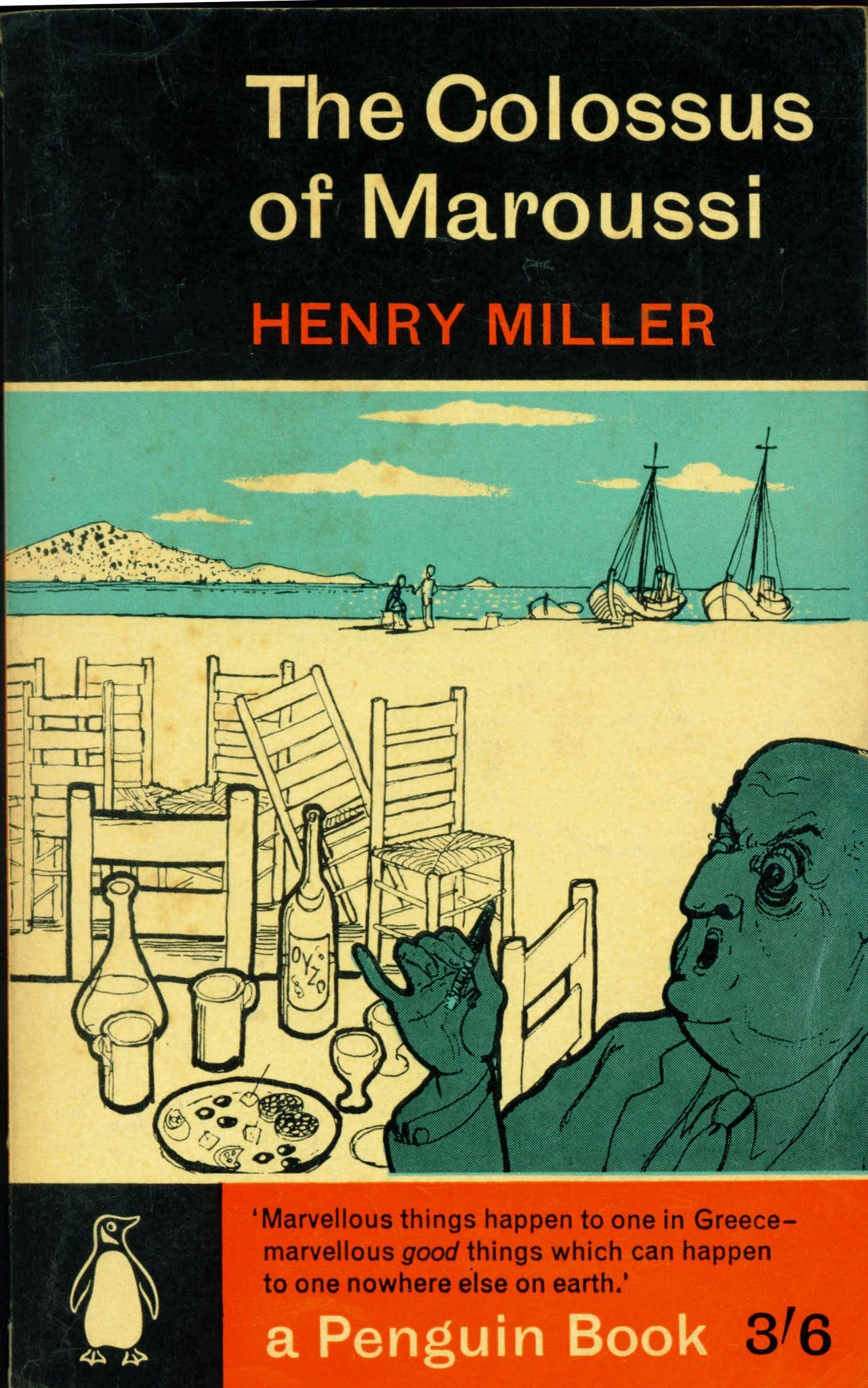
I am trying to create a posetrized / illustration effect based on the illustration that you see on the book cover screenshot below, with the use of gradient maps.
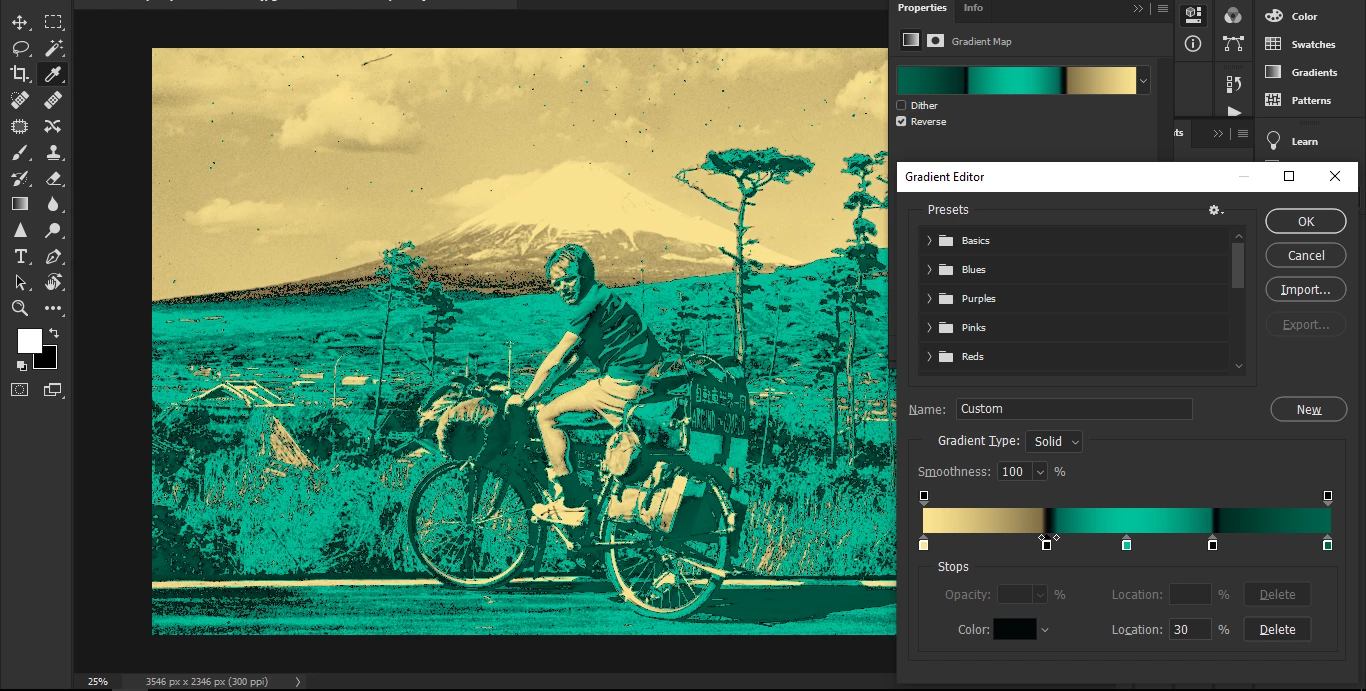
This is how my current gradient looks.
I am not sure that I need the black color stop twice to achieve the look as on the book illustration.
I know that that is an illustration, not a photo, and it's not based on levels unlike gradients.
But hand painting each of my image would take too much time for my workflow, so I am trying to automate it with gradients to achieve something similar as the illustration.
The 3 colors (yellowish, blueish, greenish) naturally distribute on the desaturated high contrast image, so that's fine, it's really similar to the illustration, but there are two caveats:
- how to achieve the black contour lines with the gradient? (I tried to add the black stop twice, still no black contours 😞 )
- how to isolate the blueish and greenish areas on the photo, just like on the illustration are?
(I don't want to really dedicate areas to these colors because the levels do that job, I just want that the black contours define these areas just like on the illustration)
Something I am doing wrong in my gradient map settings because the results are not similar to the illustration, I don't know what exactly, can someone help?
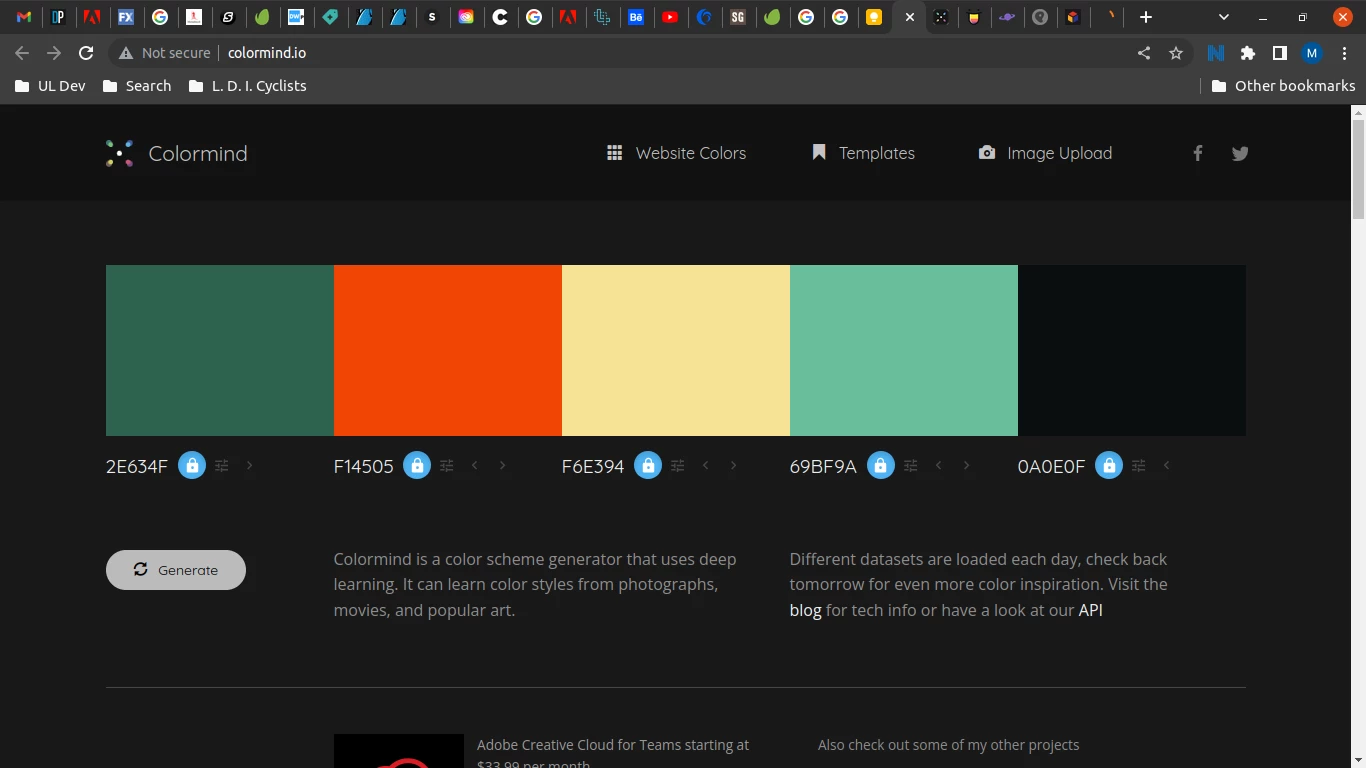
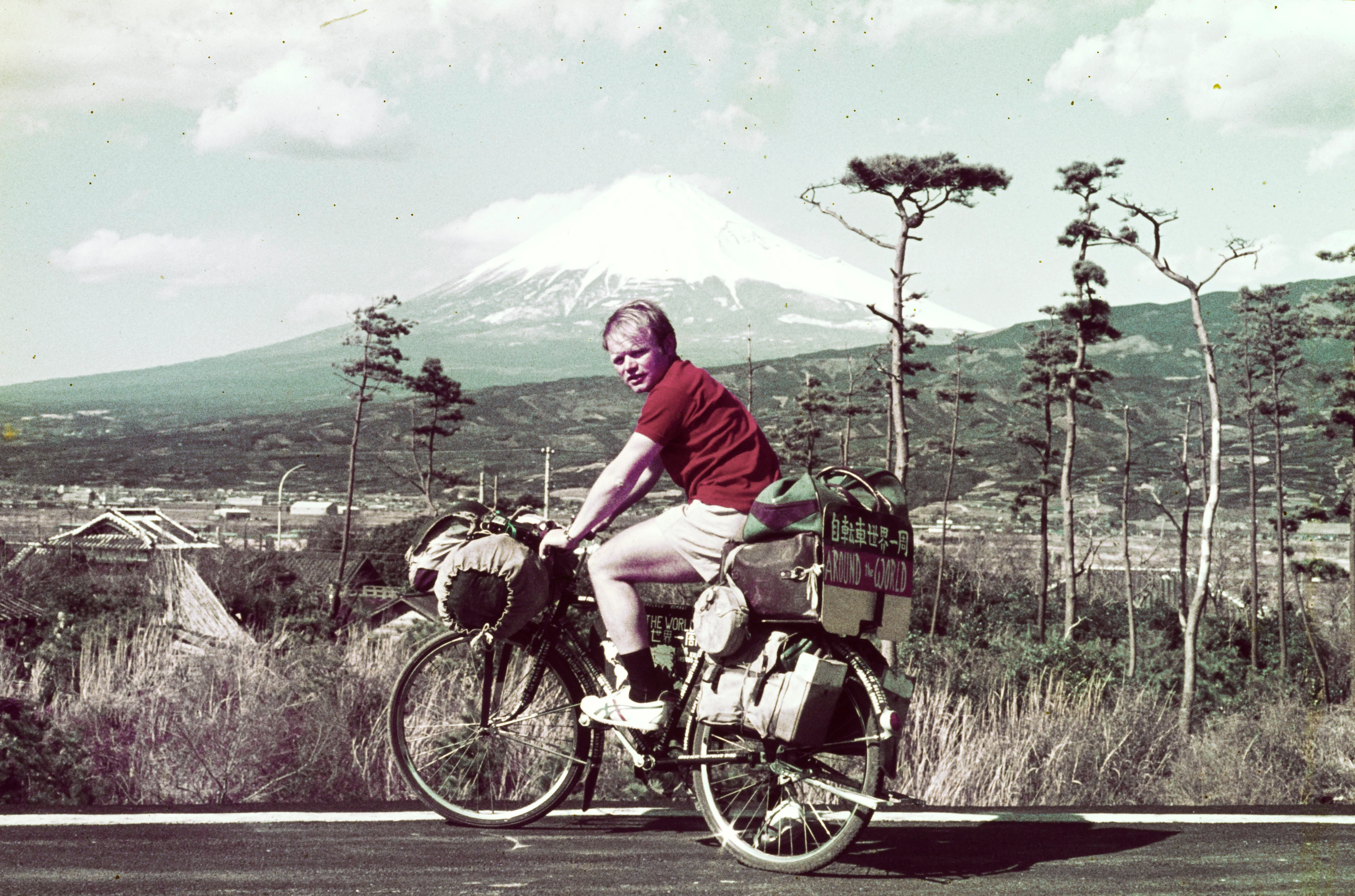
I attached the sample image, the colors screenshot with the HEX codes, and my gradient settings screenshot from PhotoShop.
Can anyone advise some good tricks with the use of the gradient to achieve the look seen on the illustration (almost) perfectly?
Thank you in advance.
Eventually what other tools should I use to achieve the illustration effect seen on the book cover sample?
 AdChoices