Inspiring
February 3, 2025
Question

Help: I want to replace a person or at least the head of a person in one photo from another [SOLVED]

  • February 3, 2025
  • 3 replies
  • 3795 views

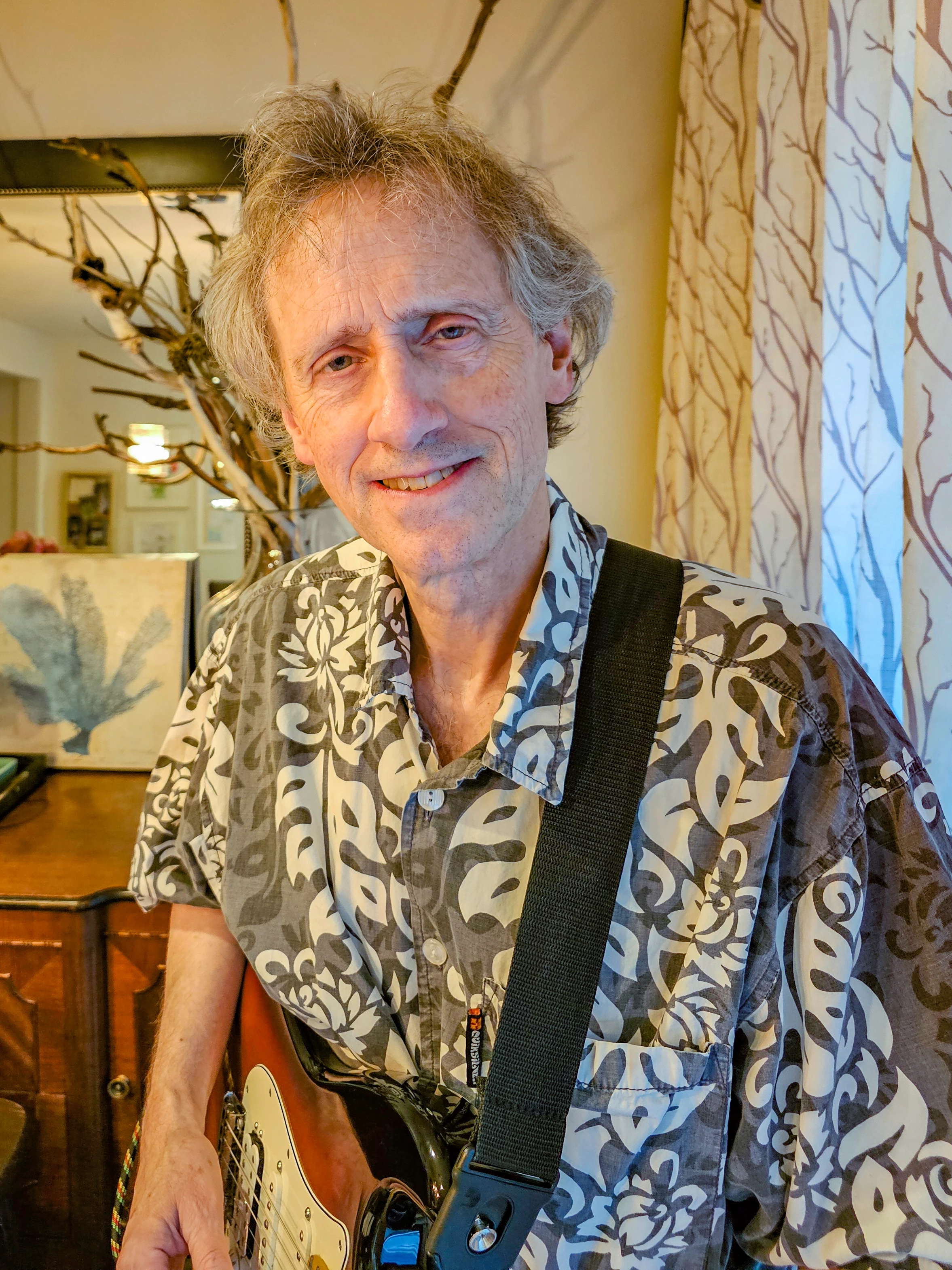
I want to replace the person or at least the head of the person in the attached image with the person or head of the person in my second image.  The person or head I want replaced is the fella standing at the far right in the back row with the person or head of the person in the single image attached here.  I am failing miserably at trying to do this.  Can someone please help?


3 replies

Trevor.Dennis
Community Expert
Community Expert
February 5, 2025
Inspiring
February 5, 2025

Thanks ... I've watched that video before and even again today.  I can't get any of that to work.  When I add the second image it shows it as the background.  According to the video it should be a layer.  

Inspiring
February 11, 2025

To add one image into another image, open both images in Photoshop. Select the first image you want to add to the second image and with the Move tool, drag the first image over the title bar of the second image. Do not release the mouse. That should activate the second image. Drag the first image down into the second image and then release the mouse.

Alternatively, you can select the first image and copy it into the second image. However, the first image avoids the clipboard which can be memory intensive.


I actually tried that as it shows the technique in the video link above.  I could not get it to work.

rayek.elfin
Legend
February 4, 2025

Here ya go. Easy peasy. 😉


Inspiring
February 4, 2025

🙂  now that is funny! 🙂

Trevor.Dennis
Community Expert
Community Expert
February 4, 2025

Are you sure that's what you want?  Looks kind of wrong to me.

creative explorer
Community Expert
Community Expert
February 4, 2025

@Trevor.Dennis OMG you're next 'James Fridman!'

m