

Answered
Help me please: Cusor not displayed corrctly
When working on canvas in Photoshop, the cursor stylus is not displayed correctly.
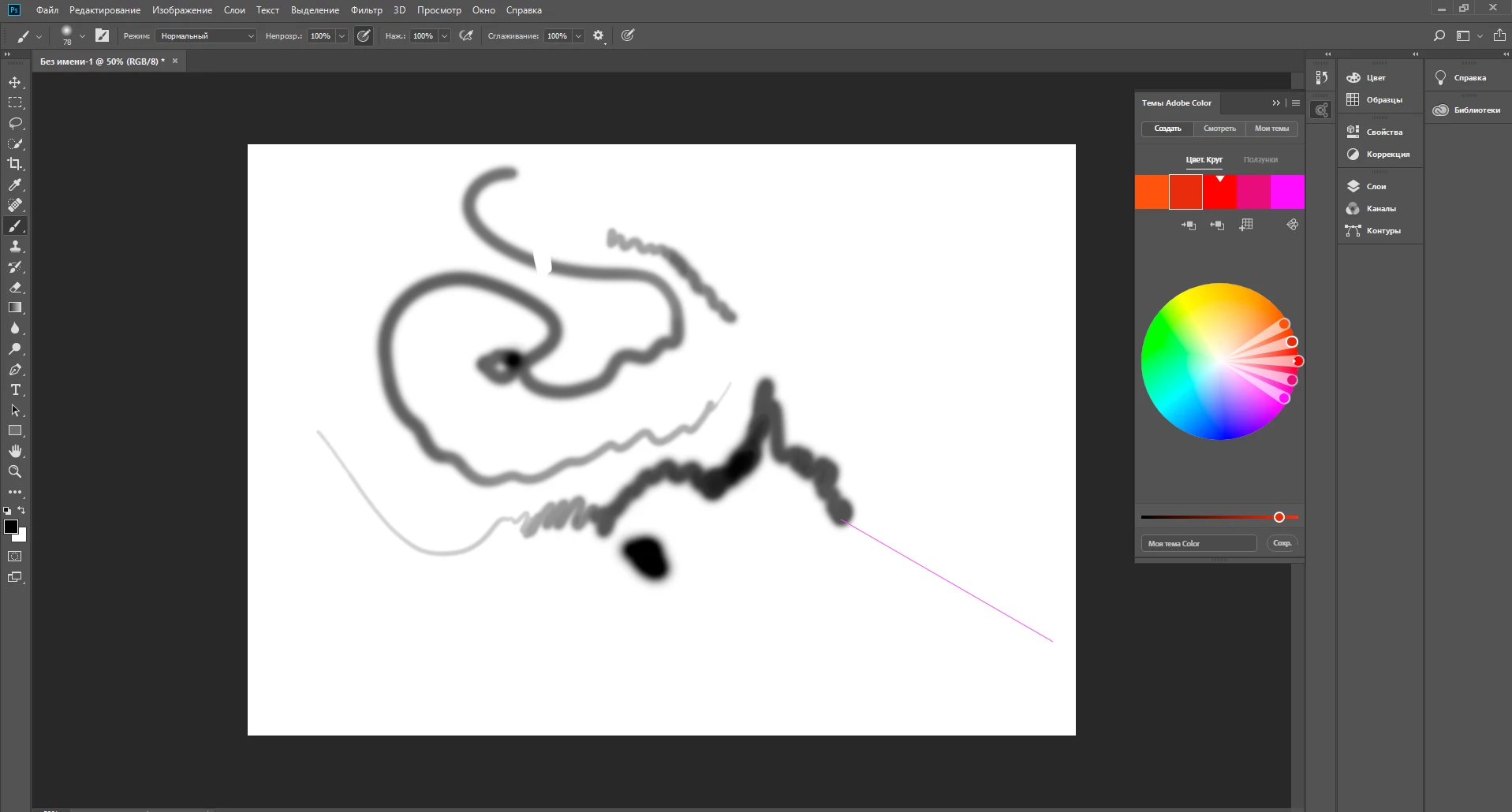

When working on canvas in Photoshop, the cursor stylus is not displayed correctly.
yes for all tools.
Your idea can't help.
Then I suspect the problem may be outside of Photoshop, some OS setting or a driver maybe.
Already have an account? Login
Enter your E-mail address. We'll send you an e-mail with instructions to reset your password.
 AdChoices