


Help with channels, possible to have monotone & grey channels in one file?
Hello,
First, please bear with me as I am fairly new to channels and spot printing.
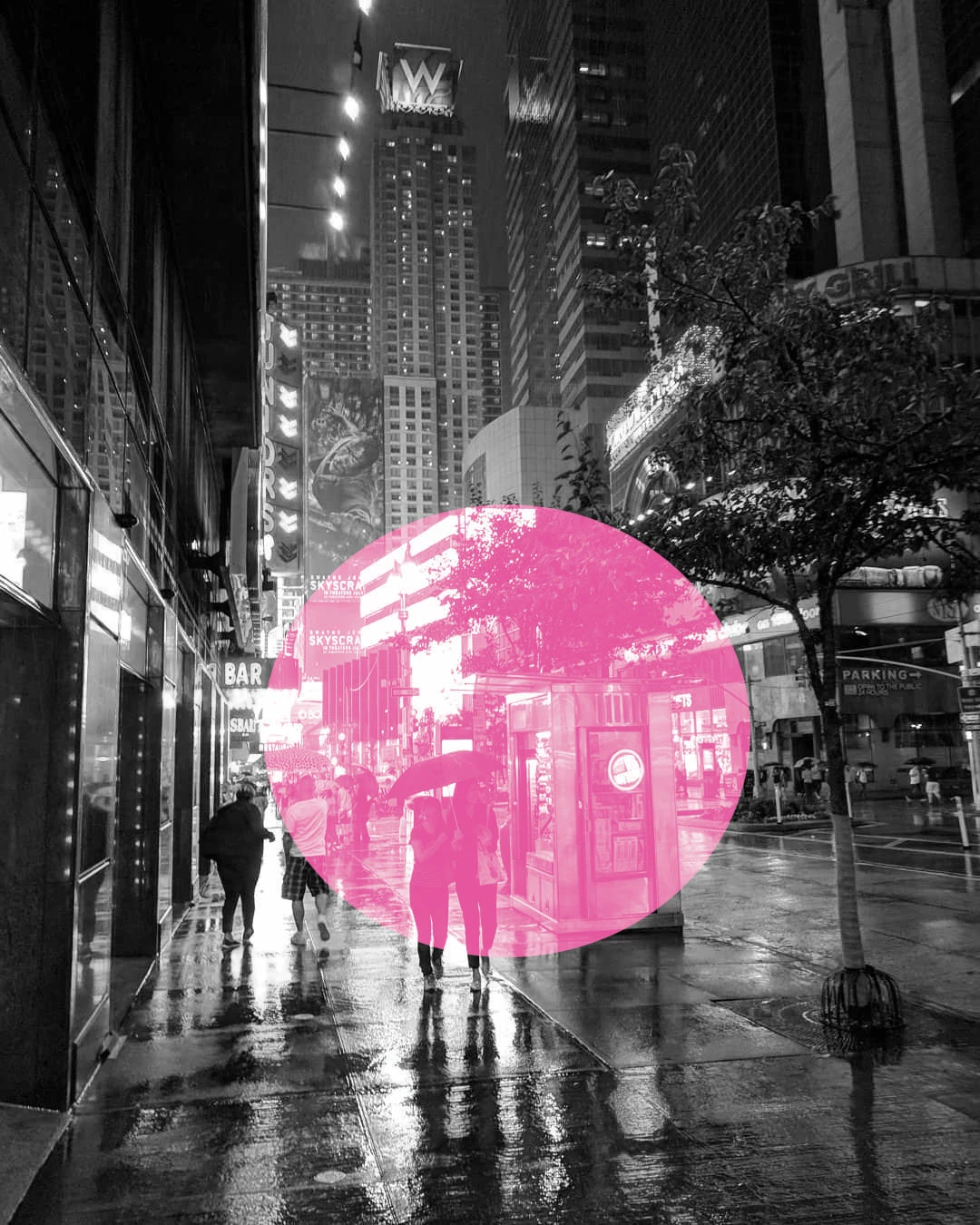
I am working on a file for a print job which uses greyscale and a spot color. What I was wondering is if there was a way to achieve the effect in the image below, where a portion of the image is greyscale and a portion is a spot color, but that spot color is monotone (no grey). This file needs to only have two channels, greyscale and spot color. The image shown was created by pasting a portion of a monotone file onto a cmyk image.
Using a greyscale image and a selection spot color I was able to create the image below, but this is not what I want, as it still has greyscale within the color section.
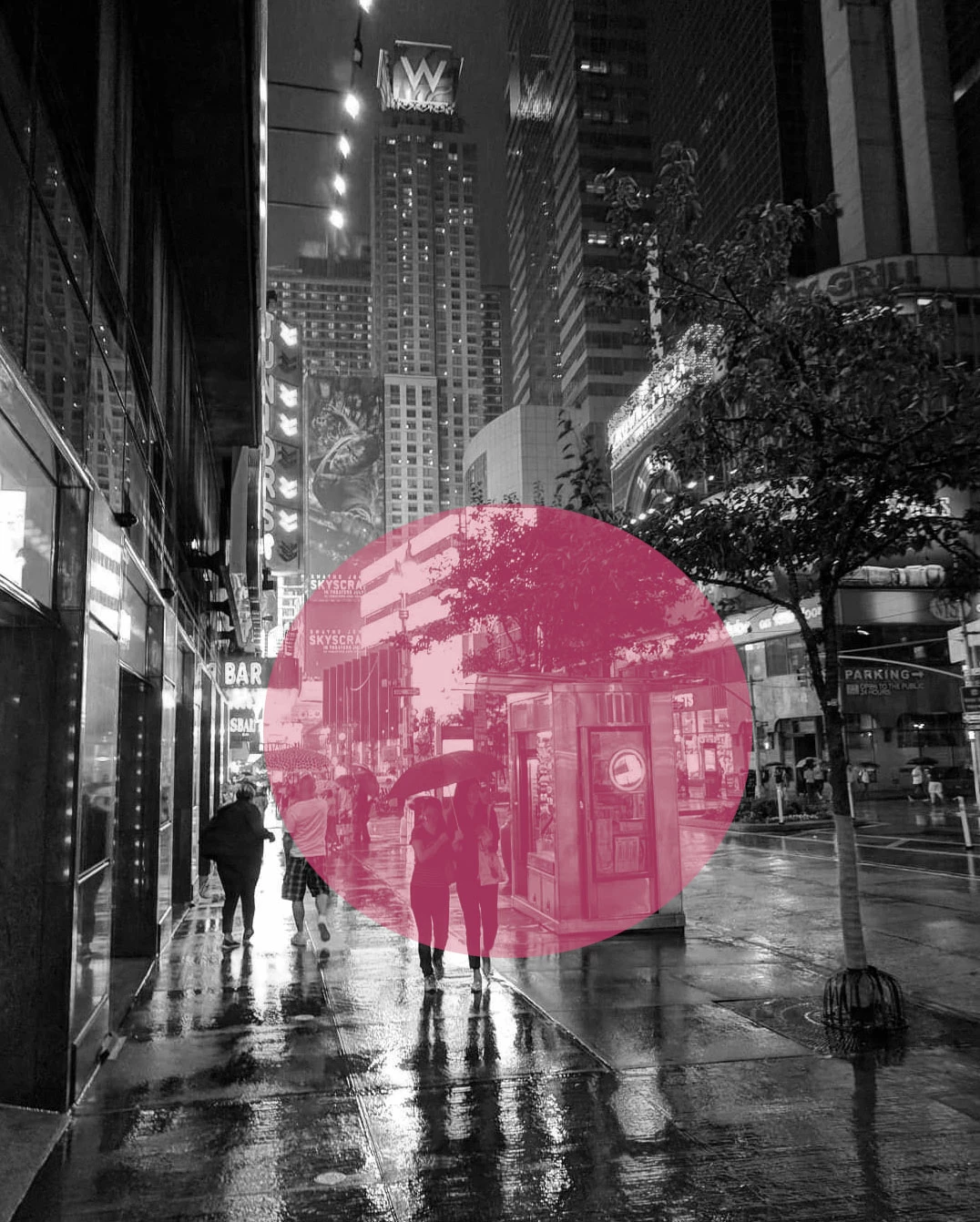
I realize I could create two separate images and layer them in indesign, but I was wondering if it was possible to do it all in photoshop.
Thanks so much!
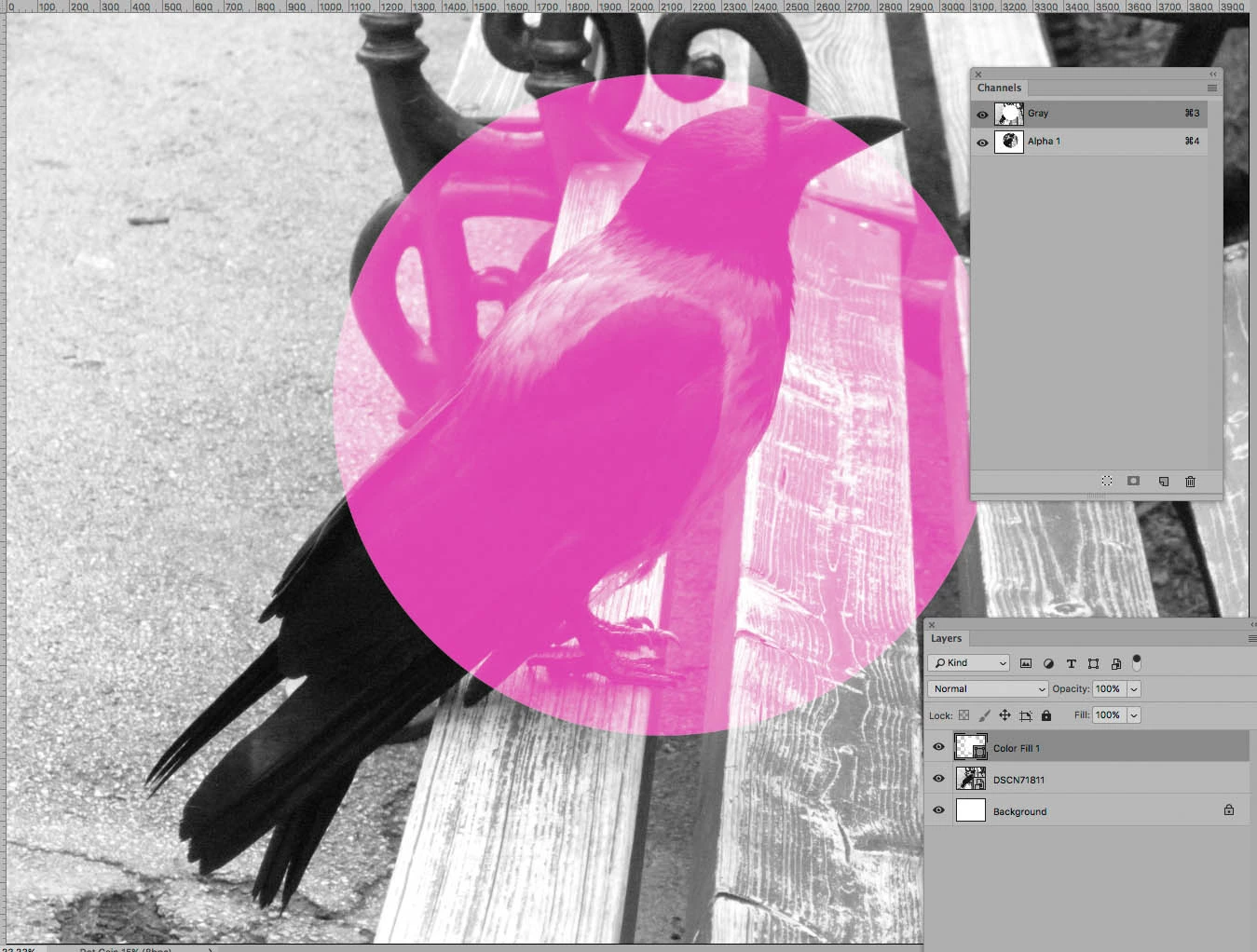
(note: this is not the image I am using, just a random image pulled from the web)
 AdChoices