BeanBoy76
Participant
August 8, 2022
解決済み

Help with color fringing in hair after masking
  • August 8, 2022
  • 返信数 2.
  • 1022 ビュー


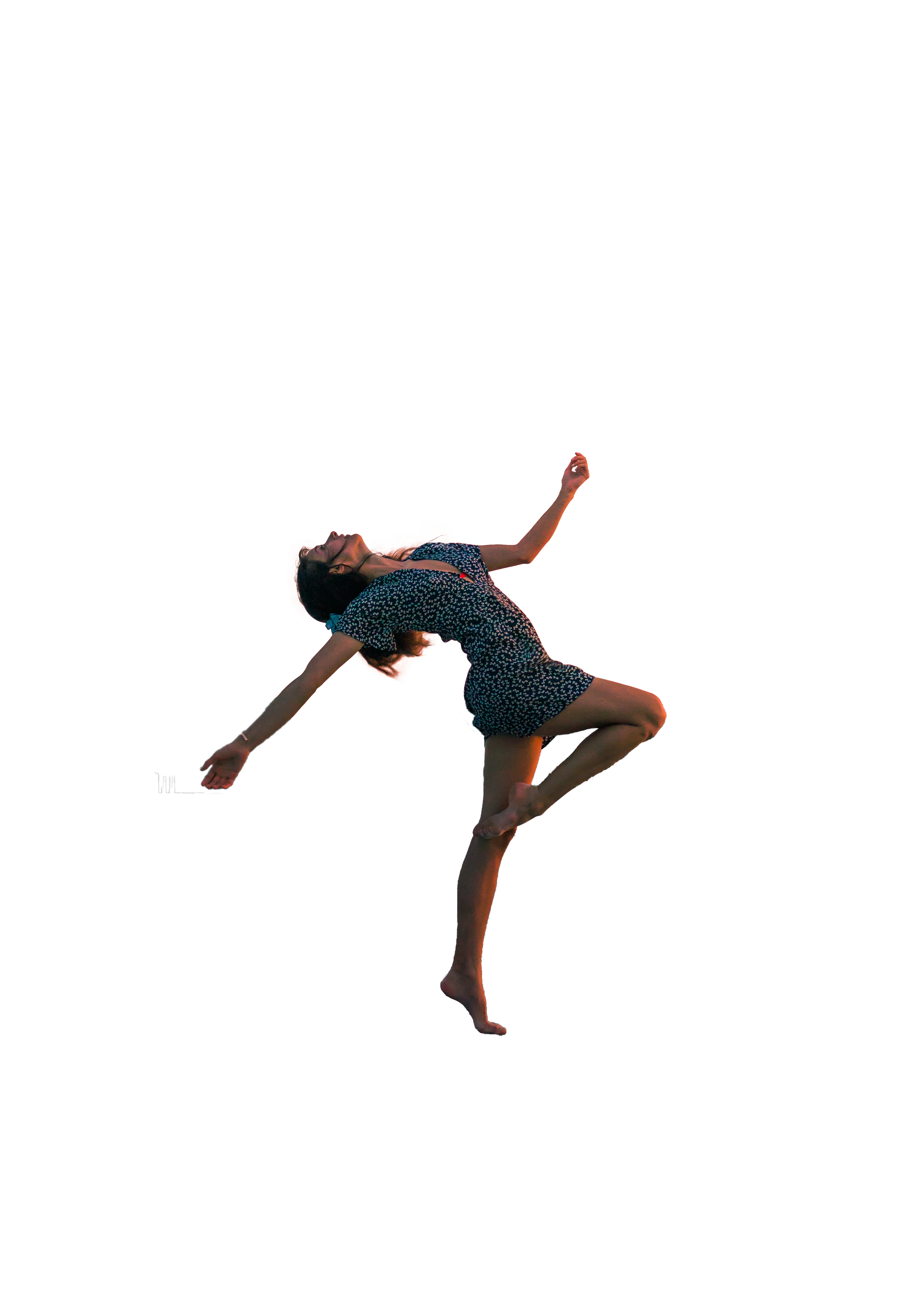
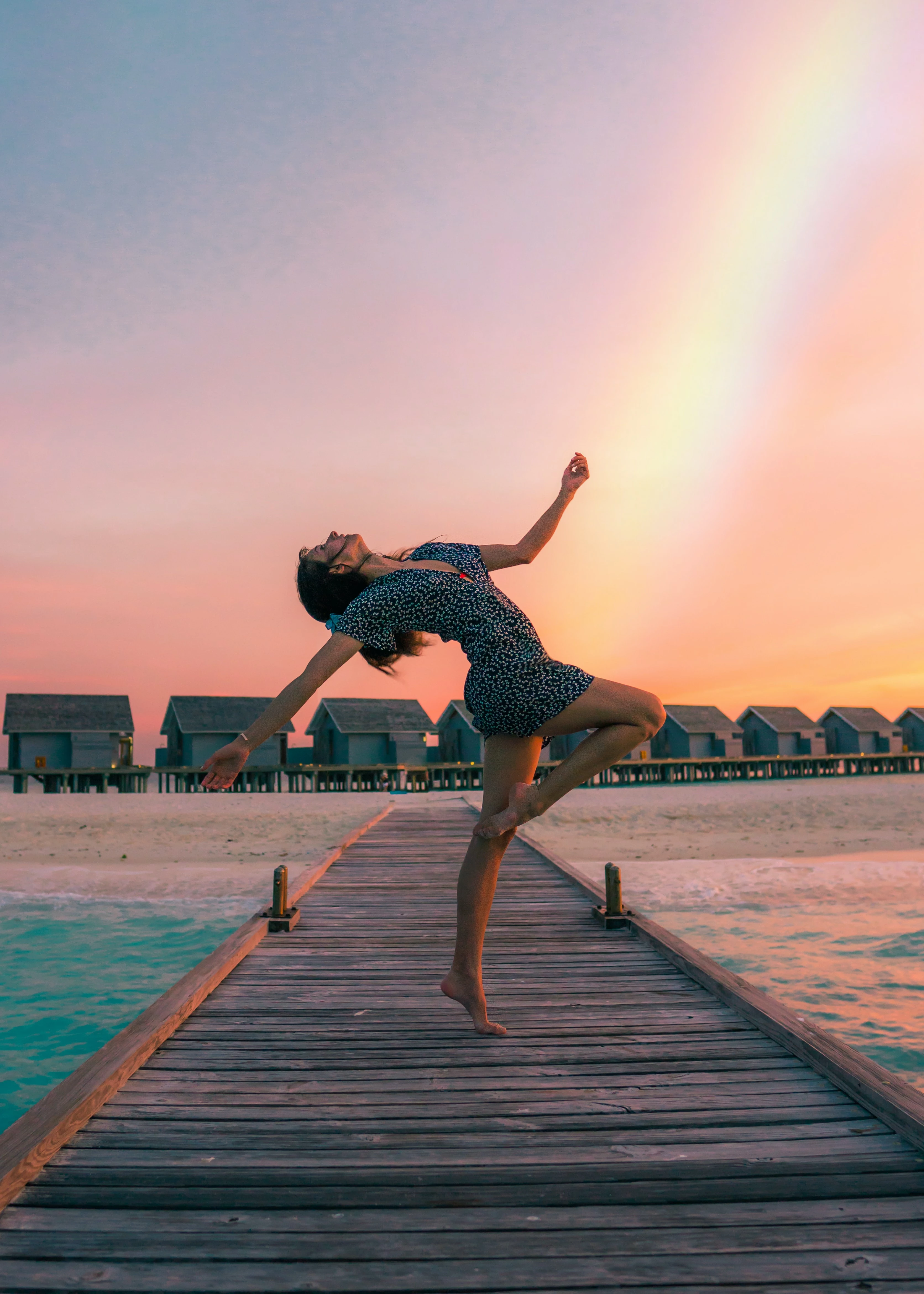
Hi, I am trying to remove color fringing from the hair in the photo above. The original is the left and on the right is my attempted cutout of the subject. After masking

and using overlay mode on the brush on the layer mask, the color fringing from background reappears and I haven't exactly found a complete solution to this problem. No luck with clipping mask or hue and saturation mask either. Any suggestions or ideas is greatly appreciated.

このトピックへの返信は締め切られました。
解決に役立った回答 davescm

Hi,

Try this:


1. Add a new layer above your masked person layer.

2. Clip the new layer to the masked person layer below and change the blend mode of that new layer to color.

3. Now get a soft brush and work around the edges Alt clicking to pick up color from the solid area of the person as you go and painting that colour up to the edges (you will need to repeat that to change the colour as you work around the edges).


The idea is to paint  those fringe edges to the main colour of the person without altering the luminosity. That should remove the colour fringe whilst retaining the natural brightness, and by clipping you will avoid painting outside the fringe.


Dave

返信数 2

davescm
Community Expert
davescmCommunity Expert解決!
Community Expert
August 8, 2022

Hi,

Try this:


1. Add a new layer above your masked person layer.

2. Clip the new layer to the masked person layer below and change the blend mode of that new layer to color.

3. Now get a soft brush and work around the edges Alt clicking to pick up color from the solid area of the person as you go and painting that colour up to the edges (you will need to repeat that to change the colour as you work around the edges).


The idea is to paint  those fringe edges to the main colour of the person without altering the luminosity. That should remove the colour fringe whilst retaining the natural brightness, and by clipping you will avoid painting outside the fringe.


Dave

Ivan Zajats
Inspiring
November 21, 2022

that's the right solution and what I'm asking to add here: https://community.adobe.com/t5/photoshop-ecosystem-ideas/decontaminate-colors-option-as-a-clipped-layer/idc-p/12928550


why should we still do it manually?! and nobody even voted 😞

Kevin Stohlmeyer
Community Expert
Community Expert
August 8, 2022

Have you tried using Select and Mask controls to edit the mask? Specifically under Output there is a decontaminate colors option.

BeanBoy76
BeanBoy76作成者
Participant
August 8, 2022

Hello Kevin, yes, I've tried decontaminate colors but that doesn't work either. I've tried the default 50%, 75% , and 100% for decontaminate colors.


The background color just reappears whenever I try to recover the hair in the layer mask.