

Answered

This topic has been closed for replies.
HOLY !!! That is amazing not gonna lie !
I think your outcome is the best really. I was looking forward to doing something else like
- to put the colours on the circle to look more like the pictures above.
So let'say we have the colours Cyan, purple, red, yellow, green, blue.
There are 6 colours and I wanted them kinda,
Red to be on 1/6 circle,
Yellow to be on another 1/6 near red
and so on
Is that possible ?
The first image seems to show an overlayed gradient, that would be fairly simple.
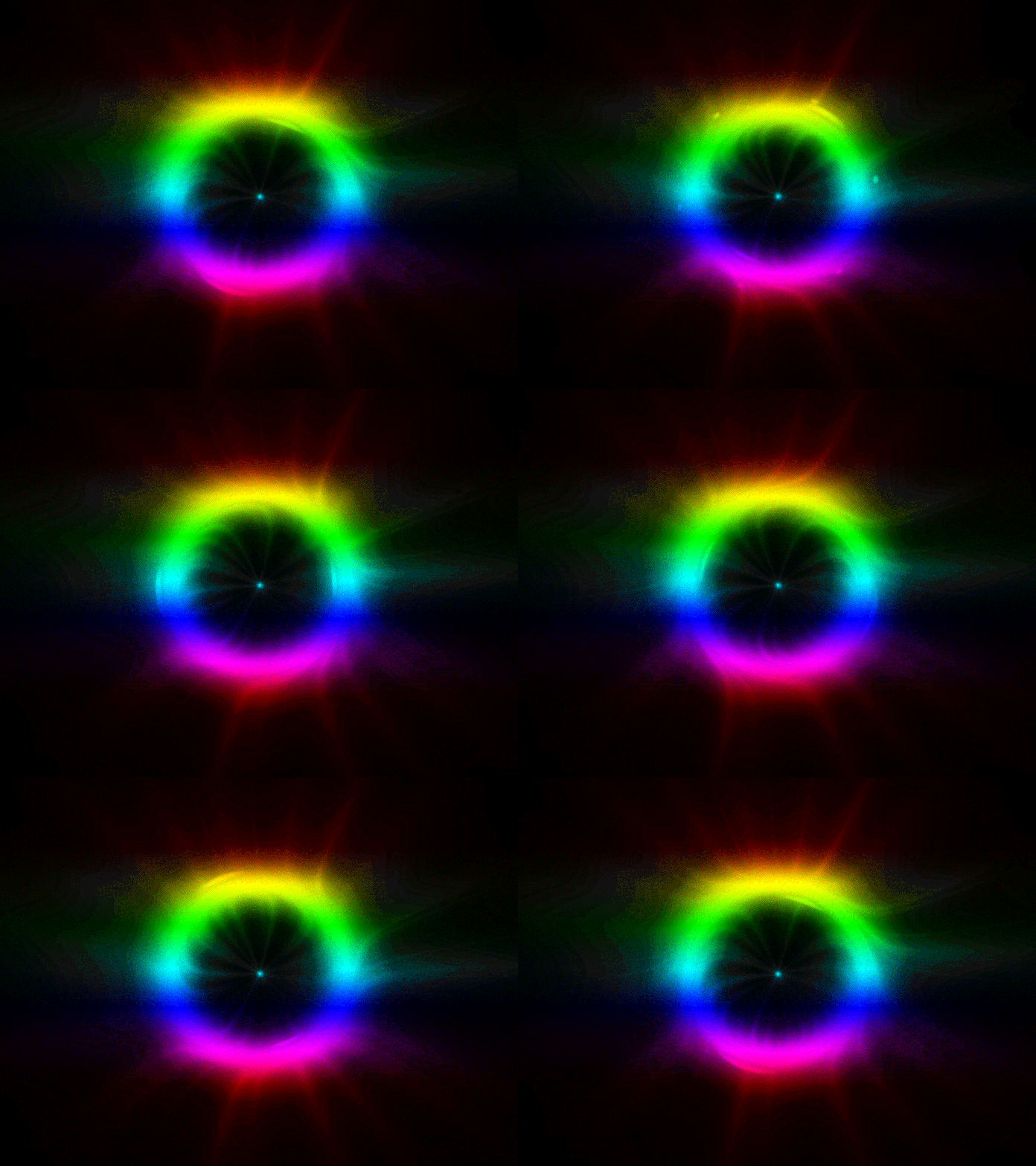
The second one would seem more complex, because the existing »gradient«-ring ends in black on both sides.
You could manually paint on each frame, essentially rotoscoping, or add new layers to colorize.
Sign up
Already have an account? Login
To post, reply, or follow discussions, please sign in with your Adobe ID.
Sign inSign in to Adobe Community
To post, reply, or follow discussions, please sign in with your Adobe ID.
Sign inEnter your E-mail address. We'll send you an e-mail with instructions to reset your password.
 AdChoices