


Question
How can I add text extra space, the same as web browser has?
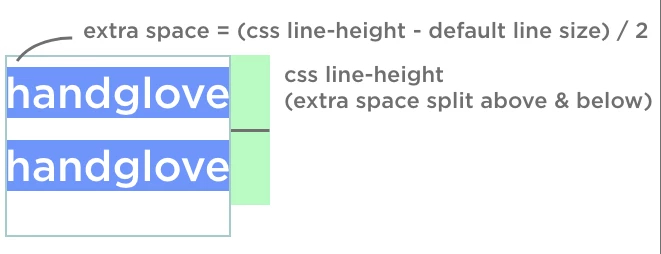
When you set a ling-height value for text, you can see extra space as the picture shows.
But in photoshop, no extra space, just a border around text:
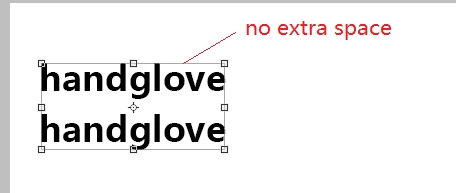
so if I set margin-top: 60px; for this text:
Photoshop compare with chrome like this:
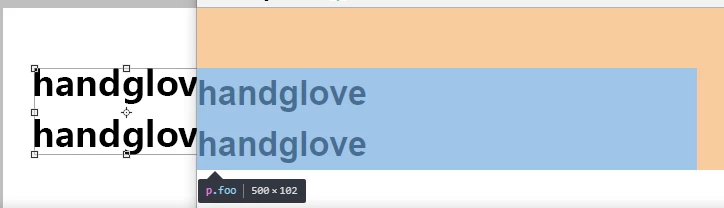
They are different because chrome has extra space above & below
How can I fix it?
I don't want to calculate the extra space when everytime I create a text with custom line-height.
 AdChoices