


Question
How can I change the color of certain sections of this, while maintaining the texture, shading? Etc.
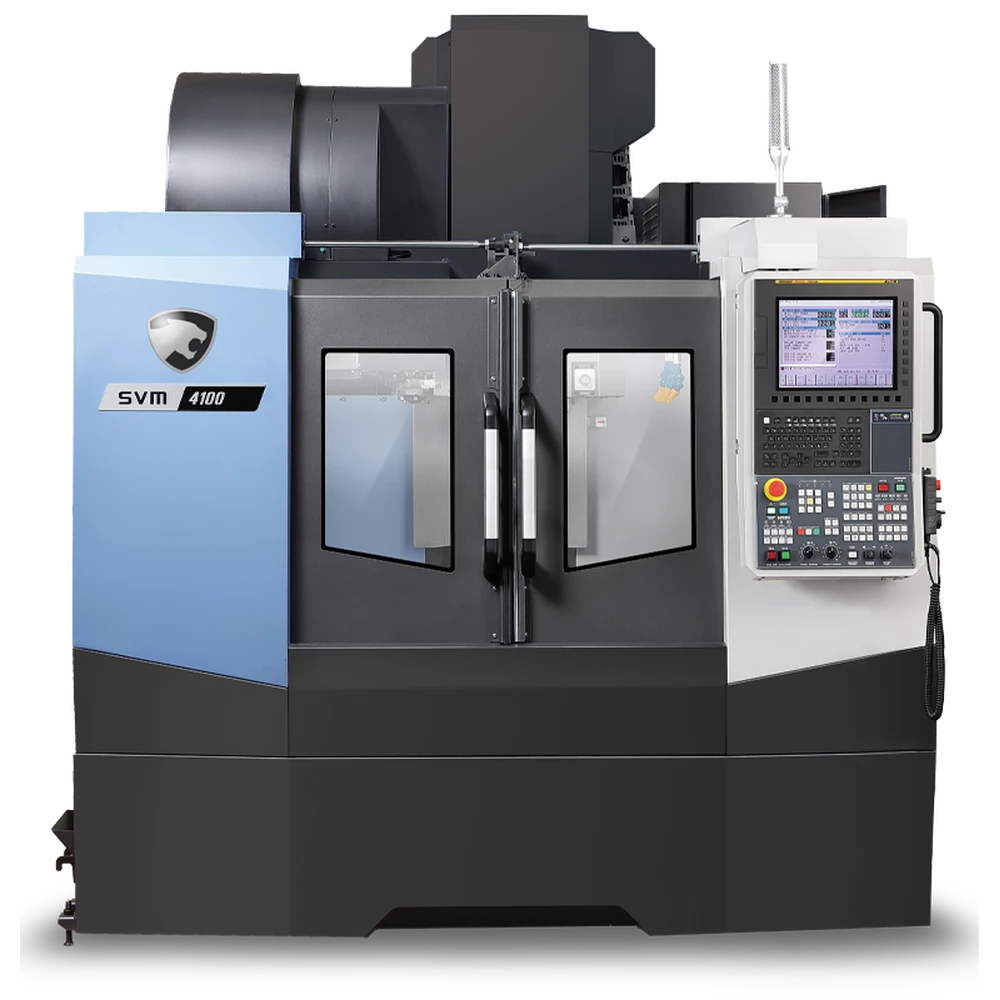
Hello, does anyone have suggestions on how I could change the colors on this machine while maintaining the shading, textures, lighting etc..? I have tried multiple times to place a solid color over certain parts and then playing with the opacity but I'm having no luck with maintaining the new color without it being washed out because of a low opacity , or if I have too much opacity it eventually looks like cartoony or blocky.
Image example, change the black sections to white, blue to red etc...
 AdChoices