


Participant
September 26, 2023
Question

How can I open a PSD file in Illustrator that shows all layers?

  • September 26, 2023
  • 2 replies
  • 521 views

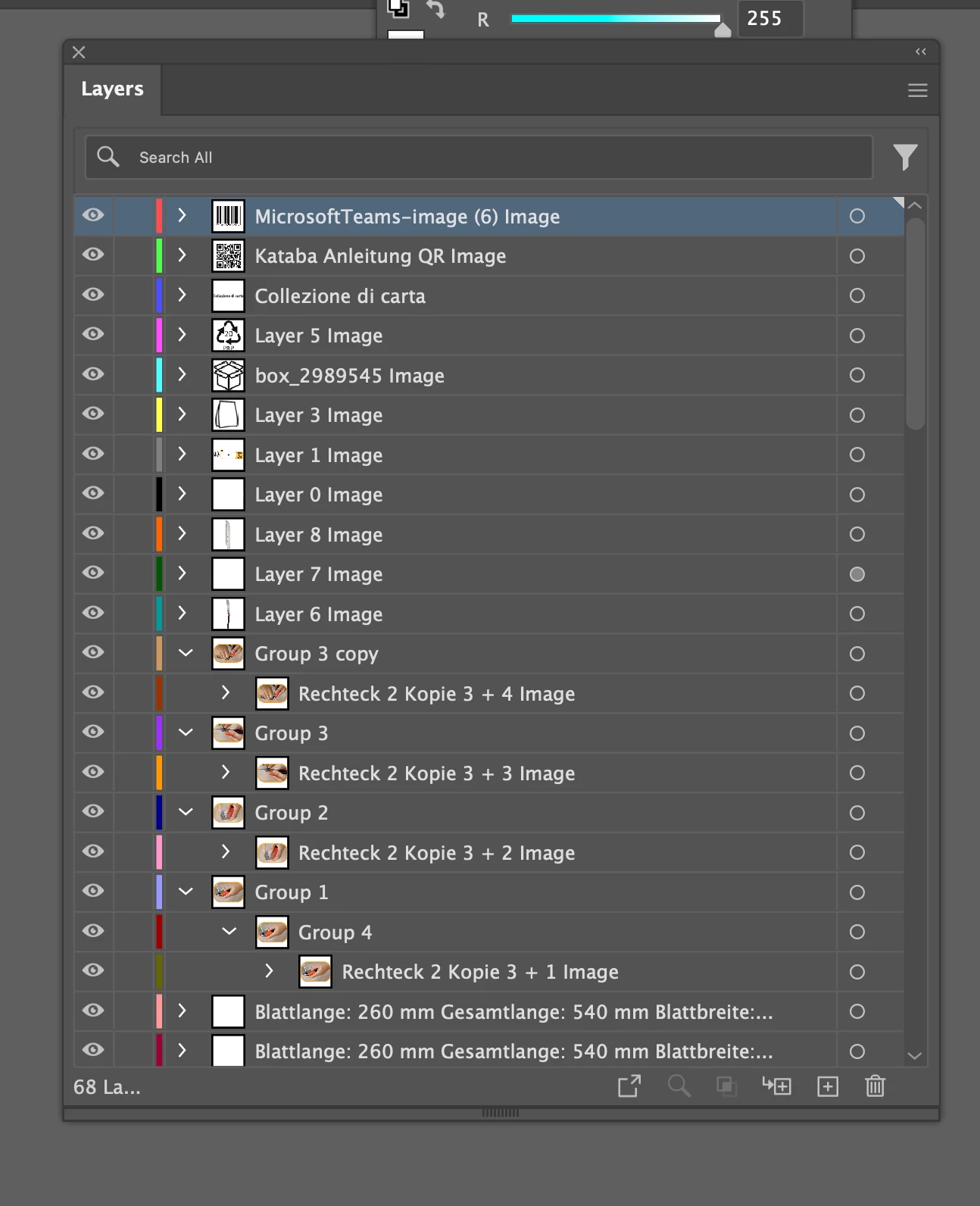
My printing supplier requires both a PSD and PDF file. I'm the only one editing the PSD file, but when I save it as a PDF and open it in Illustrator, the layers disappear, leaving a flat file. The supplier can't use it. I need the file to have visible layers like the sample. How can I fix my PSD file? Thank you for your assistance!
This topic has been closed for replies.

2 replies

melissapiccone
Community Expert
Community Expert
September 26, 2023

In Illustrator, go to the File menu and choose place. In the dialog box check show import options. From there you have choices to bring in the layers as objects.

Melissa Piccone | Adobe Trainer | Online Courses Author | Fine Artist
hanipanDAAuthor
Participant
September 26, 2023

Woah! Never thought of it! thanks I will try that now!

c.pfaffenbichler
Community Expert
Community Expert
September 26, 2023

Did you try opening the the psd with Illustrator? 

Photoshop Layers are simply not the same thing as pdf Layers. 

hanipanDAAuthor
Participant
September 26, 2023

Thanks for the reply. Nope.. I saved it as PDF in photoshop first.