ROSIEPARK24
Participant
January 25, 2022
Answered

How do I allow artwork to run across two artboards in photoshop?

  • January 25, 2022
  • 2 replies
  • 5288 views

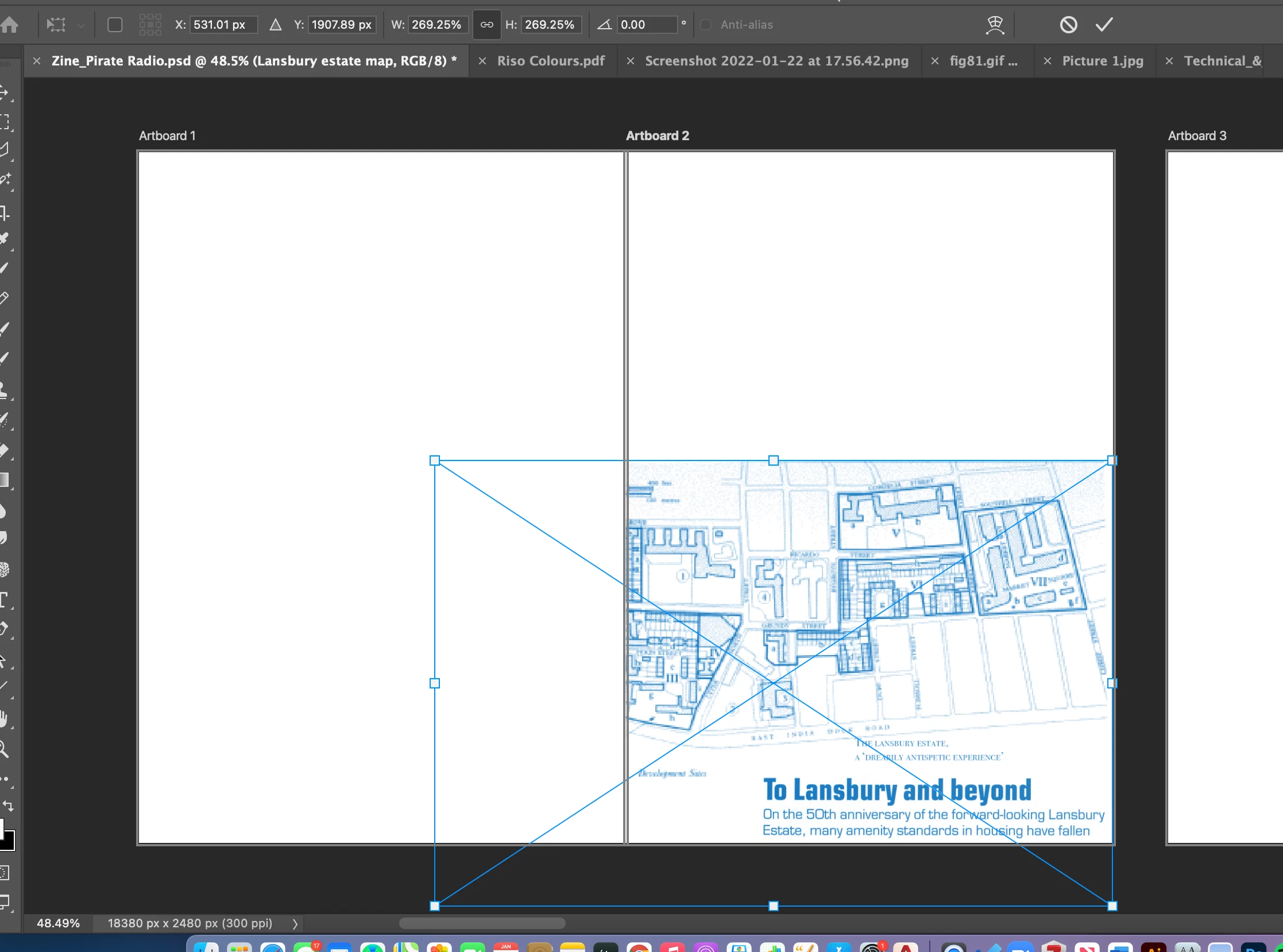
When I stretch my image across the two artboards it doesnt display on one of the artboards?

It would be great if someone could help me with this! 🙂 
    Correct answer Stephen Marsh

    Where did you read/see/hear that this was possible? Or is this just how you think/wish that the feature should work?


    https://helpx.adobe.com/photoshop/using/artboards.html


    EDIT: I'd suggest that you make a single canvas, then place a guide at the overlap. You can then save out both halves of the canvas separately via a number of methods.

    2 replies

    Stephen Marsh
    Community Expert
    Stephen MarshCommunity ExpertCorrect answer
    Community Expert
    January 25, 2022

    Where did you read/see/hear that this was possible? Or is this just how you think/wish that the feature should work?


    https://helpx.adobe.com/photoshop/using/artboards.html


    EDIT: I'd suggest that you make a single canvas, then place a guide at the overlap. You can then save out both halves of the canvas separately via a number of methods.

    Participant
    September 25, 2024

    It's possible in Illustrator so it would logically follow that they would make the feature available in Photoshop, no?

    Participant
    September 26, 2024

    Nope, lots of features are different between the two applications. The idea of artboards is to keep your graphics separate AFAIK.


    Respectfully disagree, if the idea is to keep graphics separate then that idea should be constant between Illustrator and Photoshop, expecting one feature as basic as artboards to function the same way among two graphic-creation programs created by the same company just makes sense. What about raster graphics justifies that artboards in Photoshop should not allow graphic overlap that vector graphics do?

    Ged_Traynor
    Community Expert
    Community Expert
    January 25, 2022

    Moving thread to the Photoshop ecosystem forum from Using the Community
