

Answered

This topic has been closed for replies.
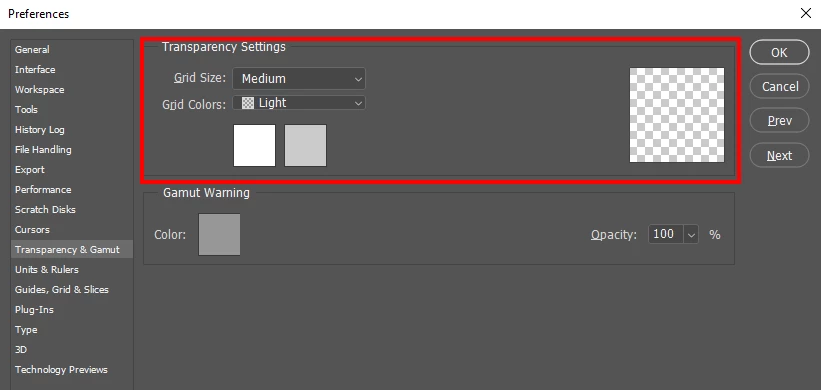
There is nothing to be removed. The checkerboard is not actually in your document. Its how Photoshop represent transparent area to you in Photoshop. If you do not like that checkerboard you can change how Photoshop displays transparency in you Photoshop's preferences.
If you add a visible Background layer to your document there will be no transparency in you document. Photoshop's background layer does not support transparency. Its canvas will have some color.
Sign up
Already have an account? Login
To post, reply, or follow discussions, please sign in with your Adobe ID.
Sign inSign in to Adobe Community
To post, reply, or follow discussions, please sign in with your Adobe ID.
Sign inEnter your E-mail address. We'll send you an e-mail with instructions to reset your password.
 AdChoices