


Answered
How to align multiple layers to the center of a canvas without merging
Hello, I am trying to figure out how to align the mass of objects within multiple layers to the center of a canvas. Like how it were to occur if said multiple layers were all merged together, but I don't want the layers to stay merged.
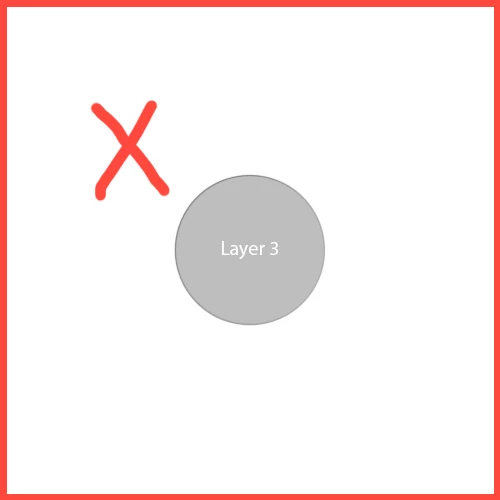
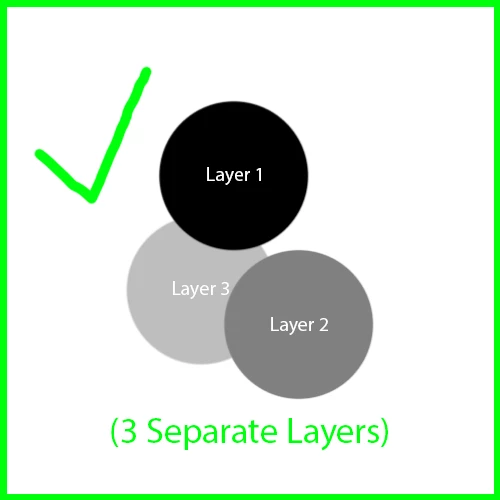
Based on the example images, I'm trying to center the mass of all three circles, with each circle on its own layer. I don't want to center all three circles to result like the second image where they're overlapping. But rather end up with the result in the third image, yet all 3 circles are editable individually.
(I'm aware I can center a smart object where those circles are still in separate layers, but that isn't the answer I'm looking for.)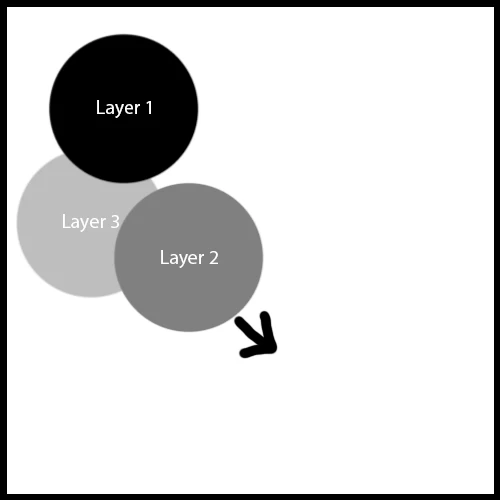
 AdChoices