


New Participant
December 1, 2018
Answered

How to automatically generate same multiple images with diffrent text

  • December 1, 2018
  • 2 replies
  • 995 views

Hello

So i want to make "Key" image for my game.
For example i want to open doors with the F key.

I want the text to look like that: Press to open the door.

I have a basic image with the text in the center:
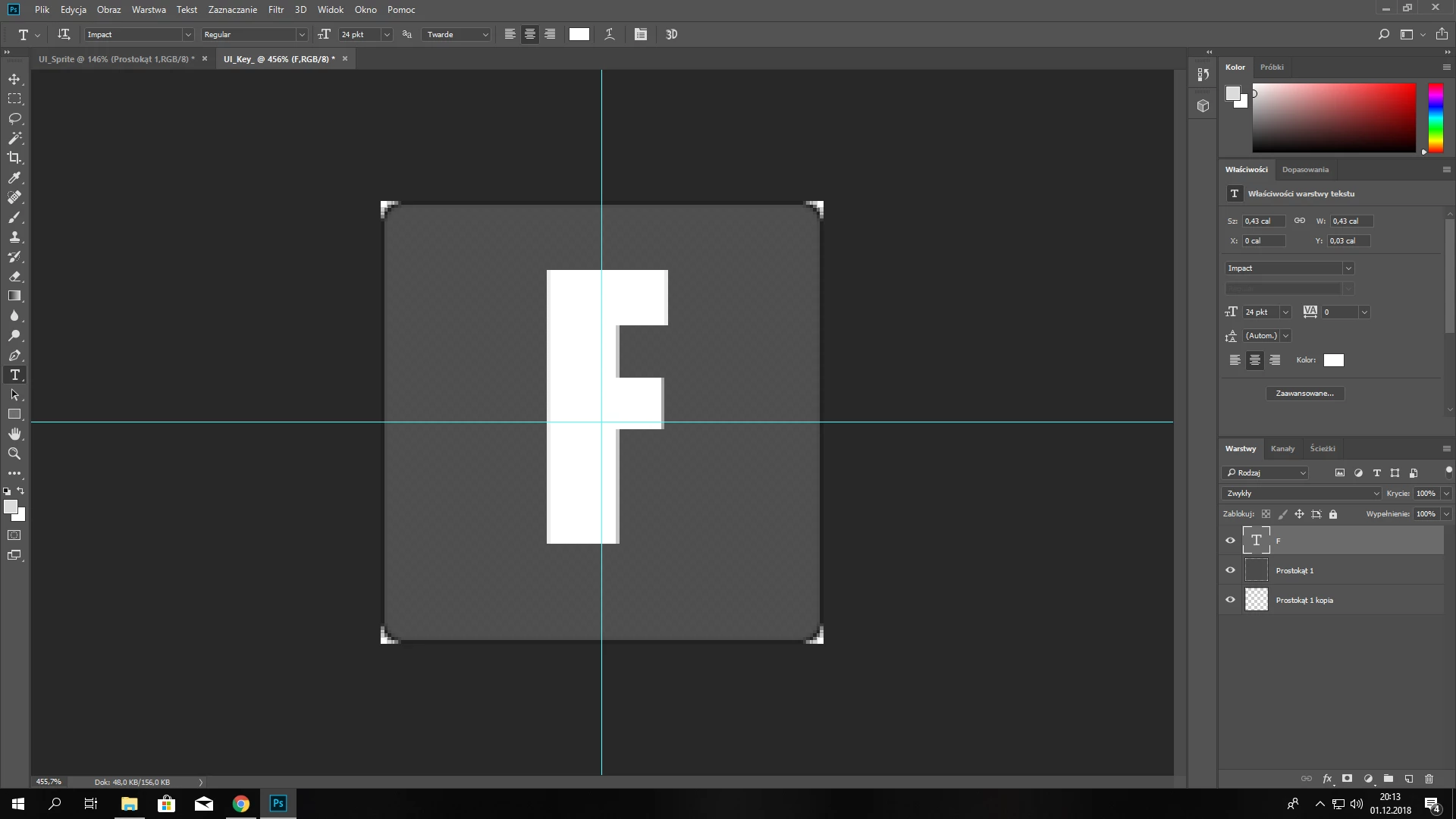
I want photoshop to automatically replace the F with all keyboard letters and numbers and save them in a selected folder and name it like that: KEY_F

It's hard for me to explain it but i think you understand

Greetings

This topic has been closed for replies.
Correct answer Silkrooster

This would be way easier in your game editor or web page depending on how the game would be played. Import the background square image only and let the other program create the text.

2 replies

Trevor.Dennis
Community Expert
December 1, 2018

You could get close with Variables, but it would take you as long to make the data set, as to  change the letter manually.

Slack47Author
New Participant
December 2, 2018

Thank you for the answer. It's true it would take me the same time as doing it manually

Silkrooster
SilkroosterCorrect answer
Brainiac
December 1, 2018

This would be way easier in your game editor or web page depending on how the game would be played. Import the background square image only and let the other program create the text.

Slack47Author
New Participant
December 2, 2018

Thanks, i will try to do this with some code blocks if it's possible. I will leave the script if i find the way to do it.