


Answered
How to create this z-depth effect for a layer in Pshop?

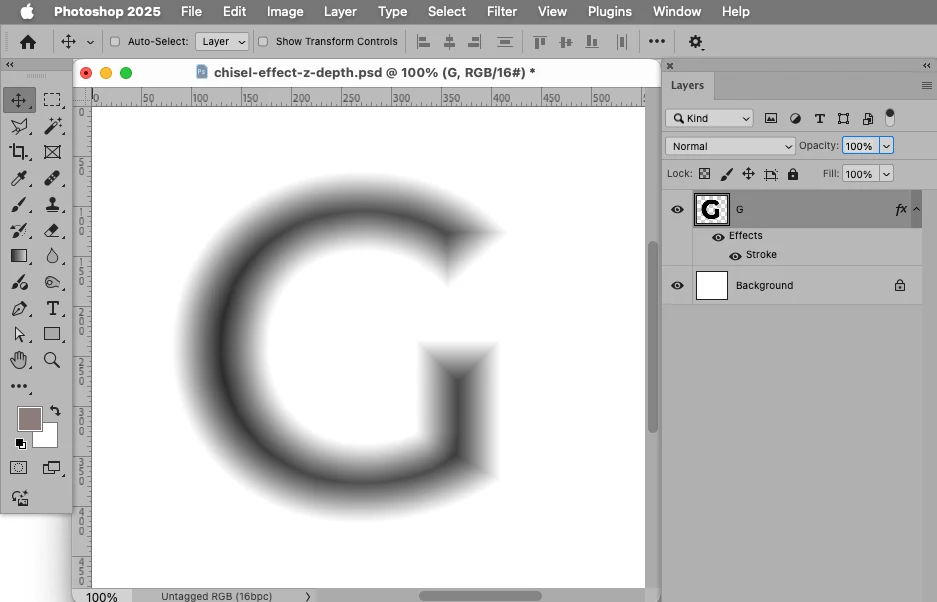
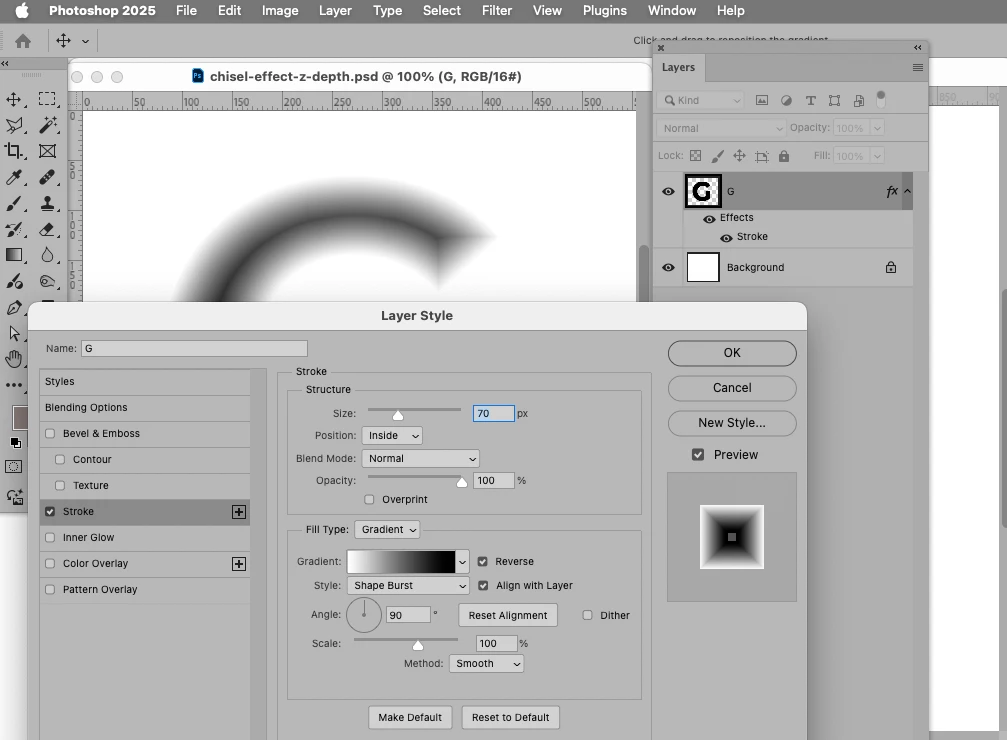
I'm trying to take any black and white layer (or a black layer with transparency) in Pshop and convert it to a z-depth grayscale image (on the left) which can then drive a mesh in Blender (on the right) which will create the chiseled text effect. There is a file below with a hard 'G' above a white layer. BTW, I already know how to create chiseled text in Photoshop-- and that is not what I'm asking. I only want the image on the left. Thanks for any help!
 AdChoices