Inspiring
December 26, 2023
Answered

How to create unlinked (embedded0 copy of smart object while keep original linked ?

  • December 26, 2023
  • 3 replies
  • 1602 views

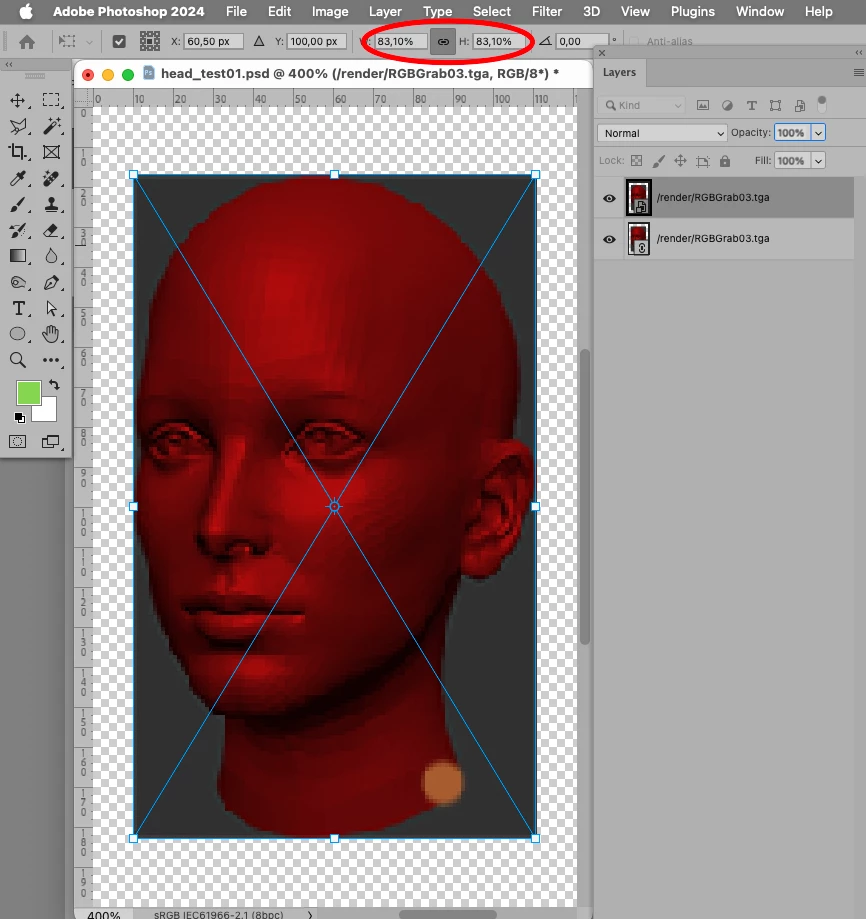
I need it as a part of an action and  couldn't fine a way . I know I can make linked embedded  and then do unrelated copy by  "new via copy"   but how can I make it keeping the original linked ?

This topic has been closed for replies.
Correct answer c.pfaffenbichler

c.pfaffenbichler   Yeah , @Stephen_A_Marsh ’s original advice sort of works and and can be recorded in an action.  The main problem is having  a smart object inside  another smart object . The purpose of SOs  is to keep original image pixel resolution available in case you upscale something .  But once you created another smart object (parent) with  linked SO (child) inside that new SO (parent)  has a pixel size of its current state.    And if later you upscale it you get a weird  thing  of low res SO (parent) upscaled while it still keeps Hires child source inside but no way to transfer those pixels   to update parent one .  

The purpose  of all this is to have stored alphas  from resource files  accessible   for masking/clipping  groups.    I tried to use sbsar  in beta  that reveals any necessary channel from any linked image  but it works slow as hell.  And so far I see only way  is to make linked SO embedded  first, copy it by via copy  and do  re-link the original one back to source file.  

Trying to task chatGPT for that  but it  makes some not working piles of code 😞


Finally, after research the issue, chatGPT   told me  Photoshop scripts just can't  relink file automatically . only save .  So looks like it's a deadend. 
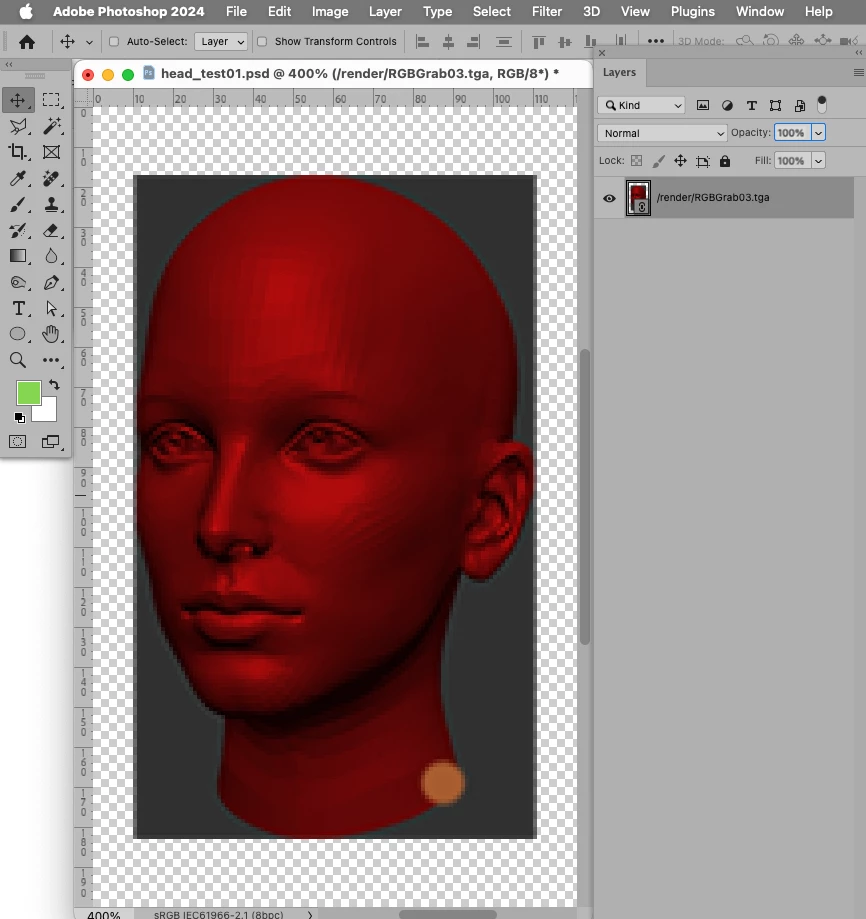


// if active layer is linked smart object create embedded duplicate;
// 2023, use at your own risk;
if (app.documents.length > 0) {
    var myDocument = activeDocument;
    var theLayer = myDocument.activeLayer;
    if (isLinkedSmartObject() == true) {
        var theDup = myDocument.duplicate("temporal", false);
        embedLinked ();
        theDup.activeLayer.duplicate(theLayer, ElementPlacement.PLACEBEFORE);
        theDup.close(SaveOptions.DONOTSAVECHANGES)
    };
    };
////// embed linked smart object //////
function embedLinked () {
try {
executeAction( stringIDToTypeID( "placedLayerConvertToEmbedded" ), undefined, DialogModes.NO )
} catch (e) {}
};
////// active layer is linked smart object //////
function isLinkedSmartObject () {
    try {
    var ref = new ActionReference();
    ref.putEnumerated( charIDToTypeID( "Lyr " ), charIDToTypeID("Ordn"), charIDToTypeID("Trgt") );
    var layerDesc = executeActionGet(ref);
    var soDesc = layerDesc.getObjectValue(stringIDToTypeID('smartObject'));
    isLinked = soDesc.getBoolean(stringIDToTypeID("linked"));
    if (isLinked == true) {return true}
    else {return false}
    } catch (e) {return false}
};


3 replies

c.pfaffenbichler
Community Expert
Community Expert
December 27, 2023

Are you familiar with the use of Layer Comps in Smart Objects? 

Trevor.Dennis
Community Expert
Community Expert
December 27, 2023

Always worth remembering that when you open a Smart Object in a new window to edit, you can Duplicate some or all of its component layers back to the original document.  Leastways you can with 25.3.1  25.4 beta is broken regards that feature.  You can duplicate to a New Doc, but not to another open doc.

kirkr5689Author
Inspiring
December 27, 2023

Trevor.Dennis  . Could you exaplain how  please?   I'v never seen it.

Trevor.Dennis
Community Expert
Community Expert
December 27, 2023

Let's say you have a Smart Object (SO) in the primary image document cosisting of two or more layers. 

If we need to edit that SO we double click it's thumbnail which opens it in a new window.  

The normal procedure is to make any changes in that new window, and save it (Ctrl s)

We return to the primary document window and see that the SO, and all copies of it, have been updated.


But let's say we would like to use one o f the SO layers outside of the SO.  We double click to open it in its new window expanded with all its component layers.  We select the layer we need, and drag it to the primary ddocument's tab, which pastes just that layer.


As always there are different ways of achieving the same thing.

We can select an SO layer, right click and choose, New Smart Object via copy.


It's still the exact same SO with all its component layers, but if we double click and edit it, those changes won't be reflected in the original SO or copies of it.  If you simply used Ctrl J to copy an SO and edit it, those changes _would_ be reflected in the original and all copies.


I'd count it as one of those Photoshop gotchas like Caps Lock reducing the Brush cursor to a point, or Displacement Maps not working if Backward Compatability is not set to Always.  Some would argue that the Development Team are doing their best to expand the list of Photoshop Gotchas with Save as to JPG not being available unless you tick a cunningly hidden checkbox in Preferences, or wonder why the gradient tool has suddenly got complicated, or WTF can't I see the contents of layer masks because there's an icon obscurring two thirds of the mask thumbnail...


Stephen Marsh
Community Expert
Community Expert
December 26, 2023

1. Copy/Dupe the linked layer to a new layer


2. Convert to Smart Object (The link becomes embedded)


I know that it isn't obvious to Convert a Smart Object to a Smart Object... Linked SO's were added to Photoshop after embedded was first introduced, so the legacy "Convert to Smart Object" command could arguably be renamed to "Convert to Embedded Smart Object" to clarify what it actually does. Now that there are both embedded and linked, I think that the naming should be clear.


It takes more work to automate the conversion of an embedded SO to a linked SO.


You could rasterize the duped layer (linked) Smart Object, then Convert to a Smart Object, but that is an unnecessary extra step.


kirkr5689Author
Inspiring
December 27, 2023

Unfortunatlly this is not working for an action I want to create.   I need an action that makes and updates  a copy of smart object linked file to reveal  the linked file alpha channel  as black and white looking  smart object of same transforms.  To use it then for group clipping  instead of manually copy-pasting alphas  in layer masks

  I can do it with embedded copy   and "apply" command .  But when this embedded copy have another smart object inside the apply command doesn't see alpha channels  from original file.           It's doable when I do original (linked) smart object embedded  and another  one by"via Copy" .


   So perhaps I need a script that could relink  back the first  original  one.    Wonder if it could be possible if each linked smart object would have some  related file path   and file name in its layer name.   Something like  /render/scene001.png    so  the script could find and re-link it back to that file.


c.pfaffenbichler
Community Expert
c.pfaffenbichlerCommunity ExpertCorrect answer
Community Expert
December 29, 2023

c.pfaffenbichler   Yeah , @Stephen_A_Marsh ’s original advice sort of works and and can be recorded in an action.  The main problem is having  a smart object inside  another smart object . The purpose of SOs  is to keep original image pixel resolution available in case you upscale something .  But once you created another smart object (parent) with  linked SO (child) inside that new SO (parent)  has a pixel size of its current state.    And if later you upscale it you get a weird  thing  of low res SO (parent) upscaled while it still keeps Hires child source inside but no way to transfer those pixels   to update parent one .  

The purpose  of all this is to have stored alphas  from resource files  accessible   for masking/clipping  groups.    I tried to use sbsar  in beta  that reveals any necessary channel from any linked image  but it works slow as hell.  And so far I see only way  is to make linked SO embedded  first, copy it by via copy  and do  re-link the original one back to source file.  

Trying to task chatGPT for that  but it  makes some not working piles of code 😞


Finally, after research the issue, chatGPT   told me  Photoshop scripts just can't  relink file automatically . only save .  So looks like it's a deadend. 
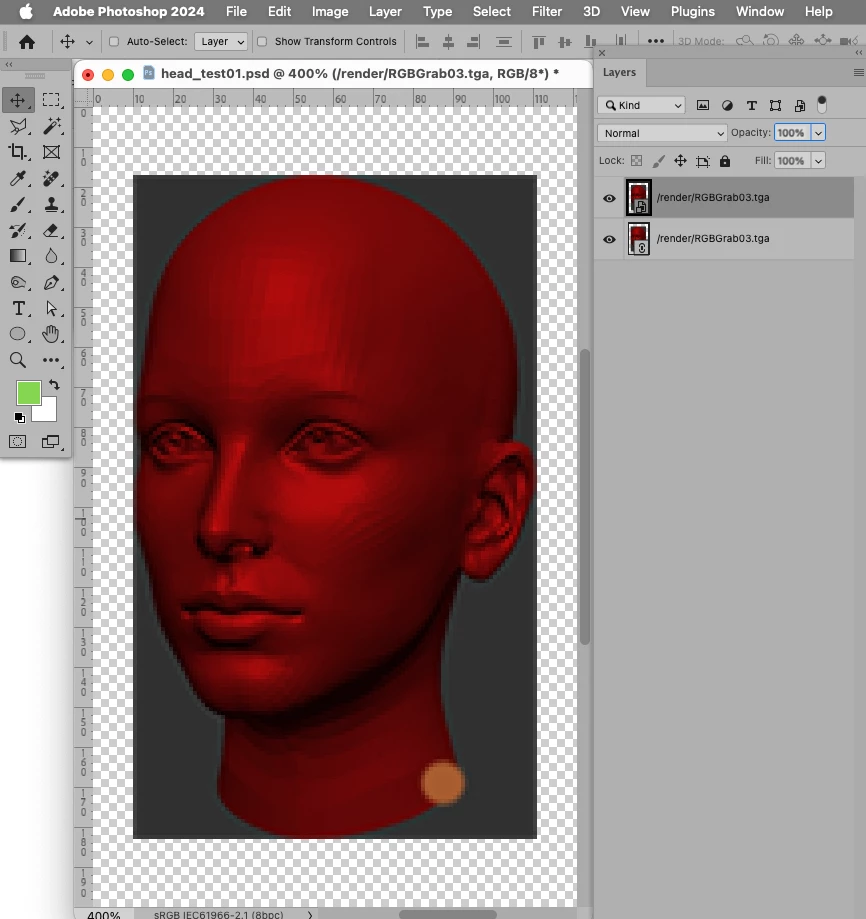


// if active layer is linked smart object create embedded duplicate;
// 2023, use at your own risk;
if (app.documents.length > 0) {
    var myDocument = activeDocument;
    var theLayer = myDocument.activeLayer;
    if (isLinkedSmartObject() == true) {
        var theDup = myDocument.duplicate("temporal", false);
        embedLinked ();
        theDup.activeLayer.duplicate(theLayer, ElementPlacement.PLACEBEFORE);
        theDup.close(SaveOptions.DONOTSAVECHANGES)
    };
    };
////// embed linked smart object //////
function embedLinked () {
try {
executeAction( stringIDToTypeID( "placedLayerConvertToEmbedded" ), undefined, DialogModes.NO )
} catch (e) {}
};
////// active layer is linked smart object //////
function isLinkedSmartObject () {
    try {
    var ref = new ActionReference();
    ref.putEnumerated( charIDToTypeID( "Lyr " ), charIDToTypeID("Ordn"), charIDToTypeID("Trgt") );
    var layerDesc = executeActionGet(ref);
    var soDesc = layerDesc.getObjectValue(stringIDToTypeID('smartObject'));
    isLinked = soDesc.getBoolean(stringIDToTypeID("linked"));
    if (isLinked == true) {return true}
    else {return false}
    } catch (e) {return false}
};