


Question
how to export with the file looking like it did in preview
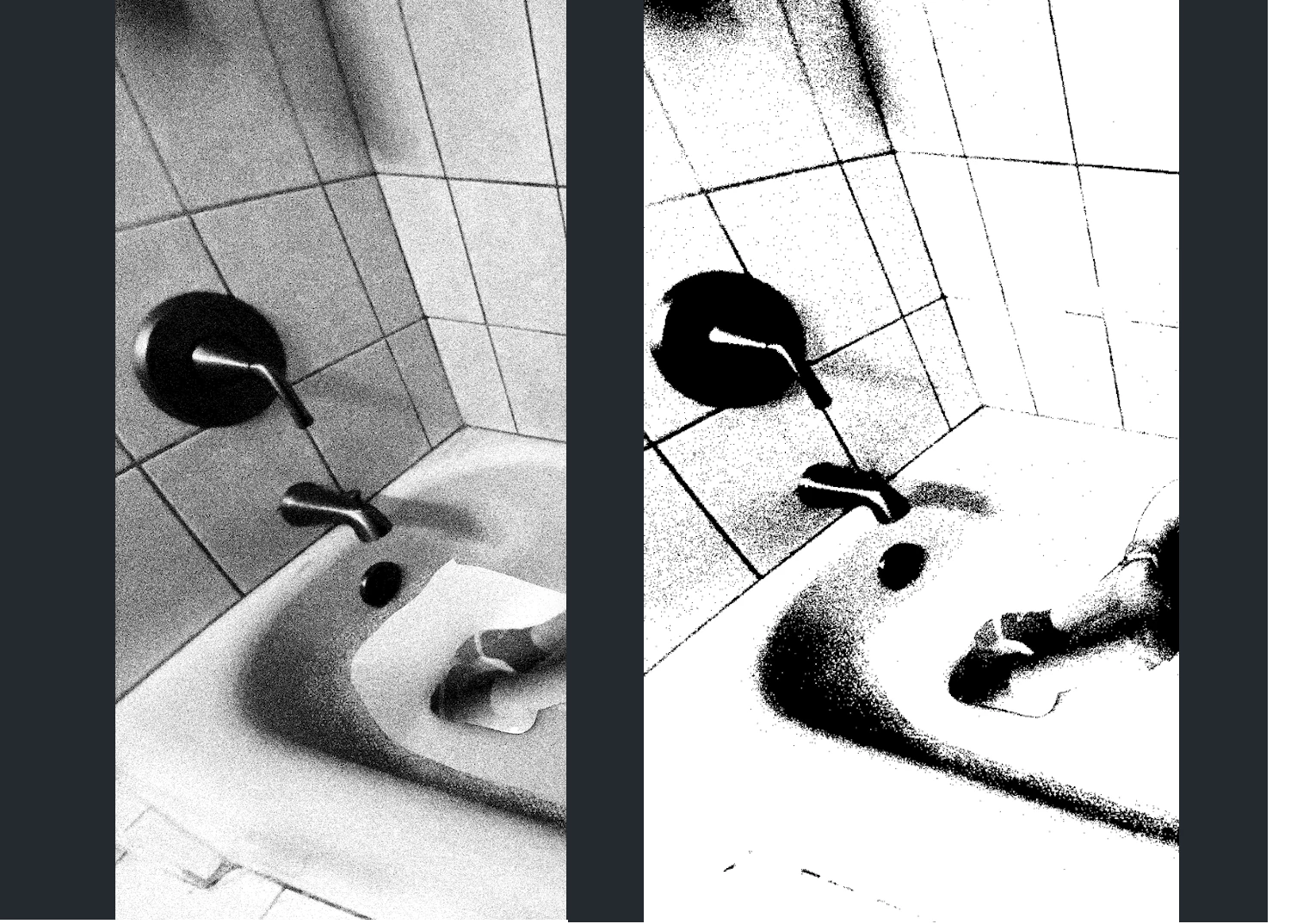
Hey! While I'm editing my photo in Photoshop, it looks like the image on the right (cartoonish with a lot less detail). But when I export it, it looks like the image depicted on the left (realistic). How do I make the exported photo on the left look like how it did while I'm editing it (the photo on the right)?
My canvas is 7100 by 5500 px. I am also aware that when you zoom in, it appears more detailed than it does when you zoom out. I am wondering if there is a way to keep it looking like the slightly zoomed-out photo on the right with less detail WHILE exported (if this makes any sense).
Many thanks.
 AdChoices