


kthksj1234
Participant
May 17, 2019
Question

How to get rid of coloring distortion and quality decrease when saving GIF in photoshop?

  • May 17, 2019
  • 2 replies
  • 1437 views

I don't know why, but suddenly whenever I try to save a gif that I make in photoshop, the quality of the gif decreases drastically from the frames I have. Weird dotted coloring distortion appears in my gifs when I convert to save them.

Here's what the frame looks like in photoshop before I save as GIF.
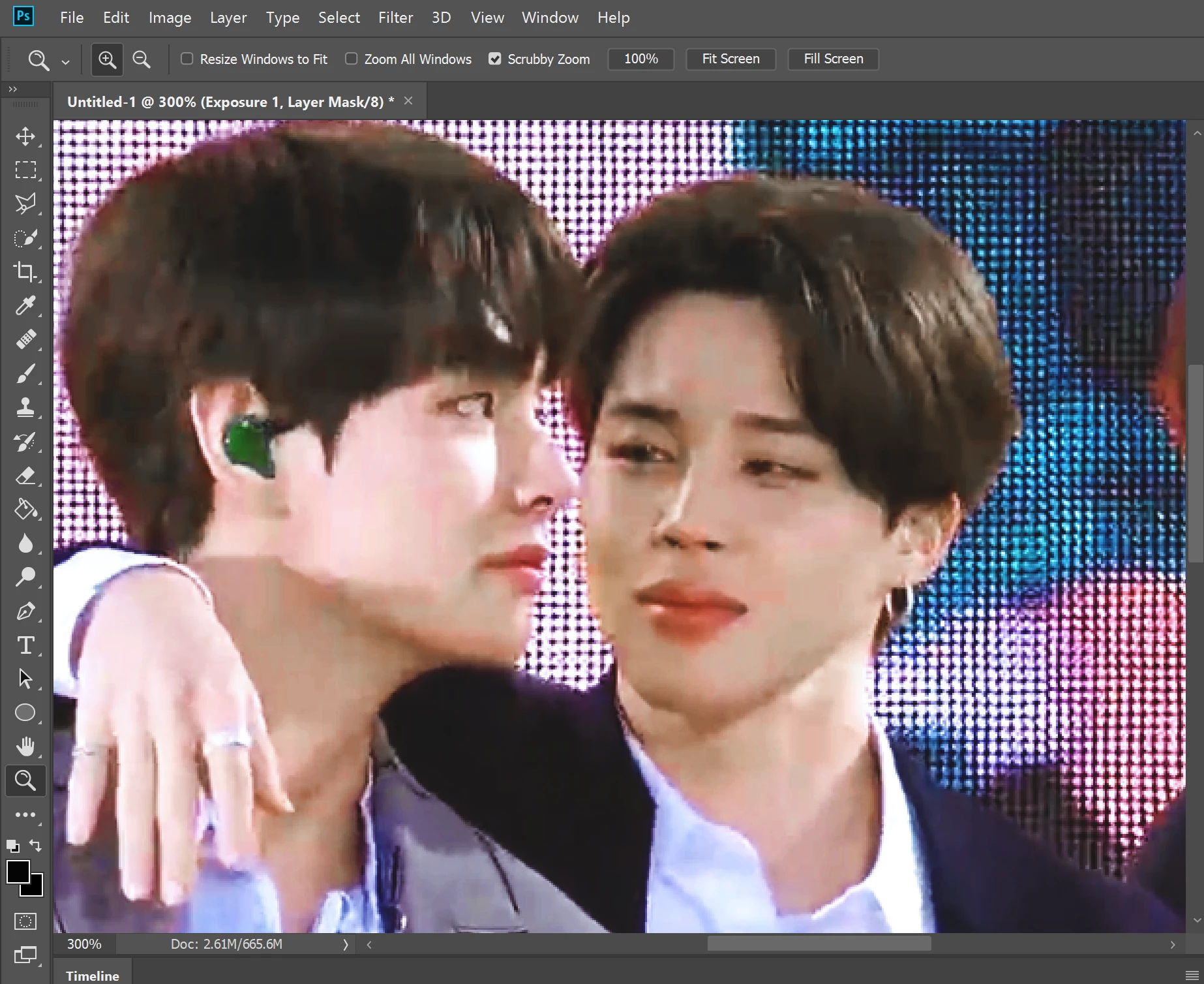
Here's what happens when I save it as a GIF.

Can someone please tell me why this happens, and how I can get rid of this problem?

This topic has been closed for replies.

2 replies

Mike_Gondek10189183
Community Expert
Community Expert
May 17, 2019

Are you using save for web or export as? We need to see your settings to be able to help and know exactly how you are previewing this difference.

kthksj1234
Participant
May 17, 2019

These are my settings when exporting the gif to preview.

Legend
May 17, 2019

I am not sure from your question, so I will ask. Are you fully aware that GIF is limited to only 256 colours, and this means that original video material may have a dramatic reduction in quality?

KShinabery212
Community Expert
Community Expert
May 17, 2019

My first question would be how big is the image and what is the dpi?

As it looks low res anyways or am I wrong?

Let's connect on LinkedIn. https://www.linkedin.com/in/kshinabery/
kthksj1234
Participant
May 17, 2019

I changed the size of the image because the frames are from a 1080p video. I resized the image so that the gif size won't be gigantic.

This is the original size of the imported frames from the video.

This is how I resized it to make the gif size smaller.

Any feedback or advice you have is appreciated!