


Answered
How to get rid of wrinkles for cloth backdrop - grayed out "Content Aware Fill" button- why?
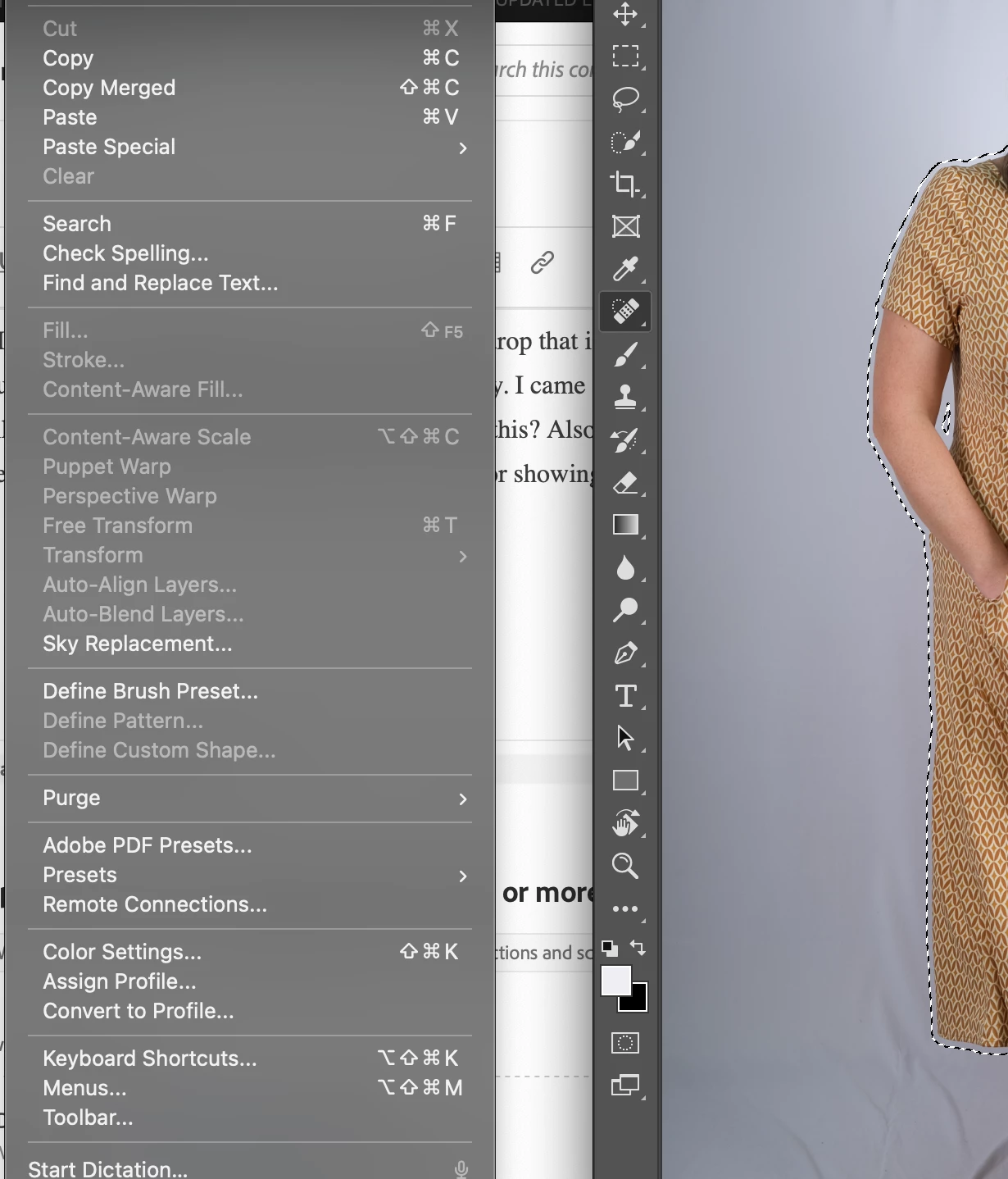
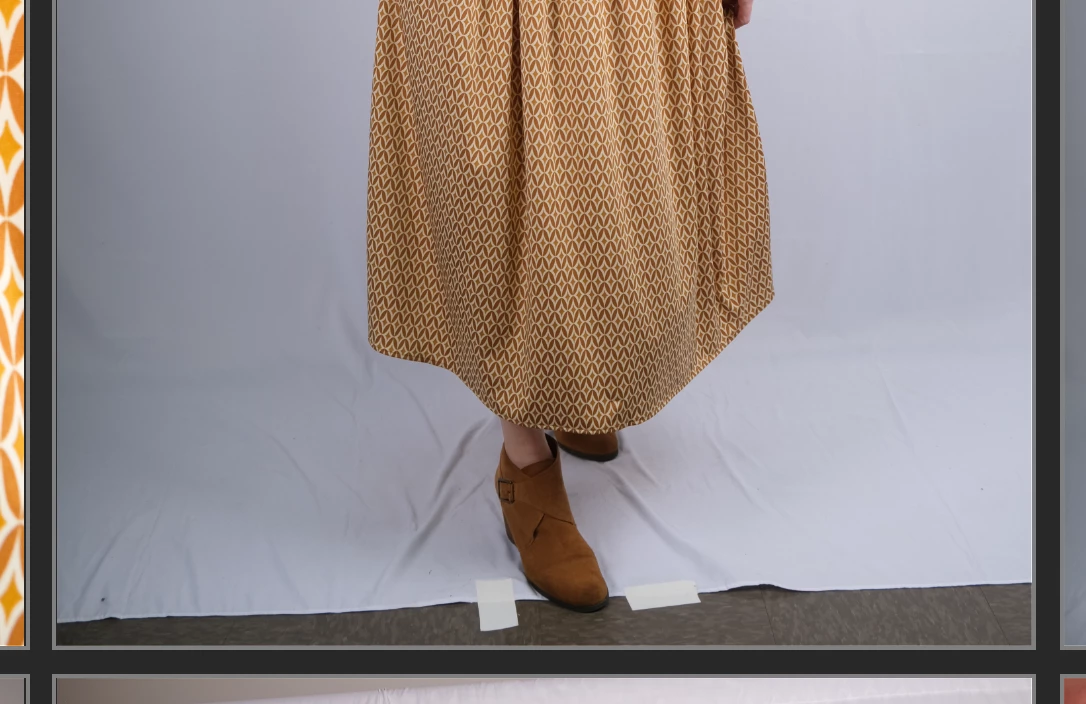
Hi there, I'm trying to edit photos that have a cloth backdrop that is full of wrinkles- I've just been using the stamp tool and the spot healing brush up until now. I figured there's got to be a better way. I came across this tutorial on youtube but when I go to Edit and then Fill or Content Aware Fill, mine is grayed out completely. How do I fix this? Also does anyone know how to extend the white backdrop (that is hopefully free of wrinkles) onto a dark floor so that there is no dark floor showing in an image? Thank you!

 AdChoices