If you want to be able to work on you watermark why would you merge layer.
You create an aspect ration selection where you want the watermark to be and add it to the watermatk layer as a layer mask. Even if the placed watermark object is a layered object like a PSD file as a smart object its a single layer. You could also mask a group of layers that make up your watermark. Layers are useful. Layer masks can be any shape and even add partial transparency. Your final output image if saved as Jpeg or png will have a single layer.
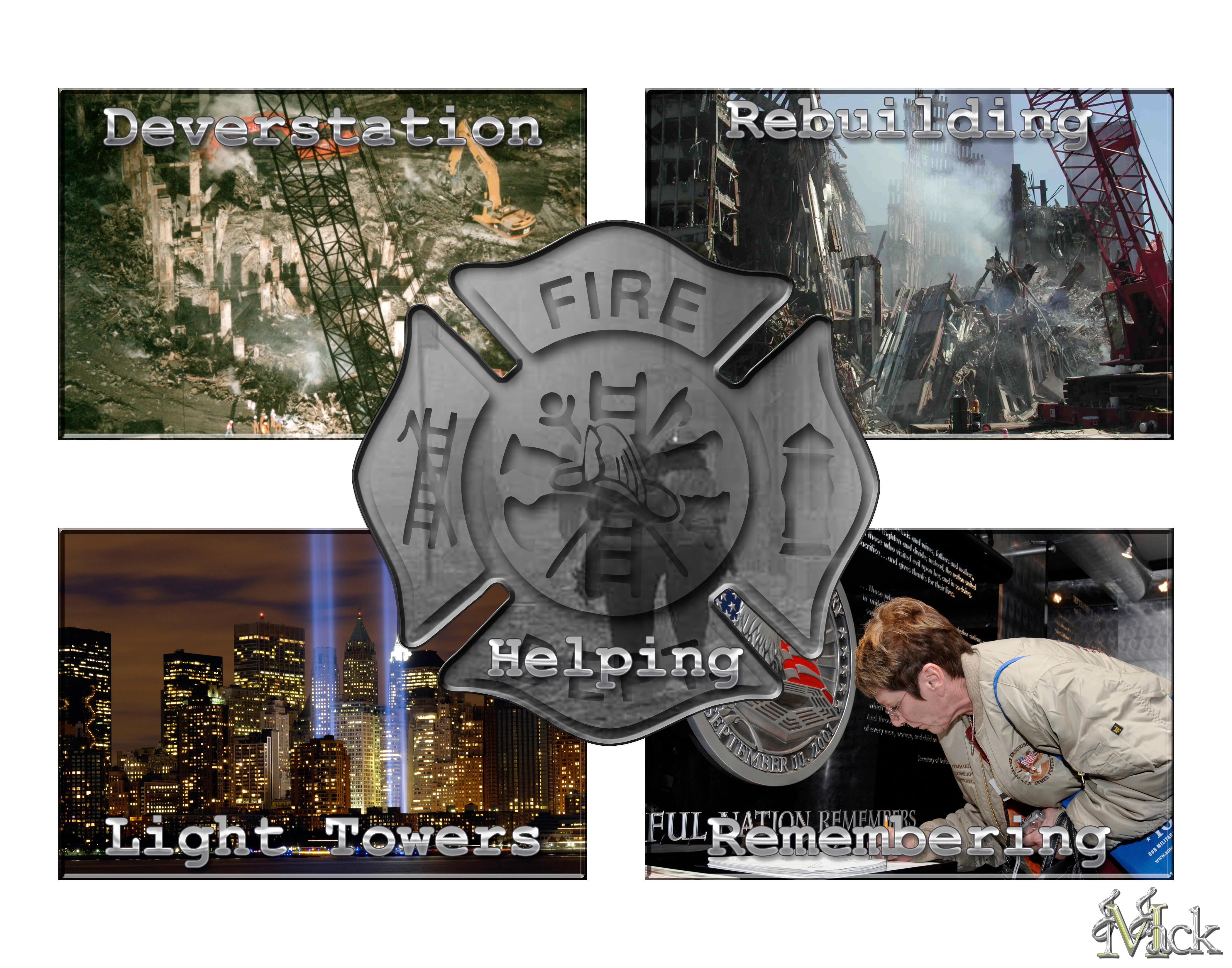
All image in this collage have different aspect ratio sizes and resolutions. When places into the collage all are the same resolution and are scaled to fit the area and then masked so they have the correct aspect ratio and shape. Scripts can do all of that.
http://www.mouseprints.net/old/dpr/Populate911_720p.mp4
All layer added are either smart object image layers or text layers the Collage Scripts cam alsy att hile name stamps on images. Thet layers and be tweak usinf Photoshop. Image compsition adjusted text layers aedit and noved a place in logo could also be adjusted. When yot satiafied you can save out a jpeg which is onle a background layer like this one.



 AdChoices