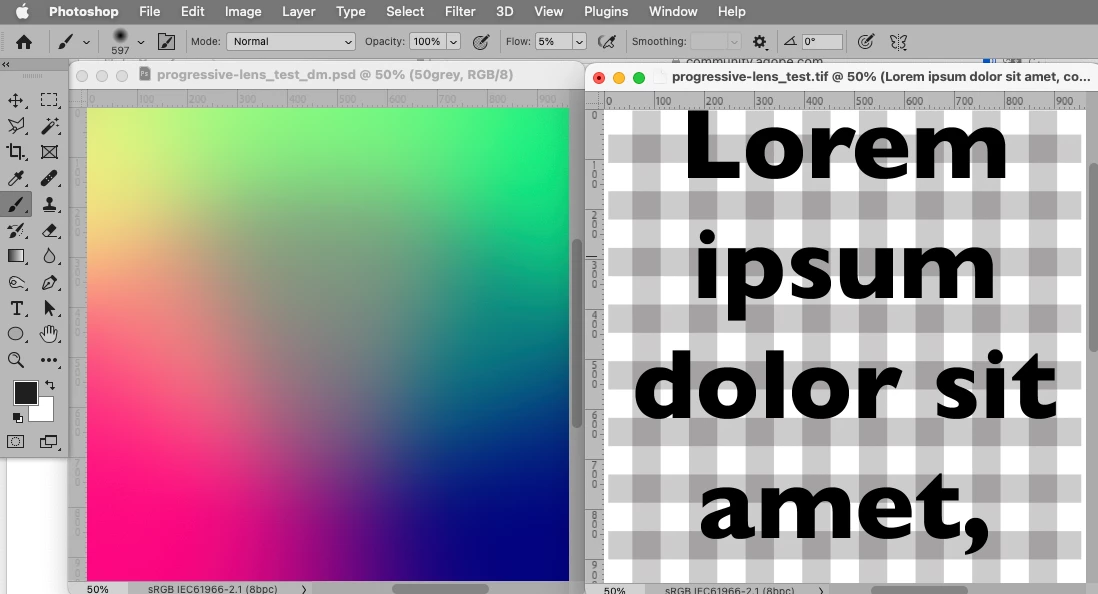
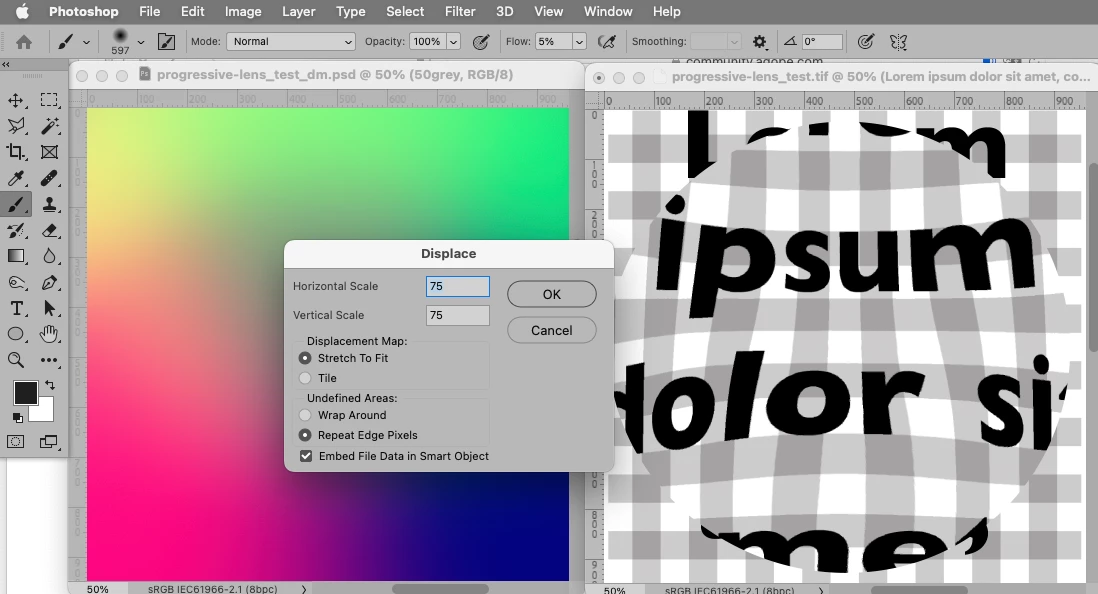
The Red Channel for horizontal, the Green Channel for vertical.
But Warp may produce better results (especially for large images).
For a couple of versions Warp has allowed adding additional grid-lines manually; unfortunately the feature has not been implemented in a truly sensible fashion in my opinion.
Is this the kind of distortion you need, a spatial distortion? If so, the way this was done was to select the type layer and choose Layer > Smart Objects > Convert to Smart Object, then choose Edit > Transform > Warp. Then in the options bar at the top, make sure Warp is set to Custom, and that will get you this custom warp grid that you can bend freely by dragging the warp grid intersections and handles.
This is only for the spatial distortion. To simulate uneven blur, follow the advice already given about the various customizable blur filters.
A little more background: Converting the text layer to a Smart Object was necessary to be able to get to the Custom warp option, if none of the canned warp options is good enough. If you need to edit the text later you still can, if you double-click the Smart Object in the Layers panel to open that up, edit the text, save, and then switch back to this document.



 AdChoices