



Answered
How to remove a text layer's bounding box in Photoshop
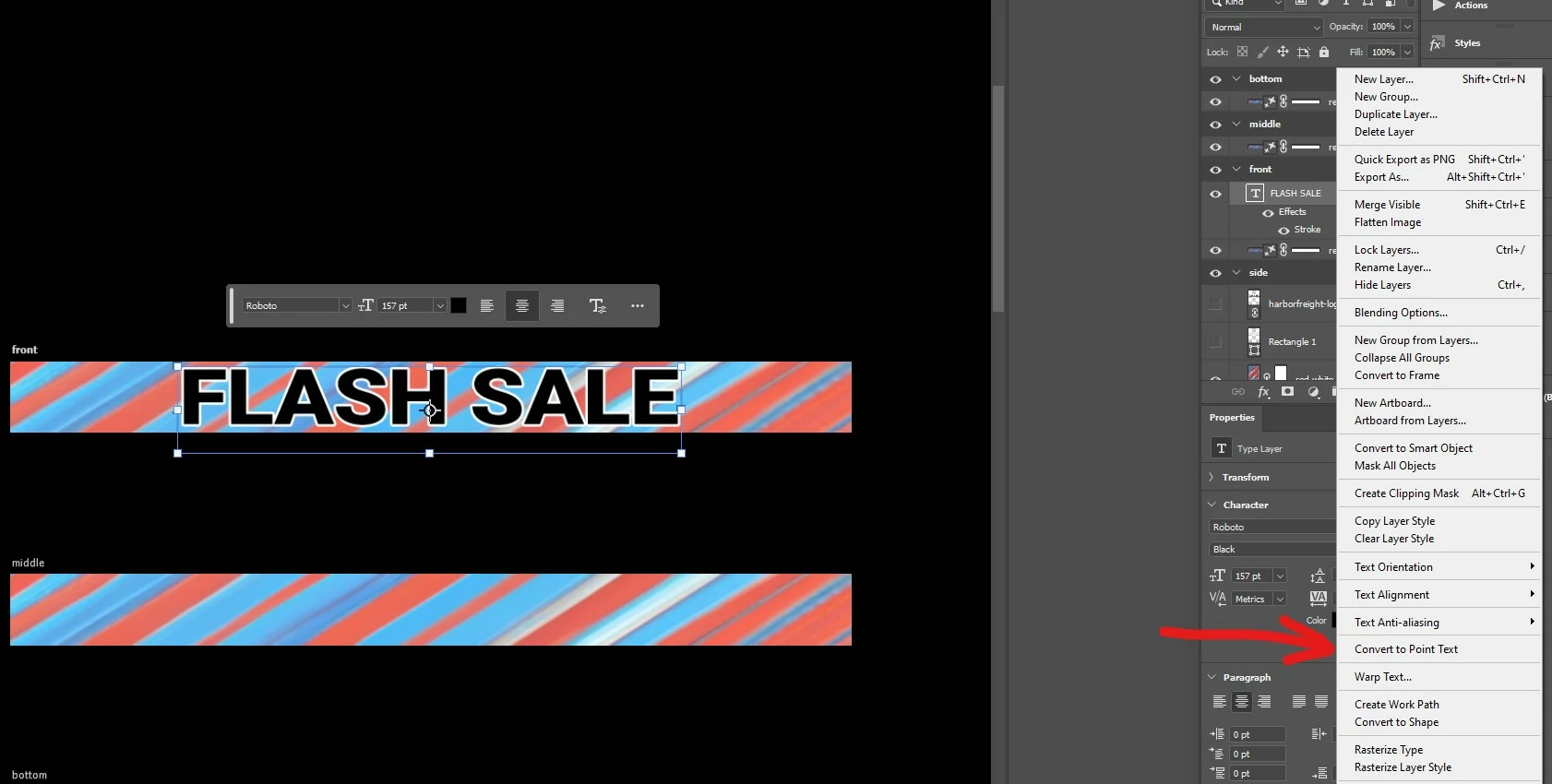
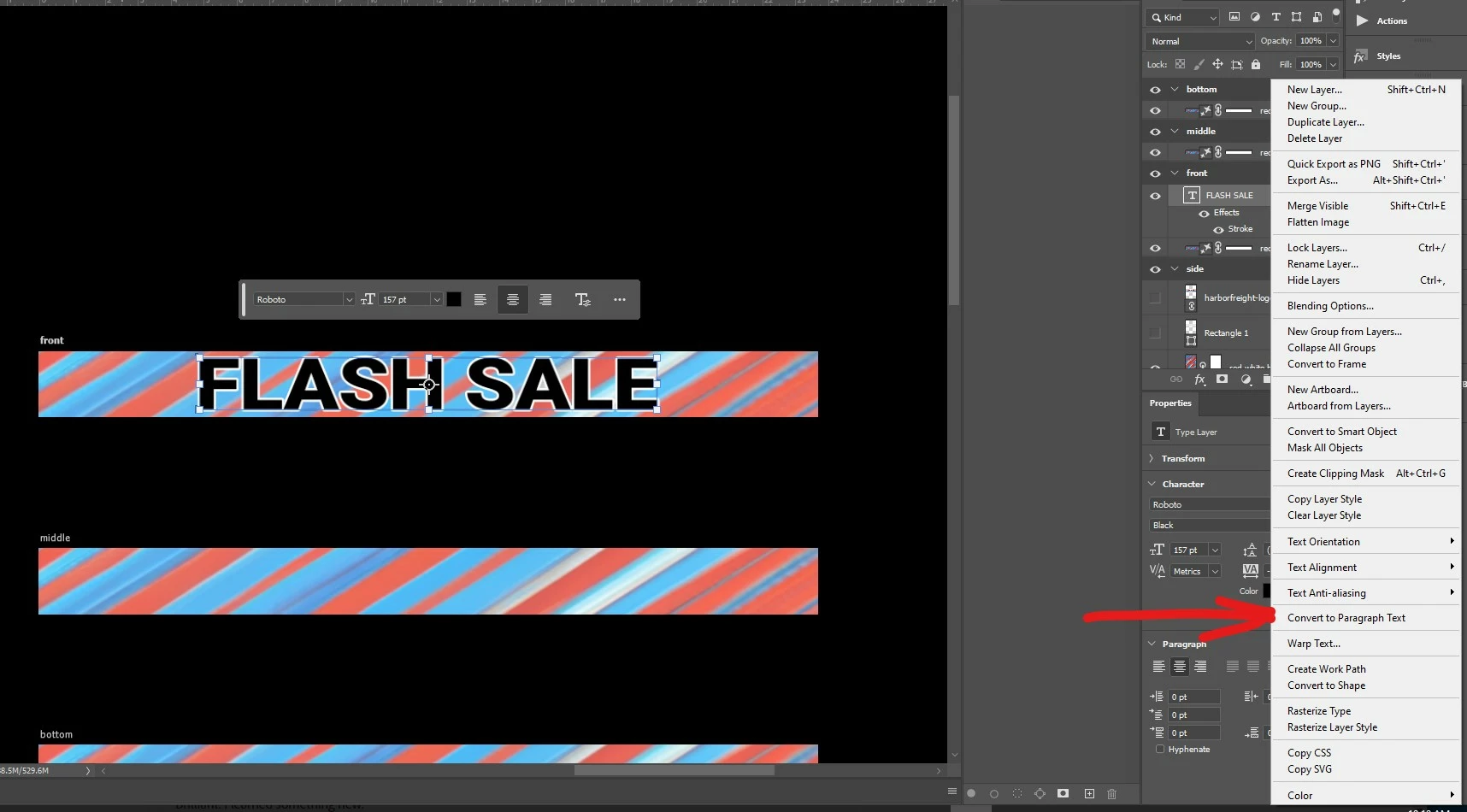
Click on text layer in the layer window, then right-click on the layer, and then the right-click menu that pops up listing "Convert to Point Text" or "Convert to Paragraph Text" depending on the current state of the text. Technically I was able to just hover over the text layer in the layer window and press right click without needing the first click (left click).
"Convert to Point Text" option shown below:
"Convert to Paragraph Text" option shown below:
 AdChoices