Participant
August 24, 2021
Answered

How to remove screen lines from photo?

  • August 24, 2021
  • 2 replies
  • 28740 views

Hello,

I'd like to ask you, how to remove screen lines from human face?

I have a photo of a photo created with phone and there are a lot of screen lines on the human face and body.

Thanks in advise! 🙂 

Correct answer Nancy OShea

Copy Layer with Ctrl + J.


Top layer selected, apply Filter > Gaussian Blur.  Move slider until screen lines disappear.

Apply Filter > Smart Sharpen or Unsharp Mask to recover details.

If needed, dial it back by reducing layer opacity. 

Repeat as needed.


Hope that helps.


2 replies

Bojan Živković11378569
Community Expert
Community Expert
August 24, 2021

It depend what exactly you have as problem. In some cases maybe Spot Healing Brush can help while other times you will need lot of effort and skills. See suggestion above how to post/upload image so anyone can see it and give you more detailed and meaningful instructions.

Gary Planet Healer
Participant
February 21, 2023

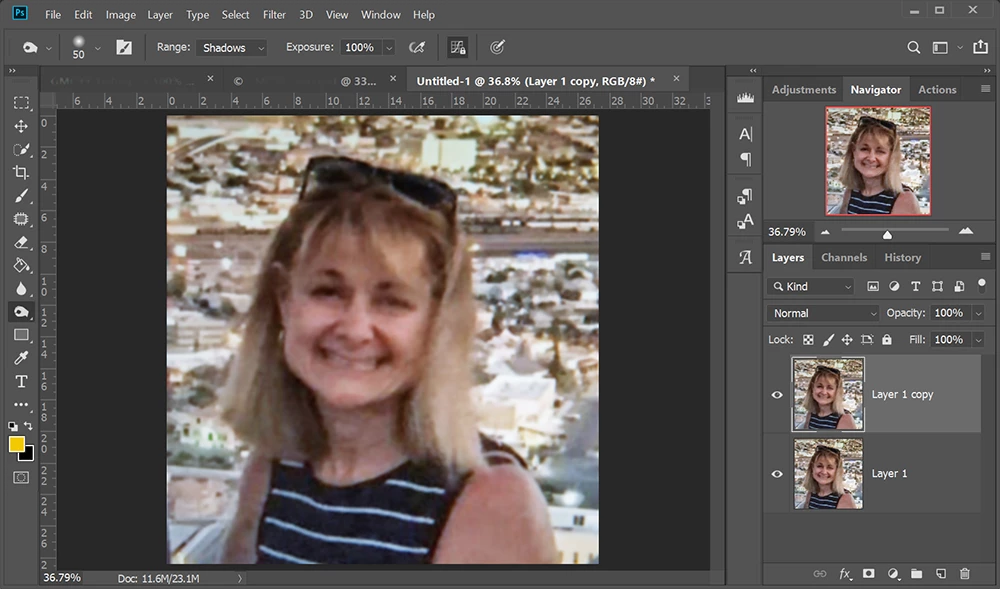
I have such an image and while this is .jpg for loading here, the original of the screenshot is a .tiff.

Nancy OShea
Community Expert
Nancy OSheaCommunity ExpertCorrect answer
Community Expert
February 22, 2023

Copy Layer with Ctrl + J.


Top layer selected, apply Filter > Gaussian Blur.  Move slider until screen lines disappear.

Apply Filter > Smart Sharpen or Unsharp Mask to recover details.

If needed, dial it back by reducing layer opacity. 

Repeat as needed.


Hope that helps.


Nancy O'Shea— Product User & Community Expert
Stephen Marsh
Community Expert
Community Expert
August 24, 2021

Please post a sample at full size. This could just be a crop at full 1:1 size with no resampling. If you have a photo of a monitor/screen image, then this is likely moiré, best to get the original image file and not take a photo of a screen.